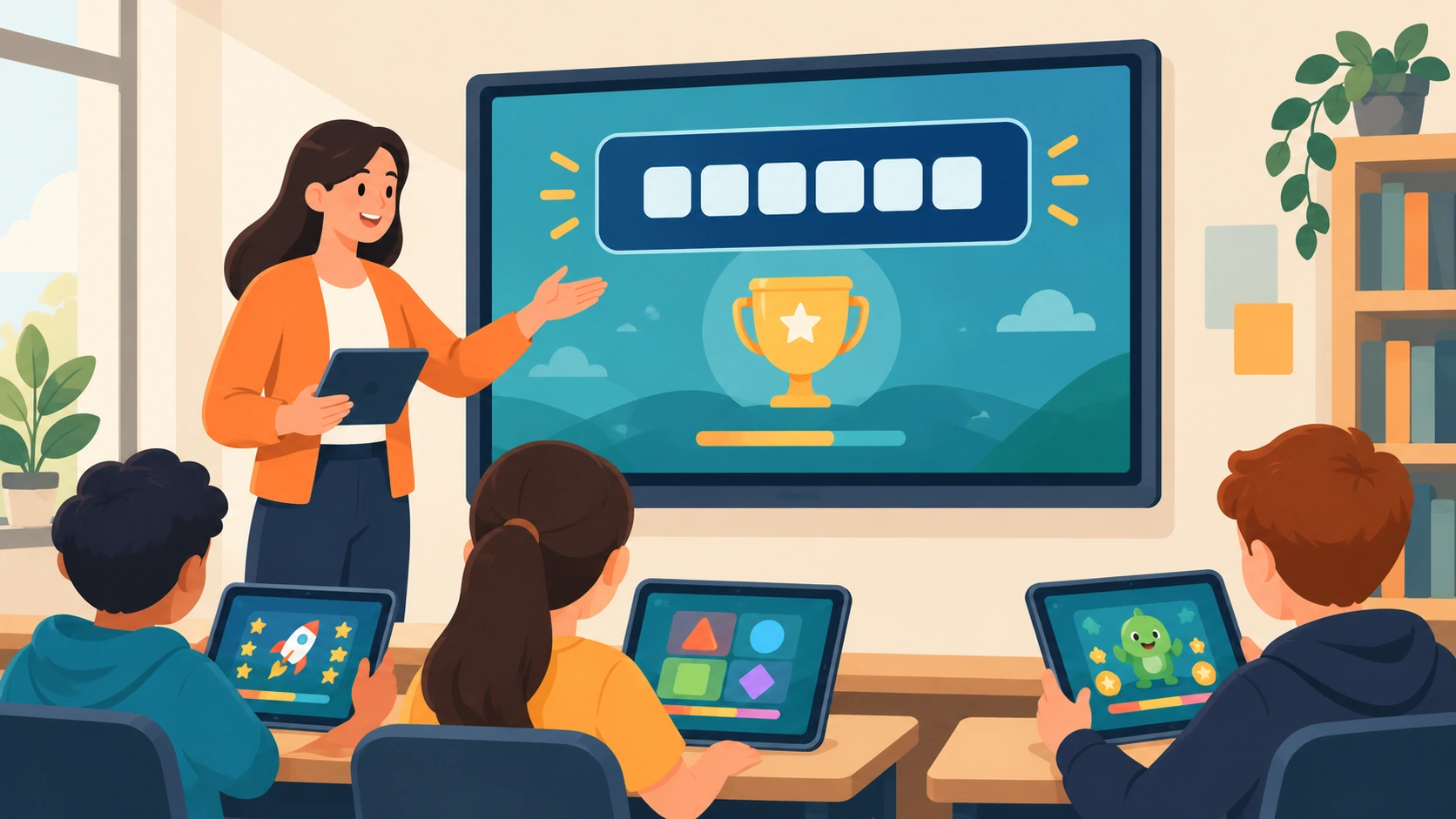
Gimkit has an origin story most classroom tools don’t: it wasn’t built by an edtech company at all — it was built by Josh Feinsilber as a high school project in 2017, and it’s remained a bootstrapped, VC-free company based in Seattle ever since. That homegrown start shows up in the product itself, which leans harder into game-like modes (Fishtopia, Trust No One, The Floor Is Lava) than most classroom quiz tools attempt. Here’s exactly what hosting a game actually involves, the real difference between the free and paid tiers, and the game modes worth knowing about.
What “Hosting” Actually Means on Gimkit
A Gimkit host is simply whoever sets up and runs the game session — almost always a teacher, though the platform allows anyone with an account to host a public kit. Hosting means selecting a kit (Gimkit’s term for a question set), choosing a game mode, configuring the settings for that session, and sharing a join code or link so students can enter from their own device in real time.
How to Host a Live Game: Step by Step
Step 1: Create a Teacher Account
Go to gimkit.com and sign up. According to Gimkit’s own help documentation, every new account starts with a 14-day free trial of Gimkit Pro, giving you access to the full set of game modes before deciding whether to stick with the free Basic plan or upgrade.
Step 2: Build or Import a Kit
A kit is the core building block — every game and every assignment starts from one. You can build a kit from scratch by adding questions directly, or import an existing question set from Quizlet, Kahoot, or a CSV file rather than rebuilding it from zero. One kit can be reused across multiple different game modes, so writing your questions once lets you replay the same content in several different formats across a unit.
Step 3: Choose Your Game Mode
Select the mode that fits your session — a fast-paced classic quiz format, or one of Gimkit’s narrative modes (covered below), each changing how students earn and spend the in-game currency tied to correct answers.
Step 4: Configure Game Settings
Adjust settings specific to that mode and session — time limits, currency multipliers, team structure, and other options that vary depending on which mode you’ve selected.
Step 5: Share the Game Code
Once the game is live, Gimkit generates a join code. Share it with your class, and students enter it at Gimkit’s join page (or click a shared link directly) to enter the session on their own device — no separate student accounts required for a simple live session.
Live Game vs. Assignment: A Real Distinction Worth Knowing
This is a genuinely important choice most quick tutorials skim past. A live game runs in real time, with the teacher hosting in front of the class and everyone playing simultaneously — the traditional in-class review-game format. An assignment, by contrast, lets students play a kit independently on their own schedule, complete with due dates and goals, which is a meaningfully different tool for homework or absent-student catch-up rather than a live classroom activity. Assignment mode is only available on Gimkit Pro, not the free Basic tier.
Gimkit Basic vs. Gimkit Pro

| Gimkit Basic (Free) | Gimkit Pro | |
|---|---|---|
| Cost | $0 | $14.99/month or $59.88/year |
| Game modes | Limited selection | All available modes |
| Assignment mode | No | Yes |
| Trial | N/A | 14-day free trial on signup |
Worth knowing if budget is a concern: Gimkit runs a recurring promotion making every game mode free for all users, with no player limits, on Mondays — a genuine way to try the full Pro feature set periodically without committing to the paid tier.
Game Modes Worth Knowing
Gimkit’s narrative modes are what genuinely separate it from a standard quiz-and-leaderboard tool. Trust No One borrows the social-deduction format popularized by Among Us. Fishtopia wraps question-answering in a fishing minigame. The Floor Is Lava and Snowbrawl layer correct answers into a survival/battle format where in-game currency (earned by answering correctly) directly powers gameplay actions — in Snowbrawl, for instance, hosts can adjust how many snowballs a correct answer earns a player. These modes are built specifically to keep the actual academic content — the questions themselves — doing the real work, while the game layer provides the engagement.
Is Gimkit Actually Safe and Appropriate for Kids?
Gimkit is built specifically as a K-12 and middle/high school classroom tool, positioned as an educational alternative to platforms like Kahoot, Quizizz, and Blooket. As with any classroom platform, appropriate use depends on how a specific teacher configures class settings and kit content — worth a normal level of the same oversight any classroom software warrants, rather than a specific red flag unique to this platform.
A Word on “Cheats” and “Hacks”
If you’ve searched around this topic, you’ve likely run into content promising infinite in-game currency, cheat scripts, or third-party browser extensions claiming to unlock hidden features. Worth being direct about this: using unauthorized scripts or browser modifications against a platform like Gimkit typically violates its terms of service and risks account restrictions, and — more to the point — undermines the actual purpose of the tool, which is genuine content review, not a currency-accumulation game in its own right. This guide sticks to legitimate hosting features rather than covering that territory.
Common Hosting Issues and Fixes
“Why isn’t Gimkit working?” is a common search, and it usually traces back to one of a few causes: a server-side outage (check Gimkit’s own status before assuming a local problem), a browser compatibility issue (Gimkit is fully web-based and works across Chromebooks, iPads, phones, and laptops, but an outdated browser can still cause display issues), or students entering an incorrect or expired join code.
Frequently Asked Questions
Who created Gimkit?
Josh Feinsilber, who built it as a high school project starting in 2017. The company remains privately held and bootstrapped, based in Seattle.
Is Gimkit free to use?
Yes, at a basic level — Gimkit Basic is free with a limited selection of game modes. Gimkit Pro ($14.99/month or $59.88/year) unlocks the full mode library and assignment functionality, and every new account gets a 14-day free Pro trial.
What’s the difference between hosting a live game and creating an assignment?
A live game runs in real time with the teacher actively hosting in class. An assignment lets students complete a kit independently on their own schedule with a due date — assignment mode requires Gimkit Pro.
Do students need their own Gimkit account to join a hosted game?
Not for a simple live session — students can join with just a game code without creating an account, though teachers using Gimkit’s Classes feature can have students join through a logged-in class roster instead.
Can anyone host a Gimkit game, or only teachers?
Technically anyone with an account can host a public kit, though the platform is built and positioned specifically around classroom teacher use.
For anyone building out a broader classroom-technology toolkit, our Nearpod overview covers a complementary tool built more around full interactive lesson delivery than review-game mechanics — worth comparing if you’re deciding which platform actually fits a specific classroom moment.