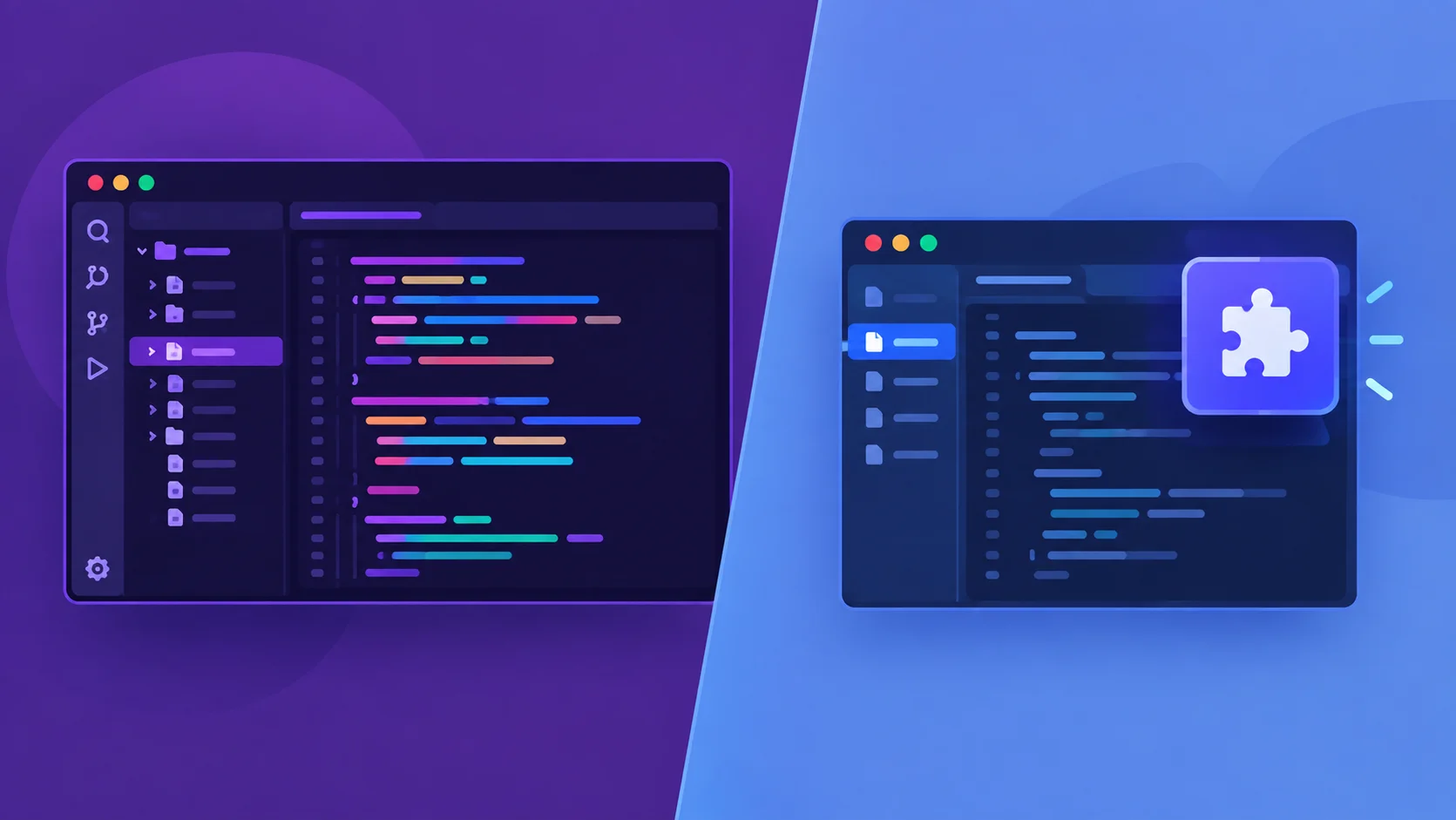
Both tools are trying to solve the same problem — get AI meaningfully involved in how you write code — but they’ve made structurally opposite bets on how to do it. Copilot bet that AI assistance should slot into whatever editor you already use. Cursor bet that AI needs to own the entire editing environment to work well. Neither bet is obviously wrong, and the honest comparison isn’t “which is better” in the abstract — it’s which structural trade-off actually fits how you work.
The Core Architectural Difference
GitHub Copilot is a plugin — it installs into VS Code, JetBrains IDEs, Neovim, and Xcode, adding AI completions and chat to an editor you already know, without asking you to change anything about your existing setup. Cursor is a full VS Code fork — a standalone editor with AI built directly into its core rather than bolted on as an extension, which lets it do things a plugin architecturally can’t, at the cost of asking you to actually switch editors.
This single structural choice explains almost every other difference between the two products, more than any individual feature comparison does.
Pricing, as of Mid-2026
| Plan | GitHub Copilot | Cursor |
|---|---|---|
| Free tier | Yes, limited | Yes, limited |
| Individual/Pro | $10/month | $20/month |
| Business | $19/month per seat | $40/month per seat |
| Enterprise | $39/month per seat | Custom |
Cursor’s Pro tier runs roughly double Copilot’s Individual pricing, consistently across multiple independent sources checking pricing through mid-2026. Both companies adjust pricing and usage limits fairly often, so treat these as current ballpark figures rather than a permanent rate card — worth verifying directly before budgeting for a team rollout.
Codebase Understanding: The Feature Actually Worth the Price Gap

This is where the architectural difference translates into something you’d actually notice day to day. Cursor indexes your entire repository using vector embeddings, building what’s effectively a semantic map of your whole codebase — when you ask it to refactor authentication logic across dozens of files, it can locate every relevant file and understand how they connect to each other before making a single edit. GitHub Copilot’s context awareness works more locally: @workspace can read your local repository for context, and Copilot Enterprise extends this to index private repos more broadly, but the free and individual tiers work primarily at the file level rather than building a full-repository semantic index the way Cursor does by default.
Cursor’s indexing is deep, but it isn’t the deepest option in this category — Augment Code pushes the same core idea considerably further for large, multi-repository codebases, which we cover directly in our Augment Code vs. Cursor comparison.
Multi-File Editing: Composer vs. Workspace
Cursor’s Composer feature is built specifically for making coordinated edits across multiple files in a single request — asking it to rename a function and update every call site across a project, for instance, and having it handle the whole coordinated change as one atomic operation. GitHub Copilot’s answer to this is Copilot Workspace and its own Agent mode, which have been rapidly catching up — Copilot can now pick up an issue, write the corresponding code, run tests, and open a pull request with minimal manual intervention. As of early 2026, independent comparisons still generally describe Cursor’s Composer as the more mature implementation for genuinely complex multi-file work, though the gap has been narrowing quickly as Copilot’s agentic features mature.
One Real Benchmark Worth Knowing, With Appropriate Caveats
A March 2026 benchmark measuring task-completion time on a TypeScript refactoring exercise — changing an authentication pattern across multiple files — found Cursor completing the task in 62.9 seconds versus Copilot’s 89.9 seconds, roughly a 30% speed advantage attributed to Cursor’s Composer agent handling the multi-file edits as a single atomic operation rather than sequential individual changes. Worth treating this as one data point from one publisher’s test on one specific task type, not a universal verdict — coding-tool benchmarks vary considerably by task type, codebase language, and even which underlying model each tool happens to be running at test time, since both tools are largely model-agnostic rather than running a single fixed model.
Both Tools Are Model-Agnostic — This Matters More Than People Assume
Neither Cursor nor Copilot is really “its own AI” in the way the branding sometimes implies. Both are largely a workflow and interface layer sitting on top of frontier models from Anthropic and OpenAI, which either tool can be configured to use. Cursor additionally offers its own in-house Composer models and maintains a public benchmark (CursorBench) for comparing model performance within its own evaluation framework — worth noting that Cursor’s own published evals include a real transparency example worth respecting: they flag at least one competing model’s benchmark score as likely contaminated by training data exposure, rather than quietly omitting the caveat. Since the actual code-generation quality in either tool depends heavily on which underlying model is doing the work, the more useful question for evaluating either tool often isn’t “which tool is smarter” — it’s “which workflow, indexing approach, and pricing structure fits my team,” since the underlying model quality is frequently similar or identical between them at any given moment.
GitHub Integration: Copilot’s Structural Home-Field Advantage
This is a real, durable advantage that isn’t going away regardless of how fast Cursor’s feature set grows: Copilot is built by GitHub, inside Microsoft, giving it native integration with pull request descriptions, code review workflows, and issue-to-PR automation that lives directly inside the platform most teams already use for source control. Cursor’s integration, by contrast, is limited to the editor itself — genuinely powerful there, but without the same native connection to the broader GitHub workflow that teams built their processes around long before either AI tool existed.
Company Background Worth Knowing
GitHub Copilot sits inside GitHub, which Microsoft acquired for $7.5 billion in 2018 — meaning Copilot has the resources, distribution, and platform integration of a company with roughly 5,000+ employees behind it. Cursor is built by Anysphere, a considerably smaller, more focused startup betting specifically on the AI-native-editor approach. This size difference shows up practically in release pace and risk tolerance — Cursor has been able to ship more aggressive, experimental features (running up to eight parallel AI agents simultaneously, for instance) faster than a product embedded inside a much larger organization’s release processes typically allows.
Resource Usage and Practical Friction
Cursor’s deeper AI integration comes with a real, measurable cost: it’s more resource-intensive than standard VS Code, adding meaningful memory and CPU overhead compared to a lighter plugin-based approach. Copilot’s plugin architecture is comparatively lighter, since it’s adding AI features to an editor rather than rebuilding the editor around AI from the ground up.
Who Should Actually Choose Which
Choose GitHub Copilot if: you want AI assistance without changing editors, you’re already deeply integrated into GitHub’s workflow (PR reviews, issue tracking), your team is cost-sensitive at scale, or you want the lower-friction, lower-overhead option that works across whichever IDE each team member already prefers.
Choose Cursor if: deep, whole-codebase context genuinely matters for your work (large, complex refactors, unfamiliar codebases), multi-file coordinated editing is a regular part of your workflow, you’re comfortable switching your primary editor, and the roughly 2x price premium is justified by how often you’d actually use its deeper indexing and Composer features.
A Genuinely Reasonable Middle Path
Every source worth trusting on this comparison converges on the same practical advice, and it’s worth taking seriously rather than treating as a cop-out: try both tools’ free tiers directly against your own actual codebase before committing budget to either one. Benchmark numbers and feature comparisons are a reasonable starting filter, but which tool produces better results depends heavily on your specific language, codebase structure, and team workflow in ways a generic comparison genuinely can’t predict for you.
Frequently Asked Questions
Is Cursor actually better than GitHub Copilot?
It depends on the work. Cursor generally has an edge in whole-codebase context and multi-file editing, backed by at least one independent benchmark showing a real speed advantage on complex refactoring tasks. Copilot wins on cost, IDE flexibility, and native GitHub workflow integration — “better” depends entirely on which of those matters more for your situation.
Why is Cursor more expensive than GitHub Copilot?
Cursor’s Pro tier costs roughly double Copilot’s Individual tier, reflecting its deeper codebase indexing, native multi-file Composer editing, and the cost of running a full AI-native editor rather than a lighter plugin layered onto an existing one.
Do Cursor and GitHub Copilot use different AI models?
Not necessarily — both are largely model-agnostic and can run frontier models from Anthropic and OpenAI. Cursor also offers its own in-house Composer models. The underlying model quality is often similar between the two; the real differentiation is in workflow, indexing, and integration.
Can I use GitHub Copilot inside Cursor, or vice versa?
No — Cursor is a separate, standalone editor (a VS Code fork), not a plugin host for Copilot. Copilot, as a plugin, works across several traditional editors, but not inside Cursor’s own environment.
Which tool is better for a large, unfamiliar codebase?
Cursor’s full-repository vector-embedding indexing is generally considered stronger here, since it builds a semantic understanding of the entire codebase upfront rather than working primarily at the file level, which matters more the less familiar you already are with the code you’re working in.
The honest bottom line: this isn’t a contest with a permanent winner, and treating it like one misses the point. It’s two different bets on how much of your editing environment AI should actually own — a bet Copilot keeps modest and a bet Cursor makes aggressively — and BenchLM’s ongoing comparison is a reasonable place to check current pricing and benchmark data directly, since both companies revise their offerings often enough that any snapshot, including this one, has a shelf life.