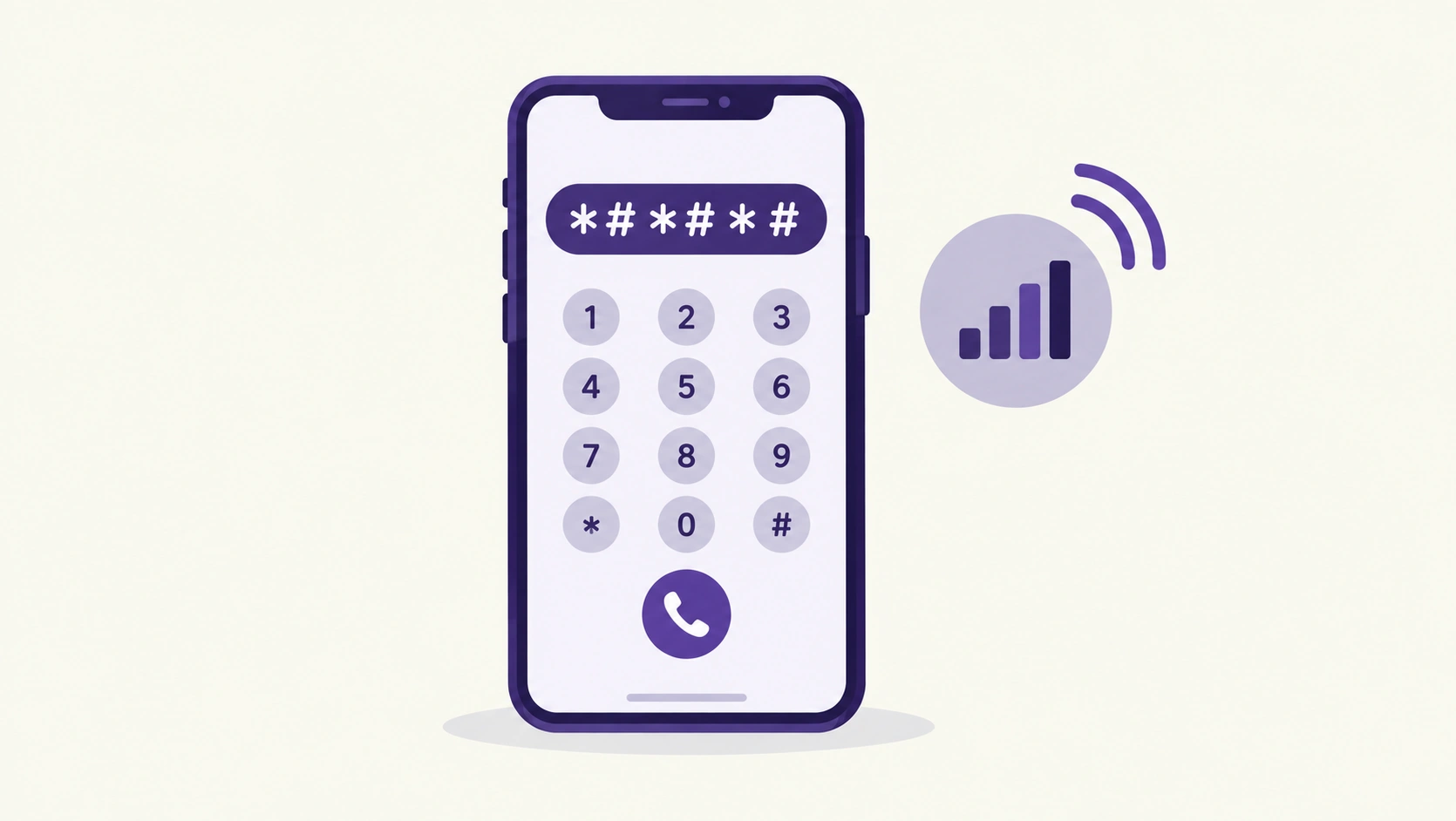
That cryptic string of stars, numbers, and hash symbols you type into the phone dialer has a real technical name and a real technical purpose — but “MMI code” actually gets used loosely to describe two genuinely different things, and knowing which one you’re dealing with explains both why some codes work without any signal at all, and why so many that used to work suddenly throw a “Connection problem or invalid MMI code” error on a current phone.
The Short Answer
MMI stands for Man-Machine Interface — technically, any interaction sequence between you and your phone’s system. In practice, the term splits into two categories: true MMI codes are device- and manufacturer-specific sequences (often starting with *# and ending with #) that access hardware diagnostics and device information, and they work without any network connection at all. USSD codes are carrier-specific sequences that communicate directly with your mobile network operator’s systems — checking your balance, managing call forwarding — and require an active network connection plus pressing the call button to actually send. Both get called “MMI codes” colloquially, which is where most of the confusion starts.
MMI vs. USSD: The Distinction That Actually Matters
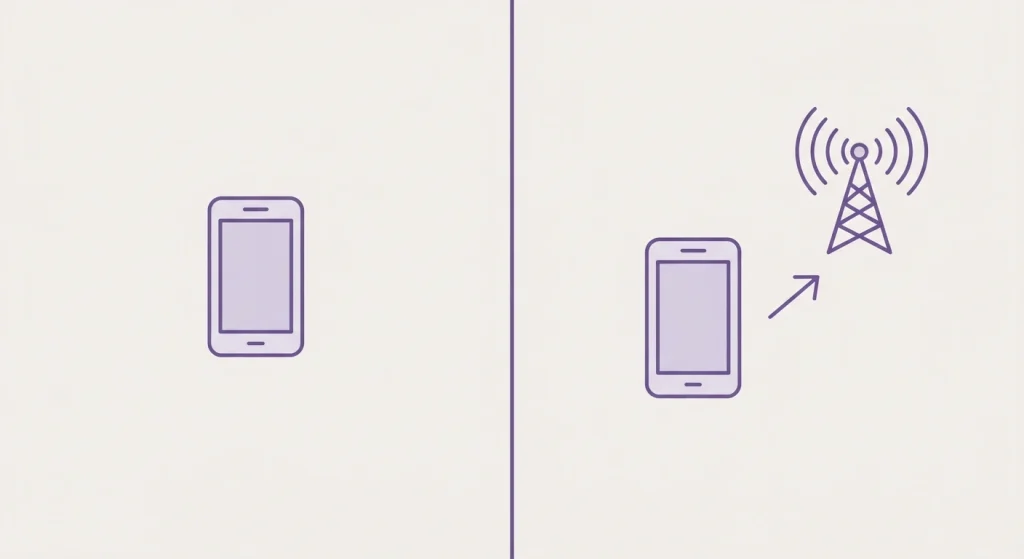
MMI Codes Work Offline
These are built into your phone’s own software by the manufacturer, accessing information or diagnostic menus stored on the device itself. Checking your phone’s unique IMEI number with *#06# is the most universally known example — it works in airplane mode, with no SIM card installed, because it’s not asking the network anything at all.
USSD Codes Need a Live Network Connection
These reach out to your carrier’s servers in real time — USSD is formally a GSM communications protocol that creates an actual session between your phone and your carrier’s network, unlike a one-way SMS message. Because of this, USSD codes only work with an active SIM and signal, and they’re specific to your carrier — a balance-check code that works on one network may do nothing, or something entirely different, on another.
Common Codes Worth Actually Knowing
Genuinely Useful, Low-Risk Codes
*#06# displays your phone’s IMEI number — useful for insurance claims, reporting a stolen device, or checking whether a used phone you’re buying is actually clean. *#21# checks whether your calls, messages, and other services are currently being forwarded, and to what number — a good diagnostic if calls seem to be going somewhere unexpected. ##002# deactivates all call forwarding settings at once, useful if you’ve lost track of what’s been configured over time. *#31# checks whether Caller ID is currently being shown or hidden when you call out.
Codes That Genuinely Require Caution
A small number of manufacturer diagnostic codes are destructive — they perform a full data wipe with no confirmation prompt, functioning more aggressively than a standard factory reset by also re-downloading device firmware. These exist for legitimate manufacturer testing and repair purposes, not everyday use, and typing one by accident is a real, documented cause of unexpected total data loss. If you ever see a code shared online described as an “erase all data” or “wipe firmware” code, treat it the way you’d treat any irreversible delete command — assume it’s real, don’t type it out of curiosity, and never share it as a “fun trick” without a clear warning attached.
Why “Invalid MMI Code” Errors Have Become So Common
This is genuinely a 2026-specific issue worth understanding, not a sign you’re doing something wrong. Google began disabling a range of older MMI and USSD codes starting with Android 12, specifically for security reasons — several of the classic “secret codes” that circulated for years on older Android versions simply no longer execute on current software. Samsung has followed a similar pattern, disabling a number of these codes starting with One UI 6, and its Auto Blocker security feature on recent Galaxy S24 and S25 series devices can block certain codes outright as an additional security layer. If a code you found in an old list or forum post throws an “Invalid MMI code” error on your current phone, the most likely explanation isn’t a typo — it’s that the code has been intentionally disabled by your manufacturer or Android version for security reasons, and no amount of retyping will make it work again.
Other Genuine Causes of the Error
1. A simple typo
The most mundane cause remains the most common — an extra character or a missing symbol (typing *111#1 instead of *111#, for instance) will trigger the same generic error message as a disabled code, with no way to distinguish the two from the error text alone.
2. Carrier-specific restrictions
Since USSD codes are defined by each individual carrier rather than a universal standard, a code that works perfectly on one network may return an error on another simply because that carrier never implemented it, not because anything is broken.
3. Incompatible SIM card format
Older phones can occasionally have compatibility issues with newer SIM card formats that interfere with USSD code execution specifically, separate from any Android-version restriction.
iPhone Codes Work Somewhat Differently
iOS supports a smaller, more limited set of these codes compared to Android, generally focused on call forwarding management — codes like ##002# (disable all call forwarding) and *#61# (check delayed call forwarding status) function similarly to their Android counterparts. iPhone doesn’t expose the same breadth of manufacturer hardware-diagnostic MMI codes that Android does, since Apple’s diagnostic and testing tools for iOS devices are generally handled through different channels entirely.
Quick Reference
| Code | Type | What it does |
|---|---|---|
*#06# | MMI | Displays IMEI number |
*#21# | USSD | Checks call forwarding status |
##002# | USSD | Cancels all call forwarding |
*#31# | USSD | Checks Caller ID display status |
*#67# | USSD | Shows call forwarding info (busy line) |
Frequently Asked Questions
What’s the actual difference between an MMI code and a USSD code?
MMI codes are device-specific and work offline, accessing information or diagnostics built into your phone itself. USSD codes are carrier-specific and require an active network connection, communicating in real time with your mobile operator’s systems.
Why did a code that used to work suddenly stop working?
Most likely because it’s been intentionally disabled — Google began restricting many MMI and USSD codes starting with Android 12 for security reasons, and Samsung followed with similar restrictions starting in One UI 6, meaning a code from an older guide may simply no longer be permitted to execute on current software.
Is it safe to try random MMI codes I find online?
Approach any unfamiliar code with real caution. While the vast majority are harmless information or diagnostic tools, a small number can wipe device data instantly with no confirmation, and there’s no reliable way to tell which category a code belongs to just by looking at the digits.
Does *#06# work without a SIM card or signal?
Yes — this is a true MMI code, not a USSD code, meaning it reads information stored on the device itself and doesn’t require any network connection at all.
Do MMI and USSD codes work the same way on iPhone as Android?
Not entirely — iPhone supports a narrower set of these codes, generally focused on call forwarding management, and doesn’t expose the same range of manufacturer hardware-diagnostic codes that Android phones typically do.
Most people only go looking for one of these codes when something’s already gone slightly sideways — a call forwarding to who-knows-where, a phone they’re trying to verify before buying used. Knowing the difference between “safe, offline, device-specific” and “carrier-dependent, network-required” is really the entire trick to using them confidently instead of guessing and hoping nothing important happens.