
n8n is genuinely good. Four hundred-plus integrations, a visual node editor, full code access when you need it, and a community large enough that someone has already solved your problem. People don’t look for n8n alternatives because n8n is bad — they look because something specific about it stopped fitting.
This guide covers the best n8n alternatives the same way you’d actually choose one: organized around the reasons people switch, from free and open source n8n alternatives to no-code workflow automation platforms your whole team can use. Thirteen tools, each matched to the reason you’d switch, with real pricing and an honest “watch out” for every one.
Why People Look for an n8n Alternative
Self-hosting is a second job
The self-hosted Community Edition is free with unlimited executions, which sounds like the end of the discussion until you’re the one maintaining it. Docker containers, a Postgres database, updates, backups, SSL certificates, and the occasional 2 AM incident when something falls over. For a technical team it’s Tuesday. For a marketing ops person who just wanted to sync a CRM, it’s a second job they didn’t apply for. n8n Cloud removes all of that — at $24/month for 2,500 executions (Starter) or $60/month for 10,000 (Pro) — but then you’re paying per execution, which brings us to the next reason.
Cloud execution caps
n8n Cloud’s pricing is fair until your volume isn’t. Starter gives you 2,500 executions a month; Pro gives you 10,000. An execution is one full run of a workflow regardless of step count, which is generous for complex workflows — but if you run thousands of small, frequent automations (polling, syncing, notifying), you can burn through the allowance faster than expected. The jump from Pro to Business is steep (roughly €667/month), so there’s a real pricing cliff for growing teams.
The learning curve is real
n8n’s node-based model is powerful and, for non-technical users, genuinely intimidating. Expressions, data mapping between nodes, error handling paths — it’s a low-code tool that leans toward the “code” end. Teams that want to hand automation to ops people, marketers, or VAs often find n8n stays a developer tool no matter how visual the canvas looks.
The license isn’t quite open source
n8n uses a “fair-code” Sustainable Use License, not a standard open-source license. You can use it freely for your own business, but you can’t sell a product built on it or charge users for access to it. For most teams this never matters. For agencies and SaaS builders who want to productize their automation stack, it’s a hard boundary worth knowing about before you build on it.
How to Compare n8n Alternatives (Read This Before the List)
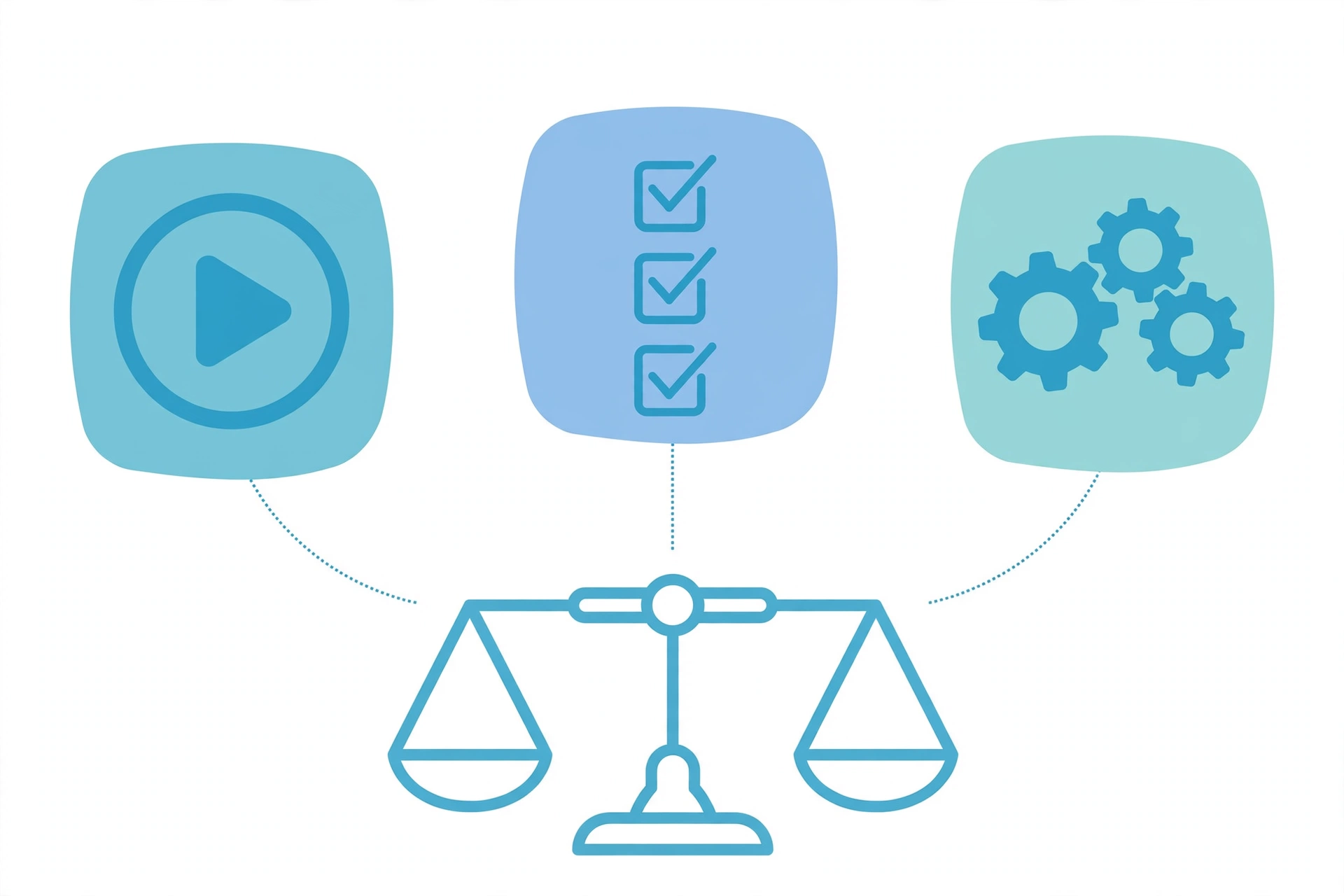
The pricing-model trap
This is the single most important thing in this guide. n8n, Zapier, and Make don’t just charge different prices — they count different things:
- n8n counts executions: one full workflow run = 1 execution, whether it has 3 steps or 30.
- Zapier counts tasks: every action step in every run = 1 task.
- Make counts operations: every module execution = 1 operation.
The same automation can cost 10x more on one platform than another depending on its shape. A wide 15-node workflow run 2,000 times a month is 2,000 executions on n8n (fits the €20 Starter tier), but 30,000 tasks on Zapier (~$299/month) and 30,000 operations on Make (~$59/month). Conversely, thousands of trivial two-step workflows can be cheaper on per-task platforms. Always model YOUR workflow shape, not the headline price.
Self-host vs SaaS vs both
Some alternatives are SaaS-only (Zapier, Make, Gumloop). Some offer both (Activepieces, Pipedream, Retool). If data residency or the 2 AM server problem matters to you, this filter alone cuts the list in half.
Code-first vs visual vs AI-native
n8n sits in the middle: visual canvas with code nodes. Alternatives spread across the spectrum — Pipedream and Retool lean code, Zapier and Pabbly lean visual simplicity, Gumloop and Lindy are AI-native (you describe, the agent builds). Match this to who’s actually building the automations on your team.
Catalog depth vs the 20 apps you actually use
Zapier’s 7,000+ integrations sound unbeatable until you realize your stack is 20 apps and every alternative on this list covers all 20. Don’t pay for a catalog you’ll never open.
13 n8n Alternatives, Compared
1. Make
Best for: teams that want n8n-style visual power with a gentler learning curve. Price: free (1,000 credits/month); Core $9, Pro $16, Teams $29/month (each 10,000 credits). Why switch from n8n: the scenario builder is genuinely more approachable than n8n’s node canvas, the template library is enormous, and pricing undercuts Zapier at most volumes. If your complaint about n8n is complexity rather than cost, Make is the first place to look. Watch out: per-operation pricing punishes wide workflows — model your actual usage before committing, and there’s no self-hosting option.
2. Zapier
Best for: teams that value the largest integration catalog and the least setup per workflow. Price: free (100 tasks/month); Professional $19.99/month (annual); Team $69/month (annual). Why switch from n8n: 7,000+ integrations means the app you need is already connected, AI Actions handle the intelligence layer, and non-technical users can build real automations in an afternoon. When the goal is “connect these two SaaS tools by Friday,” nothing is faster. Watch out: per-task pricing is brutal at scale — long workflows get expensive fast, and conditional logic is weaker than n8n’s. This is the priciest option here for heavy users.
3. Activepieces
Best for: teams that want to replace n8n directly, including self-hosting. Price: open-source version free; cloud from $25 to $249/month. Why switch from n8n: it’s the closest thing to a drop-in open-source n8n alternative — visual builder, self-hostable, generous free tier, with native AI pieces and MCP support for the agent era. If you’re hunting for a free n8n alternative that doesn’t feel like a downgrade, this is where the search usually ends. Watch out: smaller integration catalog and a younger ecosystem — check that your must-have apps are covered before you commit.
4. Pipedream
Best for: developers who want real code inside their workflows. Price: free tier available; Basic $29, Advanced $49, Connect $99/month. Why switch from n8n: where n8n bolts code onto a visual canvas, Pipedream puts code at the center — write Node.js, Python, or Go directly in steps, with code-level access to AI models. In the n8n vs Pipedream debate, the dividing line is simple: Pipedream trusts you with code, n8n makes you earn it through the canvas. The free tier is generous enough to run real workloads. Watch out: this is a developer tool, full stop. Non-technical teammates will bounce off it harder than they bounced off n8n.
5. Pabbly Connect
Best for: small businesses and solopreneurs who want simple automation at a simple price. Price: free plan available; paid plans priced well below Zapier for comparable task volumes. Why switch from n8n: drag-and-drop simplicity aimed squarely at non-technical users, with strong coverage of marketing and communication tools (email platforms, CRMs). If n8n felt like flying a plane when you needed a bicycle, this is the bicycle. Watch out: simplicity is the ceiling too — complex branching logic and custom code are not its world.
6. Relay.app
Best for: teams building AI workflows where a human needs to approve key steps. Price: from $9 to $59/month (per step). Why switch from n8n: native AI steps with human-in-the-loop approvals built in — the exact pattern (AI drafts, human approves, system executes) that most business AI automation actually needs. Cleaner than bolting approval logic onto n8n’s canvas. Watch out: newer platform with a smaller integration catalog; per-step pricing needs modeling against your workflow shape.
7. Gumloop
Best for: knowledge-work teams going AI-first (marketing, ops, research). Price: from $97 to $799+/month (per AI credit). Why switch from n8n: the entire platform is AI-native rather than AI-bolted-on — built for teams whose automations ARE AI workflows (research, enrichment, content pipelines) rather than app-to-app syncs with an AI step. The Gumloop vs n8n question comes down to this: if your workflow is “AI does the work, apps just receive the output,” Gumloop is more direct than wiring LLM nodes in n8n. For data-heavy AI work it’s the faster path. Watch out: premium pricing and a narrower scope — it’s not a general-purpose iPaaS, so don’t buy it to sync your CRM.
8. Lindy
Best for: teams that want conversational AI agents instead of visual workflows. Price: from $49.99 to $299+/month (per AI credit). Why switch from n8n: you describe what you want in plain language and an agent takes the actions — no canvas, no nodes. For executive assistants, SDR workflows, and meeting automation, it’s dramatically faster to deploy than building the equivalent in n8n. In the Lindy vs n8n debate, the dividing line is simple: Lindy replaces the conversation, not the canvas. Watch out: it’s agents, not workflows — you trade the precision and debuggability of a visual canvas for speed. Not the tool for compliance-sensitive processes.
9. Retool Workflows
Best for: engineering teams already building internal tools. Price: from $5 to $50+/user/month (per task). Why switch from n8n: if your company already runs on Retool for internal apps, Workflows extends that into scheduled jobs, ETL, and backend automation with code-level model access — one platform, one vendor, one mental model. Self-hosting is available. Watch out: heavy machinery for non-developers; buying Retool just for workflows is overkill.
10. Bit Flows
Best for: WordPress site owners who want automation where their site already lives. Price: free version available; Pro at affordable one-time or annual pricing. Why switch from n8n: it runs inside WordPress — no separate server, no Docker, no new infrastructure — with unlimited workflows, steps, and executions on every tier. For site-centric automation (form handling, user flows, content pipelines), it removes the entire hosting question. Watch out: it’s WordPress-bound by design; if your automations live mostly outside your site, this isn’t the tool.
11. Latenode
Best for: teams that want a hybrid of visual building and real code on the same canvas. Price: from $19/month (per execution credit). Why switch from n8n: built-in AI agents plus JavaScript code nodes give you the “visual plus code” balance in a more modern package, without n8n’s self-hosting baggage. A good middle ground between Make’s pure-visual approach and Pipedream’s code-first one. Watch out: less mature than Make with a smaller community — expect thinner templates and fewer answered forum questions.
12. Flowise
Best for: teams building AI chatbots and agents on their own data. Price: open-source and free to self-host. Why switch from n8n: Flowise is what you reach for when the “AI step” becomes the whole workflow. Instead of wiring LLM nodes into n8n’s general-purpose canvas, you get a purpose-built builder for AI agents and chatflows — drag-and-drop chains, assistants, and retrieval over your own documents. In the Flowise vs n8n comparison, Flowise wins whenever the deliverable is a conversational agent rather than an app-to-app automation. Watch out: it’s an AI-agent builder, not a general iPaaS — if your automations are mostly syncing SaaS tools, this is the wrong category entirely.
13. Microsoft Power Automate
Best for: organizations already living in Microsoft 365. Price: Premium $15/user/month; Process $150/bot/month; basic capabilities included with select Microsoft 365 licenses. Why switch from n8n: when your data, identity, and apps are all Microsoft, Power Automate removes every integration question — it connects to the Microsoft stack natively, adds RPA and AI Builder into the same platform, and procurement is a checkbox rather than a project. For the Microsoft-shop team drowning in n8n’s self-hosting, this is the path of least resistance. Watch out: it counts per action (every trigger and action in a run), so the pricing math from the section below applies in yet another flavor — and the M365-included tier is genuinely limited, so verify what “included” actually covers before you plan around it.
n8n Alternatives at a Glance
| Tool | Best for | Starts at | Self-host? | Pricing model |
|---|---|---|---|---|
| Make | Visual power, gentler learning curve | Free / $9 mo | No | Per operation |
| Zapier | Biggest catalog, fastest setup | Free / $19.99 mo | No | Per task |
| Pipedream | Developers, code-first | Free / $29 mo | Yes | Per credit |
| Relay.app | Human-in-the-loop AI | $9 mo | No | Per step |
| Gumloop | AI-native knowledge work | $97 mo | No | Per AI credit |
| Lindy | Conversational AI agents | $49.99 mo | No | Per credit |
| Retool Workflows | Engineering teams | $5/user mo | No | Per task |
| Bit Flows | WordPress-native automation | Free / low Pro | Yes (WP) | Unlimited |
| Latenode | Visual + code hybrid | $19 mo | No | Per execution credit |
| Flowise | AI agents/chatflows on your data | Free (self-host) | Yes | Free OSS |
| Power Automate | Microsoft 365 shops | $15/user mo | No | Per action |
Matching tools to your reason for leaving: self-hosting fatigue → Activepieces (self-host without n8n’s overhead), Bit Flows (no separate server at all), or any SaaS-only option. Execution caps → stay on n8n self-hosted, or pick per-task pricing only if your workflows are narrow. Learning curve → Make, Zapier, or Pabbly Connect. License concerns → Activepieces. AI-first ambitions → Gumloop, Lindy, or Relay.app depending on how much human oversight you need — and Flowise when the deliverable is an AI agent rather than a workflow. Microsoft shops → Power Automate, where the ecosystem argument beats every other criterion.
n8n vs Alternatives: The Pricing Math That Actually Matters
Let’s make the pricing-model trap concrete. Take a typical lead-enrichment workflow: a webhook fires, the workflow enriches the lead via two APIs, branches on lead score, writes to the CRM, and sends a Slack notification. Fifteen nodes, run 2,000 times a month.
| Platform | How it counts | Your bill |
|---|---|---|
| n8n Cloud Starter | 2,000 executions (whole runs) | ~€20/month |
| Make (Pro) | 30,000 operations (15 × 2,000) | ~$59/month |
| Zapier | 30,000 tasks (15 × 2,000) | ~$299/month |
Same workflow, same 2,000 leads — a 15x cost spread. This is why “which is cheapest?” is the wrong question. The right question is “what shape are my workflows?”
The rule of thumb: wide, complex workflows (many steps per run) favor n8n’s per-execution model enormously. High volumes of trivial two- or three-step workflows can favor per-task platforms, because you’re not paying for steps you don’t use. Audit your five highest-volume workflows, count steps × runs, and the answer usually becomes obvious.
Two caveats most comparisons skip. First, sub-workflows called from a parent workflow count as their own executions in most configurations — a heavily modularized n8n build inflates the count faster than the workflow count suggests. Second, AI agent workflows can spin the execution meter faster than anyone budgets for — an agent that loops, retries, and calls sub-workflows is an execution multiplier. Measure real volume during a trial before choosing a tier. (Power Automate adds yet another model to the trap: it counts per action — every trigger plus every action in a run — so a 15-node flow is 16 actions per run, not one execution.)
For the full plan-by-plan breakdown with the 2026 changes (unlimited workflows and users on every Cloud tier), CloudZero’s n8n pricing guide is the most thorough independent breakdown I’ve found.
When to Stay With n8n
An alternatives guide that never tells you to stay isn’t a guide, it’s a sales pitch. Stay with n8n when:
Your workflows are wide and run at volume. The pricing math above is the whole argument — nobody beats n8n’s unit economics for complex workflows at scale. Switching to “save money” here usually costs money.
You already self-host happily. Free software, unlimited executions, a $5–10/month server. No alternative on this list beats that price, and migration effort is never zero.
Your team learned the node model. The expressions, the data mapping, the error handling — that’s institutional knowledge. A “simpler” tool that forces your best automator to relearn everything is a productivity tax, not a simplification.
The honest summary: most people who leave n8n should have left for one of the four reasons in the second section. If none of those describe you, the best n8n alternative is n8n.
How to Switch Without Breaking Everything
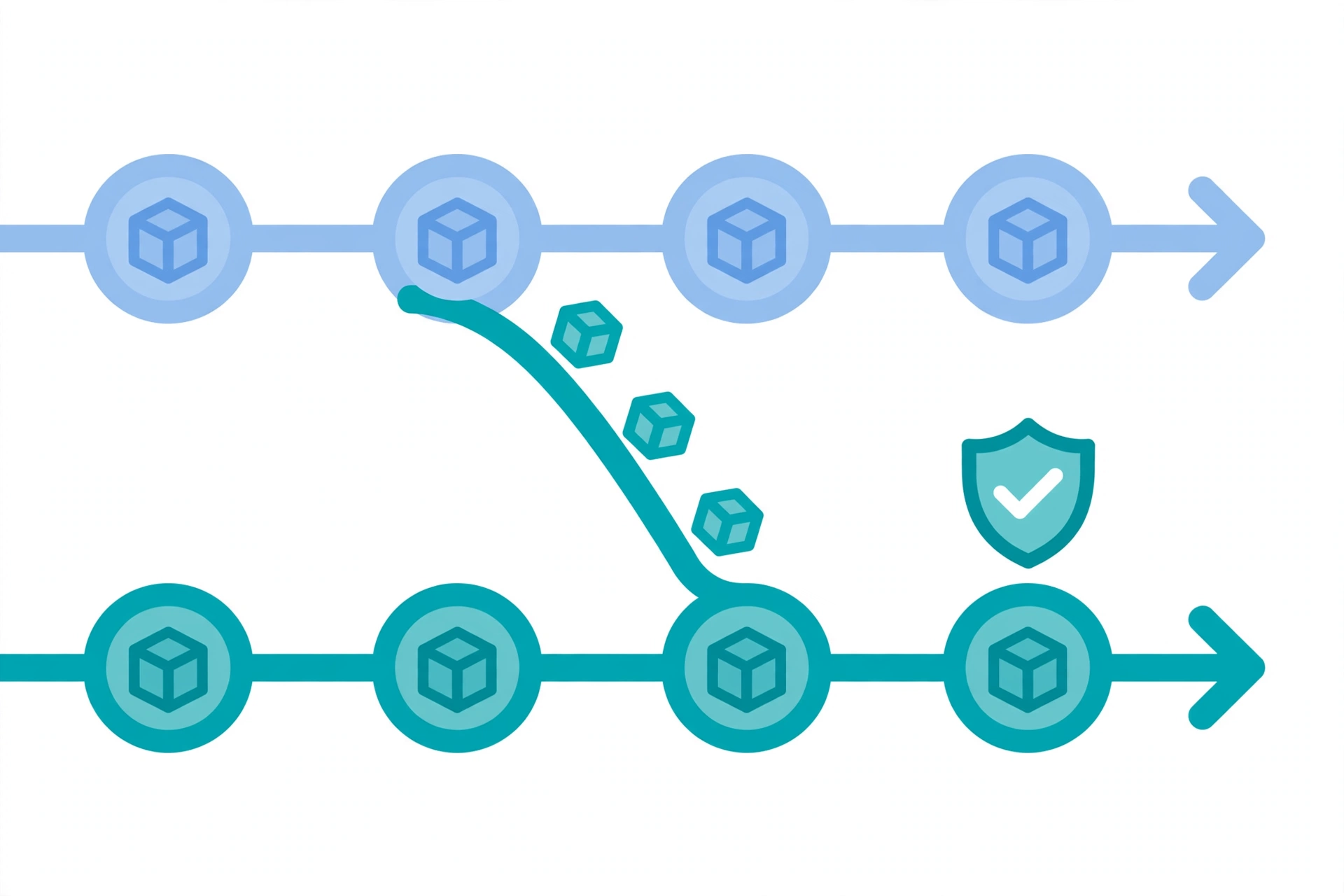
There is no 1-click n8n importer on any of these platforms. Plan a rebuild, not a migration:
Start with one non-critical workflow. Pick something visible enough to validate the new tool but unimportant enough that a rough first week doesn’t hurt. Notification and sync workflows are ideal candidates.
Run old and new in parallel for 2–4 weeks. Keep the n8n workflow live while the replacement proves itself. Compare outputs, not just “did it run” — data mapping differences between platforms are where silent breakage hides.
Export what you can. n8n lets you export workflow JSON. No alternative imports it directly, but it’s precise documentation of your logic — node by node, expression by expression. Rebuilding from the JSON is far faster than rebuilding from memory.
Budget the hidden cost: triggers and credentials. Every integration needs re-authentication in the new platform, and webhook URLs change. The workflow logic is the easy half; reconnecting twenty OAuth integrations is the tedious half. Plan for it.
The pre-migration audit (do this before you rebuild anything)
- Inventory every workflow: active, paused, and forgotten. Most n8n instances have zombie workflows nobody owns — don’t migrate those; delete them.
- Rank by blast radius: which workflows touch money, customers, or compliance? Those migrate last, with the longest parallel-run period.
- Map every credential: list each OAuth connection, API key, and webhook. This becomes your reconnection checklist.
- Document the weird ones: any workflow with custom code nodes, unusual error handling, or tribal-knowledge logic gets written up before migration — the person who built it may not be around when you rebuild it.
- Decide what “done” looks like: output parity for 2–4 weeks of parallel runs, not “it ran once.” Write the acceptance criteria before you start.
FAQs
Is there a free n8n alternative?
Yes — several. Activepieces’ open-source version is the closest free replacement (visual builder, self-hostable). n8n’s own Community Edition is free too, if self-hosting is the part you don’t mind. Make, Zapier, and Pipedream all have free tiers for light usage, and Bit Flows is free if your automation lives in WordPress.
What’s the best open-source n8n alternative?
Activepieces, by a clear margin — it’s the only one aiming to be a direct open-source replacement with both self-hosting and a visual builder. Flowise is the open-source answer when what you’re building is AI agents rather than general automations. Just note the younger ecosystems and smaller integration catalogs.
Gumloop vs n8n: which should I pick?
Pick Gumloop when the work itself is AI — research, enrichment, content pipelines where the apps are just destinations for AI-generated output. Pick n8n when AI is one step among many: app-to-app syncs, branching logic, and integrations where you need the precision of a visual canvas. They’re optimized for opposite directions — AI-native vs integration-deep — so the “better” one is entirely about your workflow shape.
Is n8n better than Zapier?
For complex workflows at volume: yes, dramatically — the per-execution pricing model makes wide workflows far cheaper. For simple two-app connections built by non-technical users: Zapier wins on speed and catalog depth. They’re optimized for opposite ends of the complexity spectrum.
Is n8n better than Make?
They’re closer competitors. n8n wins on pricing for wide workflows (executions vs operations) and on self-hosting. Make wins on approachability and template library. If your team found n8n too technical, Make is the natural next try.
Can I migrate my n8n workflows automatically?
No — no alternative offers a 1-click n8n importer. Export your workflow JSON as documentation, rebuild in the new platform, and run both in parallel for a few weeks. Budget real time for re-authenticating every integration.
Does any alternative match n8n’s 400+ integrations?
Zapier (7,000+) and Make (1,500+) exceed it on raw count. But check your actual stack first — most teams use 15–25 apps, and every serious alternative covers those. Catalog size matters less than whether YOUR apps are in it.
The Bottom Line
The wrong way to pick from these n8n alternatives is asking “which is best?” The right way is naming your reason for leaving — self-hosting fatigue, execution caps, learning curve, license — and matching the tool to the reason. A developer team annoyed by n8n’s visual canvas needs Pipedream, not Zapier. A marketing team drowning in Docker needs Make or Pabbly, not Retool. A Microsoft shop needs Power Automate, full stop.
Name the reason first. The list above does the rest.