Search this question, and you’ll mostly find breathless marketing content describing Cursor as a seamless fit for PyTorch workflows, deep learning experimentation, and machine learning engineering broadly. Spend ten minutes in Cursor’s own community forum instead, and you’ll find something quite different: dozens of open, recurring bug reports throughout 2026 about Cursor’s AI features breaking, hanging, or failing silently on Jupyter Notebooks — the exact file format most real AI model development actually happens in. Both things are true simultaneously, and understanding why is the entire answer to this question.
First, a Definition Problem Worth Clearing Up
“AI model development” gets used to mean at least three genuinely different activities, and Cursor’s suitability changes considerably depending on which one you actually mean.
Writing the code that builds a model — data preprocessing scripts, training loop logic, model architecture definitions in PyTorch or TensorFlow, evaluation code. This is a code-editing task, and it’s squarely what Cursor is built for.
Actually training a model — running that code against real compute, typically GPUs, often for hours or days. Cursor is a code editor, not a compute platform; it doesn’t provide training infrastructure any more than any other IDE does. Training still happens on your own hardware, a cloud GPU instance, or a dedicated ML platform — Cursor’s role stops at helping you write and refine the code that gets sent there.
Managing the broader ML workflow — experiment tracking, model versioning, hyperparameter sweeps, deployment. This is the territory of dedicated MLOps tools (Weights & Biases, MLflow, dedicated cloud ML platforms), and Cursor doesn’t attempt to replace any of it.
Once you separate these three, the real answer becomes clear: yes, for writing and iterating on model code — with one significant, well-documented caveat that most coverage of this topic skips entirely.
The Caveat: Cursor’s Jupyter Notebook Problem Is Real and Ongoing
This deserves to be the central point of this article, not a footnote, because it’s genuinely underreported relative to how much it actually affects real ML workflows. Jupyter Notebooks (.ipynb files) are the dominant format for exploratory data science and early-stage model development — cell-by-cell execution, inline visualization, and iterative experimentation are exactly what notebooks are built for, and exactly how most data scientists and ML engineers actually work day to day.
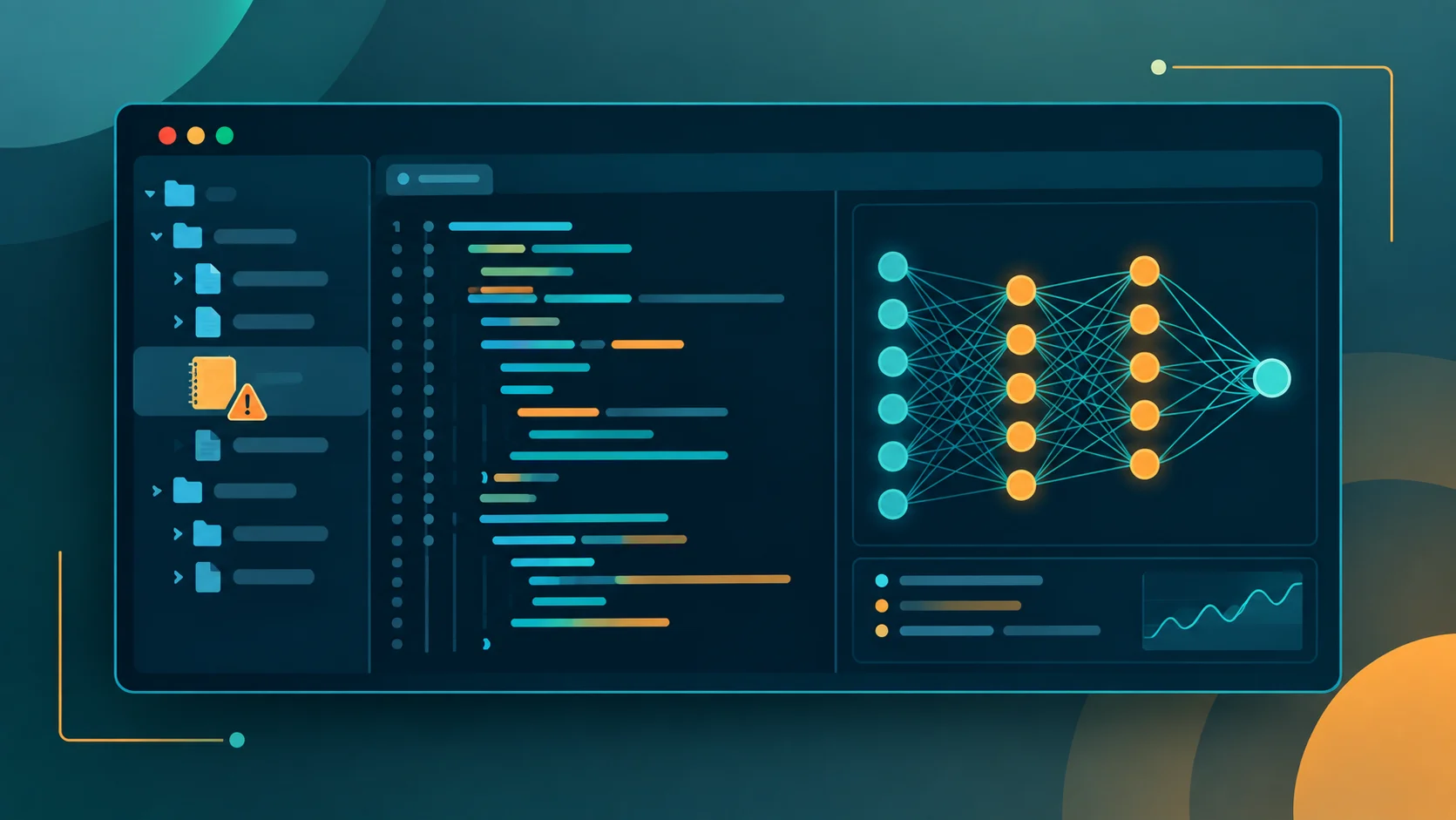
Cursor’s AI features have a persistent, documented problem here. Because .ipynb files are JSON-formatted rather than plain text, Cursor’s Chat and Agent features can read them but frequently can’t reliably edit or update them directly. In practice, this shows up as the AI suggesting changes it then can’t actually apply, forcing a manual copy-paste workaround — a genuinely frustrating break in exactly the fluid, AI-assisted workflow Cursor is supposed to deliver.
This isn’t a one-off complaint. Browsing Cursor’s own community forum through the first half of 2026 turns up a consistent stream of related, still-open reports: “Jupyter Notebooks & AI Panel broken after upgrading to Cursor 3,” “Jupyter notebook changes do not appear in the notebook editor or Git changes,” “Cursor Tab completions in Jupyter notebooks stopped working again,” “Cursor fails to find Jupyter kernels in a conda environment,” and — perhaps most bluntly — a thread simply titled “Cursor + Jupyter is an unstable hot mess.” A Cursor team response to one user’s bug report confirms this isn’t user error: “Cursor doesn’t support .ipynb files, but we might add this feature in the future,” pointing users to a feature-request vote rather than a fix.
The Practical Workaround Worth Knowing
Data scientists who’ve adapted to this limitation have converged on a genuinely workable solution rather than abandoning Cursor entirely: skip .ipynb files and work in plain .py scripts using # %% cell markers instead — a convention supported by VS Code’s Python extension (and by extension, Cursor, since it’s a VS Code fork) that lets you run code in notebook-style independent blocks while keeping the file as plain text. Since Cursor’s AI features work reliably with plain-text files, this sidesteps the JSON-parsing problem entirely, while preserving most of the interactive, cell-based workflow data scientists actually want. It’s a real workaround, not a perfect substitute — you lose true .ipynb portability and some notebook-specific tooling — but it’s the difference between Cursor being genuinely useful for ML code and being actively unstable for it.
Where Cursor Genuinely Excels for Model Development Code
Outside the notebook-specific limitation, Cursor’s core strengths translate well to ML engineering work. Its full-codebase awareness is genuinely useful for navigating the sprawling file structure typical of real deep learning projects — code scattered across models/, utils/, and configs/ directories, exactly the kind of structure that makes manually tracking dependencies between files tedious. Its AI chat and agent features can meaningfully help with the less glamorous parts of ML engineering: debugging tensor shape mismatches, refactoring an exploratory notebook-style script into a more maintainable, production-ready training pipeline, and helping move a project from ad hoc experimentation toward something reproducible and shareable with a team.
Independent hands-on accounts specifically describe using Cursor to move PyTorch work from notebook exploration to a more structured CLI-based workflow — turning a messy experimental script into modular, version-controllable training code — which is a genuinely common and real pain point in ML development that Cursor’s core code-editing strengths are well-suited to help with, once you’re working in plain-text files rather than fighting the notebook limitation.
What Cursor Cannot Do, and Shouldn’t Be Expected To
Worth being direct about this, since some coverage blurs the line: Cursor does not provide GPU compute, does not train models itself, does not manage experiment tracking or model versioning, and does not handle deployment infrastructure. It’s a code editor with AI assistance — a genuinely powerful one for the code-writing portion of ML work, but not a replacement for the actual training infrastructure, MLOps tooling, or cloud platforms that AI model development still fundamentally depends on. Anyone evaluating Cursor specifically for “AI model development” in the fullest sense should think of it as one component of a larger toolchain, not an all-in-one ML platform.
How to Actually Decide If Cursor Fits Your ML Workflow

| Your situation | Cursor fit |
|---|---|
Writing/refactoring training scripts, model code in .py files | Strong fit |
Heavy, daily reliance on interactive .ipynb notebooks | Weak fit currently — expect real friction |
Willing to adopt the # %% cell-marker workaround | Reasonable fit, with a real workflow adjustment |
| Need GPU training infrastructure from the tool itself | Not a fit — Cursor isn’t a compute platform |
| Debugging and refactoring existing ML codebases | Strong fit, genuinely one of its better use cases |
Frequently Asked Questions
Can Cursor AI train machine learning models directly?
No — Cursor is a code editor, not a compute or training platform. It can help you write, debug, and refactor the code used to train a model, but the actual training still runs on your own hardware, a cloud GPU service, or a dedicated ML platform.
Does Cursor support Jupyter Notebooks?
Partially, and unreliably. Cursor can open and run .ipynb files, but its AI Chat and Agent features frequently can’t reliably edit them directly, due to the JSON-based notebook format — this remains an open, actively discussed limitation on Cursor’s own community forum as of 2026.
Is there a workaround for Cursor’s Jupyter Notebook limitations?
Yes — using plain .py files with # %% cell markers instead of .ipynb files lets you keep an interactive, cell-based workflow while working in a format Cursor’s AI features handle reliably.
Is Cursor good for PyTorch or TensorFlow development?
Yes, for the code-writing and refactoring portion of the work, especially outside notebook files — independent accounts describe real productivity benefits for navigating complex ML codebases and turning experimental scripts into more maintainable, production-ready code.
Should I replace my MLOps tools with Cursor?
No — Cursor doesn’t handle experiment tracking, model versioning, or deployment infrastructure. It’s a strong complement to dedicated MLOps tooling for the code-editing portion of your workflow, not a replacement for the broader ML platform stack.
If there’s one honest takeaway here, it’s that “can Cursor be used for AI model development” deserves a more precise answer than most coverage gives it: yes, confidently, for writing and maintaining the code — and not yet, reliably, for the notebook-based workflow a large share of that development actually happens in. For a broader look at how Cursor stacks up against other AI coding tools generally, our Cursor AI vs. GitHub Copilot and Augment Code vs. Cursor comparisons cover the wider picture beyond this specific ML use case.