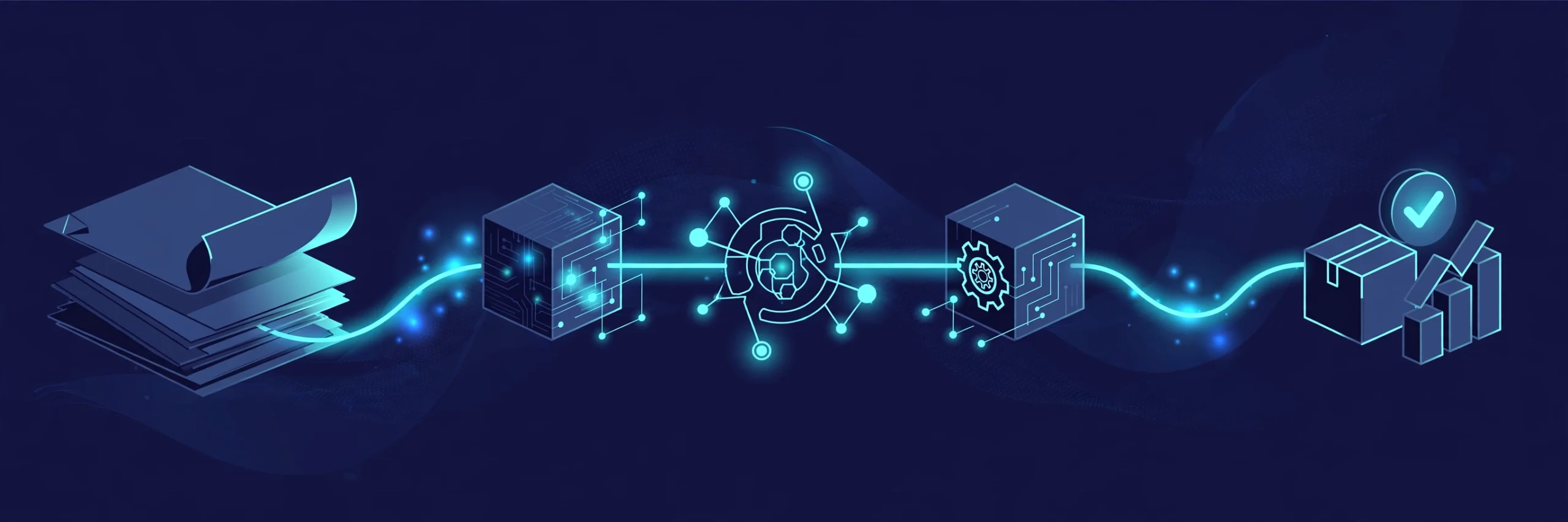
Here’s a distinction most automation guides blur, and it costs their readers real money: workflow automation handles tasks; business process automation handles end-to-end processes. A workflow moves a single invoice from inbox to approval. A business process carries that invoice from the moment a vendor sends it to the moment money leaves your account — across systems, people, and exceptions.
AI business process automation (AI BPA) is what happens when you stop automating isolated tasks and start automating the whole journey, with AI handling the judgment calls that used to require a human in the middle. This guide covers what that actually looks like, which processes pay back first, how to implement it without the usual wreckage, and whether to buy a suite or build it yourself.
What Is AI Business Process Automation?
AI business process automation combines artificial intelligence with business process automation to run multi-step, cross-system processes that involve decision logic, unstructured data, and exceptions — the stuff rigid rules choke on. Where classic automation follows a script, AI BPA reads the room: it classifies the document, predicts the bottleneck, routes around the exception, and learns from what happened last time.
In plain terms: traditional automation is a conveyor belt. AI business process automation is a conveyor belt with eyes.
BPA vs workflow automation vs RPA
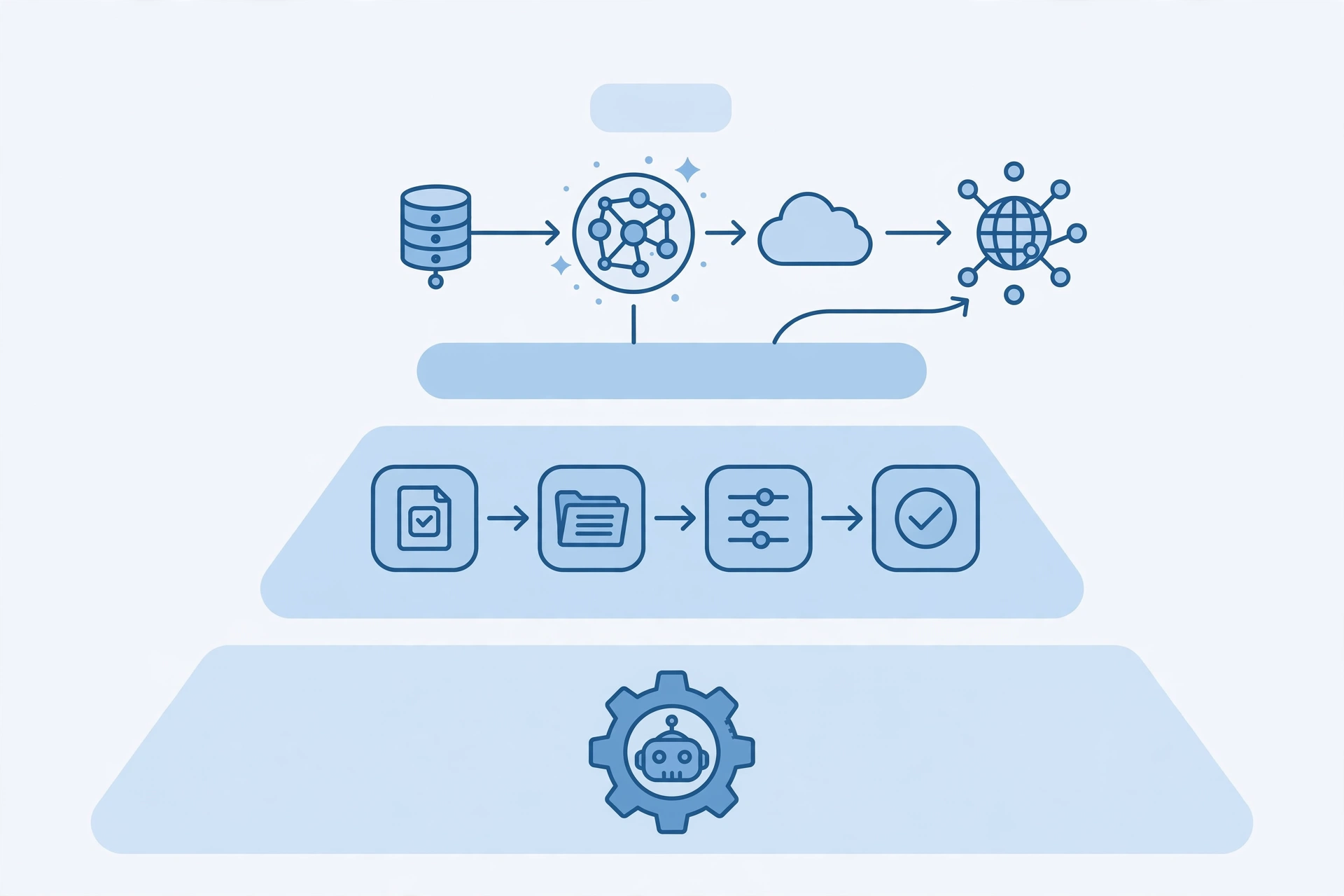
These three get used interchangeably, and they shouldn’t be. They operate at different altitudes:
| RPA | Workflow automation | AI business process automation | |
|---|---|---|---|
| Scope | Single repetitive task | Sequence of tasks | End-to-end business process |
| Example | Copy invoice totals into accounting | Route invoice → approve → pay | Entire order-to-cash cycle, exceptions included |
| Handles | Structured, rule-based work | Defined steps with some branching | Unstructured data, judgment calls, variation |
| Breaks when | A button moves | An unplanned scenario appears | The underlying process was never mapped |
RPA mimics clicks. Workflow automation moves work through steps. BPA orchestrates the whole process — and the AI layer is what lets it survive contact with messy reality: the invoice in a weird format, the approval that needs context, the exception nobody predicted.
What the “AI” actually adds
Strip the marketing and AI contributes four concrete capabilities to business processes. Machine learning studies historical process data and gets better at routing and decisions over time — approval workflows that learn which requests get rejected and surface them earlier, lead scoring that improves as it sees which deals actually close. Natural language processing reads the emails, contracts, and tickets that never arrive in clean formats, extracting intent and entities without manual data entry — the difference between a workflow that handles “all invoices” and one that only handles the templated ones. Predictive analytics forecasts bottlenecks and risks before they bite — which orders will stall, which vendors pay late, which projects are quietly going off track. And agentic AI now acts as a participant inside processes rather than just a step: extracting data from documents, validating it against other systems, and taking action under plain-English instructions, escalating when its confidence drops.
None of this replaces the process. It replaces the friction inside it.
7 Business Processes Where AI Automation Pays First
Not every process deserves automation. The ones below share three traits: high volume, expensive exceptions, and decisions that currently wait on humans who are busy doing something else. Start here.
1. Order-to-cash: from invoice to money in the bank
The journey: vendor invoice arrives → data extracted → matched against purchase order → approved → paid → reconciled. In most companies this crosses email, an ERP, and at least two humans — and stalls whenever an invoice arrives in an unfamiliar format or an amount doesn’t match.
Where AI fits: document understanding reads any invoice format without templates, matching algorithms pair invoices to POs and flag the mismatches that actually matter, and anomaly detection spots the duplicate or the unusual amount before it becomes an audit finding. Approvals route by value and risk instead of sitting in one inbox.
What changes: cycle times collapse from days to hours, and the finance team stops being a data-entry department with a fancy title. Picture a distributor processing 400 invoices a month: the manual version means two people spending half their week chasing approvals and fixing mismatches. The automated version means those same two people handling exceptions only — the 5% of invoices where something genuinely doesn’t add up — while the rest flows through untouched. Every day shaved off the cycle is working capital freed.
2. Hire-to-retire: the employee journey
The journey: job requisition → resume screening → interviews → offer → onboarding → performance cycles → offboarding. It touches HR, IT, hiring managers, and payroll, which is exactly why it breaks: handoffs multiply, nobody owns the gaps, and new hires wait days for system access.
Where AI fits: screening models shortlist candidates against role-specific patterns instead of keyword bingo, onboarding workflows provision access and generate personalized first-week plans from role and region, and offboarding checklists trigger automatically so ex-employees don’t keep their Slack access for three months.
What changes: time-to-productivity drops, access errors fall, and HR spends its hours on people instead of chasing paperwork across departments. Consider what the manual version costs: a new hire waits three days for system access, the manager files two tickets, IT provisions the wrong permissions, and the hire’s first week is orientation videos instead of work. The automated version provisions standard access the hour the record is created, drafts the first-week plan from role and region, and reserves human judgment for the edge cases — the contractor who needs unusual access, the region with different labor rules. The compliance upside is real too — every access grant and revocation gets logged without anyone remembering to log it.
3. Lead-to-close: the revenue pipeline
The journey: lead captured → enriched → qualified → assigned → nurtured → quoted → closed → handed to delivery. Every handoff is a place where deals quietly die — the lead nobody followed up, the quote nobody chased, the handoff where context evaporated.
Where AI fits: enrichment pulls firmographic data onto every lead automatically, scoring models rank by fit and intent signals instead of gut feel, routing sends each lead to the right rep with drafted outreach attached, and follow-up sequences trigger on behavior rather than memory. When the deal closes, the full context — every touch, every objection — moves to delivery instead of living in the rep’s head.
What changes: speed-to-lead drops from hours to seconds, no-quote-left-behind becomes the default, and forecasting stops being fiction because the pipeline data is actually complete. The math that justifies it: if your team handles 200 leads a month and the manual process loses even 5% to slow follow-up, that’s 10 deals evaporating monthly. At any meaningful deal size, one recovered deal pays for the automation many times over. For most businesses this is the process closest to revenue, which makes it the easiest automation to justify.
4. Procure-to-pay: buying without the chaos
The journey: someone needs something → requisition → vendor selection → purchase order → goods received → invoice → payment. In growing companies this runs on emails and memory until the day someone discovers three people ordered the same software.
Where AI fits: requisitions get auto-categorized and routed to the right approver, vendor matching suggests preferred suppliers from history, spend analysis flags maverick buying patterns, and three-way matching (PO → receipt → invoice) happens without human eyes unless something disagrees.
What changes: rogue spending surfaces, approval cycles shorten, and finance finally sees what the company is actually buying. The pattern to watch: maverick buying rarely looks dramatic — it’s a dozen small subscriptions, three overlapping tools, renewals nobody questioned. AI spend analysis catches what humans skim past because it reads every transaction instead of sampling. The procurement team stops being the department of “no” and becomes the department of “here’s what we’re actually spending.”
5. Customer support: triage to resolution
The journey: ticket arrives → classified → prioritized → routed → resolved → followed up. Support is where “almost automated” hurts most: the chatbot answers, the ticket gets created, and then it sits — because classification was wrong, routing was static, or nobody owned the exception.
Where AI fits: classification models read the actual issue (not just the subject line), urgency and sentiment scoring route the angry enterprise customer differently from the casual question, similar past tickets and knowledge articles attach themselves to the case, and resolution drafts arrive with the agent instead of the agent starting from zero.
What changes: first-response times drop, misroutes fall, and agents spend their hours on the cases that need humans instead of triaging the ones that don’t. The failure mode to design against: the confident misroute — AI sure it understood the issue, wrong about it, customer bounced twice before reaching someone who can help. That’s why the confidence routing matters more than the classification accuracy. A system that’s right 80% of the time but knows which 20% to escalate beats one that’s right 95% and escalates nothing. The key discipline: auto-resolve only high-confidence, low-risk cases. Everything else gets a draft, not a send button.
6. Compliance and reporting: the audit trail that builds itself
The journey: regulation requires evidence → data collected across systems → controls checked → report compiled → auditor reviews. Done manually, this is archaeology: digging through systems for proof that a process ran correctly months ago.
Where AI fits: policy checks run continuously instead of quarterly, evidence collects itself as processes execute (every approval, every access change, every exception — logged), anomaly detection flags the control breach the week it happens instead of the quarter after, and report drafts assemble from the logged trail.
What changes: audit prep stops being a fire drill. The contrast is stark: the manual version means two weeks of archaeology before every audit — exporting logs, reconstructing timelines, explaining gaps. The automated version means the evidence was collecting itself all along, because every approval, access change, and exception was logged as a side effect of the process running. When every process logs its own compliance evidence as a side effect of running, the audit becomes a reading exercise instead of an excavation. For regulated industries this alone justifies the investment.
7. Expense management: from shoebox to settled
The journey: employee spends → receipt captured → report submitted → policy checked → approved → reimbursed. Small individually, enormous in aggregate — and a classic example of a process where the manual version costs more than the thing being managed.
Where AI fits: receipt scanning extracts amounts, vendors, and dates from any format; policy engines check every claim against the rules instantly (that hotel bill over the limit gets flagged before submission, not after); approvals route by amount and risk; reimbursements trigger on schedule.
What changes: reimbursement cycles go from weeks to days, policy violations get caught at submission instead of in audits, and finance stops playing receipt detective. It’s the least glamorous process on this list and one of the most universally hated in its manual form — nobody joined finance to squint at crumpled receipts. Automate it and the gratitude is immediate, which makes it a surprisingly good first pilot: low risk, visible win, builds organizational trust for the bigger processes. It’s unglamorous and it pays — the best automations usually are.
The Process-First Method: Implementing AI in Existing Workflows
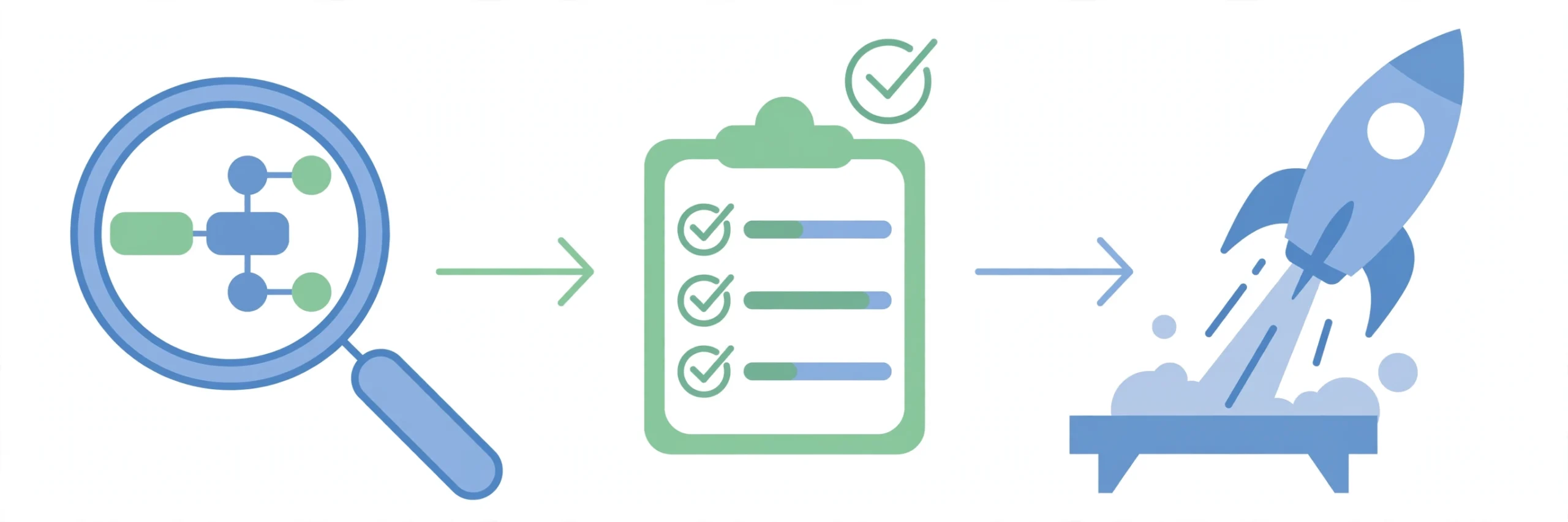
Most AI automation projects fail the same way: someone buys a tool, automates a broken process faster, and declares victory until the exceptions pile up. The fix is embarrassingly simple — understand the process before you automate it.
Map before you automate
You cannot automate what you haven’t drawn. Process mapping means documenting the actual process — not the one in the handbook, the one people really follow, workarounds included. Walk it end to end: where does it start, what are the steps, who decides what, where does it stall, what are the exceptions?
This is also where process discovery tools earn their keep — software that watches how work actually flows through your systems and shows you the bottlenecks your process maps missed. The map reveals two things: which steps are pure waste (eliminate before automating — automating waste just makes waste faster) and where the judgment calls live (that’s where AI goes).
Score and sequence: which process goes first
Don’t automate the process the loudest executive complains about. Score candidates on three axes, 1–5 each:
- Frequency: how often does it run? Daily beats quarterly.
- Pain: how much does the current version cost in time, errors, or delays?
- Feasibility: is the process stable and well-understood enough to automate?
Multiply the three. Highest score goes first. A worked example: invoice processing scores 5 on frequency (daily), 4 on pain (two people half-time), 5 on feasibility (stable, well-understood) — 100. Expense reports: 4 × 3 × 5 = 60. That ambitious “automate our entire sales process” idea: 3 × 5 × 2 = 30 — high pain, but nobody can describe the current process the same way twice, so feasibility kills it. The scorecard just saved you from automating confusion.
This keeps you away from the two classic traps: automating something rare (no payback) and automating something nobody understands (guaranteed wreckage).
Pilot, measure, expand
Run one process as a pilot with guardrails: human approval on the consequential steps, full logging, a defined success metric agreed in advance (“cut invoice cycle time by 40%”). Measure against the baseline you took before starting — without a baseline, every result is a story, not a number. When the pilot earns trust with logged evidence, expand to the next process on the scored list. Momentum built on proof beats momentum built on enthusiasm.
Benefits of AI Business Process Automation
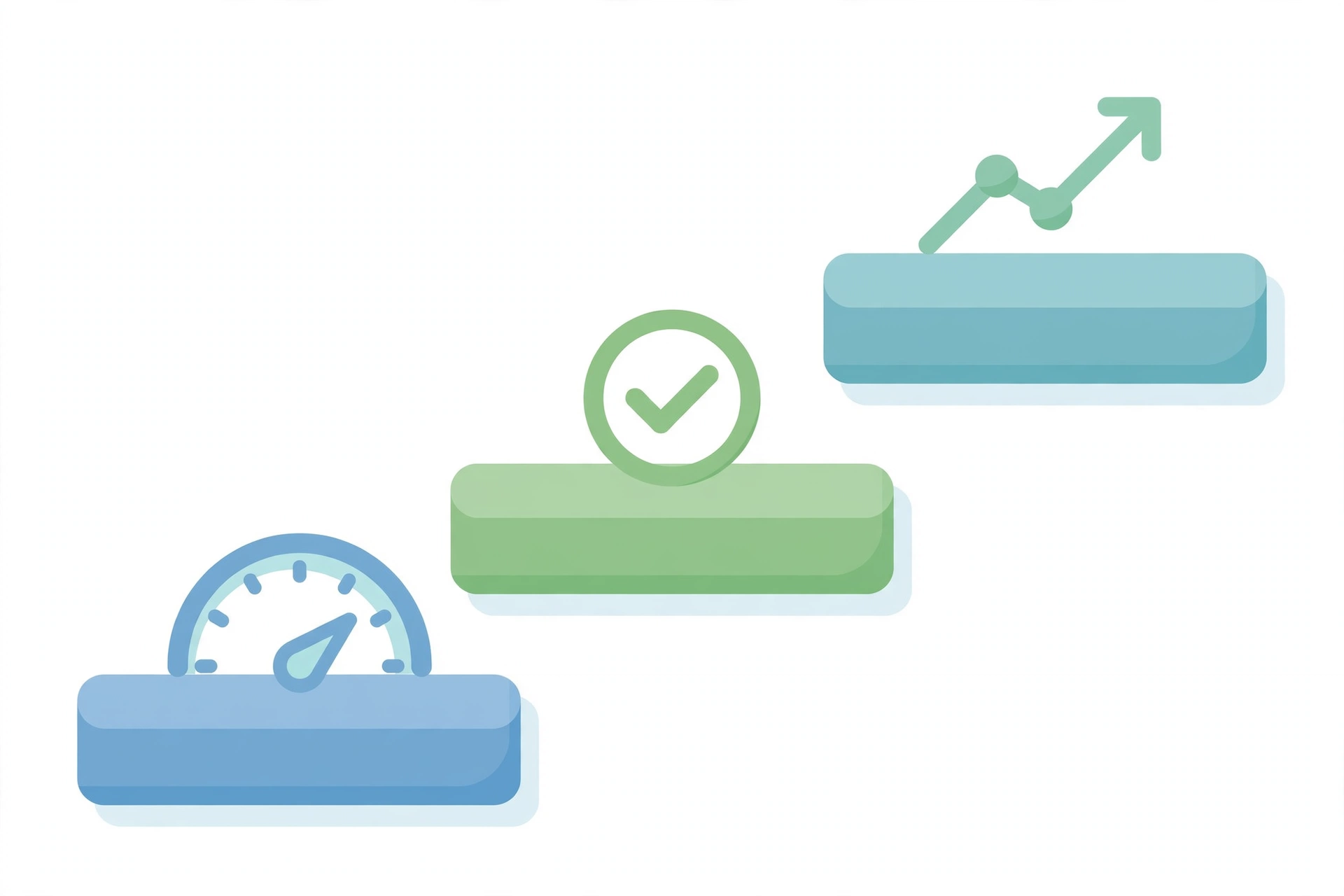
The benefits stack in a specific order, and it’s worth understanding the sequence because vendors like to start at the end.
First, the obvious: speed and error reduction
Cycle times compress because work stops waiting — approvals route instantly instead of aging in inboxes, data moves without re-typing, exceptions get flagged the hour they occur instead of discovered in next month’s reconciliation. Error rates fall because the same criteria apply every time; humans are inconsistent under pressure, and processes run under pressure constantly. A policy check that a tired employee applies correctly 9 times out of 10, the system applies correctly every time — and that last 10% is where the expensive mistakes live. These are the benefits that show up in the first quarter, and they’re the ones that fund everything after.
Then, the structural ones: decisions get better and capacity appears
When AI handles the routine evaluations consistently, the odd cases surface faster — the anomaly, the edge case, the thing that doesn’t fit the pattern. Teams stop spending their judgment on routine and spend it where it matters: the unusual refund, the strategic hire, the customer about to churn. And because the process absorbs volume without proportional headcount, growth stops breaking operations — the thing that worked for 50 orders a month keeps working at 500. This is the benefit that compounds: each automated process makes the next one cheaper to build, because the patterns, integrations, and guardrails already exist.
Finally, the strategic one: the business can see itself
Automated processes generate data about how work actually flows — where it stalls, what it costs, which exceptions recur. That visibility is something most companies have never had; they’ve managed processes by anecdote. MuleSoft puts the business process automation market at $19.6 billion by 2026, and the driver isn’t software licenses — it’s companies discovering that process visibility is a competitive asset. The adoption curve backs it up: an EY survey cited by FlowForma found generative AI use in the workplace jumping from 22% in 2023 to 75% in 2024. The processes are being automated whether you plan it or not — the only question is whether it’s designed or accidental.
The honest caveat: none of this arrives automatically. The benefits above describe well-implemented AI BPA. Poorly implemented — automating broken processes, skipping the mapping, no ownership — delivers faster chaos. The method matters more than the technology.
Common Challenges in AI Business Process Automation
Poor data quality
AI trained on messy process data automates the mess. If your historical records are incomplete or inconsistent, the first project isn’t automation — it’s cleanup. Nobody wants to hear this; everyone needs to.
Automating a broken process
If nobody agrees what should happen after a quote is sent, AI won’t fix that — it’ll just execute the confusion faster, with better logging. The tell: ask three people to describe the process and get three different answers. Until those converge on paper, automation multiplies the disagreement instead of resolving it. Fix the process on paper first. This is the most expensive mistake in BPA and the most common, because “the process is broken” is a political statement and nobody wants to make it.
Unclear ownership
The process crosses four departments, so nobody owns it, so nobody maintains the automation, so it rots. Every automated process needs a named owner with a review date. No owner, no automation — make it a rule.
Team resistance
People who’ve watched “efficiency projects” become layoff projects don’t cooperate with the next one. The antidote is honesty about what changes: automate the drudgery, redeploy the people to the judgment work, and say so explicitly. Teams adopt automation they trust; trust comes from transparency, not slogans.
AI opacity
When the model routes, scores, or decides, someone needs to understand why — especially in regulated processes. Black-box decisions in hiring, lending, or compliance are a liability. Require explainability where the stakes are high, and keep humans on the consequential calls.
Governance gaps
Shadow automations multiply — someone’s Zapier, someone’s script, nobody’s documentation. Without central visibility, you get five versions of the same process and no idea which one is canonical. Lightweight governance (a registry, naming conventions, review cadence) prevents this without becoming bureaucracy.
BPA Suites vs Composable Builders: Should You Buy or Build?
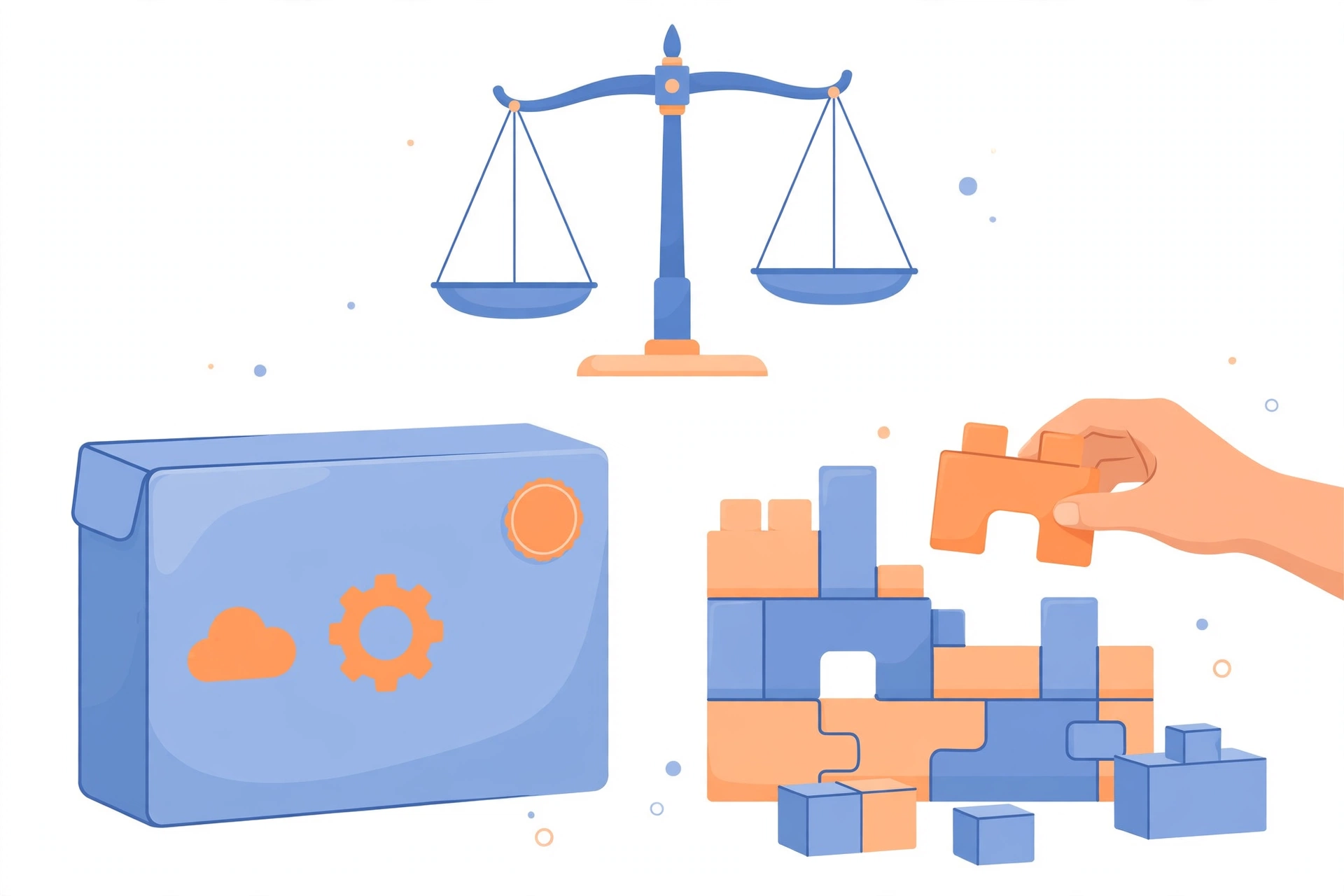
You have two architectural choices, and the vendors on page one will only tell you about one of them.
The suite route — Kissflow, FlowForma, and their cousins sell all-in-one BPA platforms: process designer, AI features, governance, dashboards, one throat to choke. The pitch is real: faster time-to-value, built-in compliance, vendor support. The costs are real too: per-user pricing that scales painfully, demo walls before you can evaluate anything, and the creeping realization that your processes now live inside someone else’s roadmap.
The composable route — build processes from workflow automation platforms (n8n, Make) with AI steps wired in. You assemble exactly what you need, pay a fraction of suite pricing, and own the whole thing. The tradeoff is maintenance: you are the vendor now. Integrations break, prompts drift, and someone has to care.
The decision framework is straightforward:
- Buy the suite when you have compliance requirements that demand certified controls, when IT needs central governance yesterday, or when you have more processes than builders.
- Build composable when you’re cost-sensitive, when your processes are unusual enough that no suite fits them cleanly, or when you have (or can hire) one technical owner.
Most growing businesses land in the middle: composable for the first few processes, suite when the process count and compliance burden justify it. A practical rule of thumb: if you can count your processes on one hand and name their owner from memory, build composable. If you’ve lost track of how many automated processes exist — the shadow-automation problem from the challenges section — you need a suite’s central visibility more than you need its features. There’s no moral superiority in either — only fit.
What to Look for in an AI BPA Platform
Whether you go suite or composable, evaluate candidates against the same five criteria. Vendors will steer you toward their strengths; this list keeps the conversation honest.
Process designer quality
You’ll live in this interface. Can a non-developer map a real process — branches, exceptions, parallel paths — without workarounds? The demo always shows the happy path; ask to see an exception handled.
AI capabilities that matter
Not “AI-powered” branding — the four concrete capabilities from earlier: document understanding, pattern learning, predictive routing, and agentic steps. Ask which ones are native versus bolted-on integrations, because bolted-on AI is where the seams show.
Integration depth
Your processes span systems. Count the native connectors to the systems you actually use, and check whether the API is a first-class citizen or an afterthought. A platform with 200 connectors that lacks your ERP is worse than one with 50 that has it.
Pricing that scales sanely
Per-user pricing punishes adoption: every new participant costs more, so processes stay small. Usage-based pricing (per execution, per workflow) scales with value instead. Model your cost at 3x your current volume before signing — that’s where pricing surprises live.
Governance and Compliance
As processes automate, three governance disciplines stop being optional. Approval gates on irreversible actions — money moving, records deleted, external commitments made — stay human, always, no matter how confident the model is. Confidence is not accountability. Audit trails generate themselves from process logs, but only if logging was designed in from the start; bolted-on logging is where compliance goes to die, because the gaps are exactly where the interesting things happened. And data least-privilege limits each automated process to exactly the data its job needs, so a compromised or misbehaving workflow has a small blast radius instead of a company-wide one.
For regulated industries, this isn’t overhead — it’s the product. A process that can’t prove it ran correctly is a liability wearing automation’s clothes. And for everyone else, these disciplines are what let you sleep: the workflow runs at 3am, and you know exactly what it did and why.
Getting Started: Your First 90 Days
Days 1–30: pick and map one process.
Run the scorecard, pick the winner, and map it end to end — the real process, workarounds included, with the people who actually run it in the room. Document the baseline metrics now: cycle time, error rate, hours consumed. You’ll need them in month three, and reconstructing baselines retroactively is fiction. Don’t buy anything yet — the mapping phase needs a whiteboard, not a vendor.
Days 31–60: pilot with guardrails
Automate the mapped process with human approval on consequential steps and full logging turned on. Expect the first two weeks to surface everything the map missed — that’s the point of a pilot. Fix the map, then fix the automation. Agree the success metric in advance and resist moving the goalposts when the early numbers wobble.
Days 61–90: measure, then expand
Compare against the baseline you took in month one. If the pilot earned trust with evidence — cycle time down, errors down, nobody circumventing it — take the next process on the scored list. If it didn’t, the logs will tell you exactly why — fix that before expanding, because scaling a struggling pilot just scales the struggle.
One mapped process, honestly measured, teaches you more than a platform purchase.
FAQs
What is AI business process automation?
AI business process automation (AI BPA) is the use of artificial intelligence to run end-to-end business processes — multi-step workflows across systems that involve decision logic, unstructured data, and exceptions. Unlike rule-based automation, it adapts to variation and improves from historical data.
What’s the difference between BPA and workflow automation?
Workflow automation moves individual tasks through defined steps. BPA orchestrates entire processes end to end — order-to-cash, hire-to-retire — across systems and people, including the exceptions and judgment calls. Think task versus journey.
How is AI BPA different from RPA?
RPA follows fixed rules to automate repetitive, structured tasks — it mimics clicks. AI BPA handles unstructured inputs, makes contextual decisions, and learns from outcomes. RPA breaks when the screen changes; AI BPA handles the cases rules never covered.
Do I need developers to implement AI business process automation?
Not necessarily to start. Modern no-code BPA platforms let business users design processes visually — drag the steps, set the rules, connect the systems — and composable builders like Make are approachable for non-technical teams. The first pilot rarely needs engineering.
Developers become valuable at three points: when you need custom integrations to systems with poor APIs, when you choose to self-host for cost or data-control reasons, and when process logic gets complex enough that visual builders become spaghetti. A good rule: start without developers to prove value, bring them in when the pilot graduates to production. The worst pattern is hiring the team before mapping the process — expensive people waiting on clarity that doesn’t exist yet.
How much does AI business process automation cost?
Less than the vendors suggest and more than zero. Composable builds run $9–$60/month in platform costs plus AI API usage, which at typical process volumes amounts to cents per thousand runs — the model calls are the cheapest part of the whole project. Suite platforms price per user and climb fast: a 50-person team on a mid-tier suite can easily clear five figures annually, which is why you get the quote before the demo enthusiasm fades, not after.
But the line item everyone underestimates is implementation time: process mapping workshops, pilot iteration, governance setup, and the organizational patience to let the pilot earn trust. Budget twice as much time as the vendor’s onboarding estimate suggests. The platform is the cheap part; the clarity is expensive — and it’s the clarity that determines whether the investment pays.
Is AI business process automation only for large enterprises?
No — that’s vendor marketing. The patterns scale down cleanly: a 20-person company has order-to-cash and hiring processes too, just with smaller volumes. Start with one process and composable tools; the enterprise suites become relevant when process count and compliance burden grow.
Augmentation vs automation — what’s the difference?
Automation replaces human effort in a task; augmentation enhances it — AI drafts, the human decides. The healthiest BPA implementations are mostly augmentation with selective automation: let AI handle the reading, sorting, and drafting, keep humans on judgment, exceptions, and anything irreversible. Full automation is earned through logged evidence, not granted at purchase.
The Bottom Line
The vendors will sell you a suite. The consultants will sell you a transformation. What actually works is smaller and less glamorous: pick one process, map it honestly, automate it with guardrails, measure against a baseline, and repeat.
AI didn’t change what good process automation looks like — it changed how much of the process can be automated, because the judgment-heavy middle is no longer off-limits. The companies winning with it in 2026 aren’t the ones with the biggest platforms. They’re the ones that understood their processes before they automated them.
Start with the map, not the purchase.