Somewhere in your marketing operation right now, someone is doing something a machine should be doing. Manually copying new leads from a form into a spreadsheet. Writing the same follow-up email for the fortieth time. Checking at 9pm whether anyone replied to the webinar invitations.
Marketing automation is the end of that. Marketing automation software runs your repetitive marketing tasks — emails, segmentation, ad adjustments, lead nurturing, social scheduling — based on rules and customer behavior, so your team spends its hours on strategy and creative work instead of admin. Whether you call it automated marketing, digital marketing automation, or simply automation for marketing, the promise is the same: the machines handle the repetition, humans handle the judgment.
But here’s what changed: until recently, marketing automation meant fixed if-then rules you wired by hand. If a lead downloads the whitepaper, send email one; if they open it, send email two. In 2026, the shift is toward AI agents that read incoming data and decide the next action on their own — qualifying a lead, picking the follow-up, adjusting a campaign — without you drawing the flowchart first.
This guide covers what marketing automation actually is, how it works under the hood, nine workflows worth stealing, the seven types with the AI twist on each, where AI genuinely changes the game, the platforms compared with real pricing, a 30-day implementation plan, what goes wrong, and how to measure it.
What Marketing Automation Actually Is
If you’ve ever searched “what is marketing automation” and drowned in vendor definitions — sometimes even spelled “automatisation marketing” in non-native English queries — here’s the plain version: marketing automation is the use of software and technology to handle routine marketing tasks with minimal human action. Businesses use it to target customers with automated messages across email, web, social, and text — messages sent according to sets of instructions called workflows, which can be built from templates, custom-built from scratch, or modified mid-campaign.
Three things it is not:
- It’s not email marketing. Email marketing is one channel. Marketing automation is the broader layer that coordinates email alongside ads, social scheduling, lead scoring, and CRM updates — triggering each action based on what a contact actually does. Email automation is a part of it, not the whole thing.
- It’s not a CRM. A CRM is the system of record — who your contacts are. Marketing automation is the engine that acts on that record. The two connect (and the best setups share one database), but confusing them is how teams buy the wrong tool.
- It’s not “set and forget.” Anyone who tells you automation runs itself is selling something. Workflows decay: offers expire, segments drift, messaging goes stale. Automation multiplies whatever you put into it — including neglect.
The technology sits inside the broader martech stack — the collection of tools a marketing team uses — and it touches every stage of the funnel, from the first ad click to the post-purchase review request.
One more distinction worth making early: B2B and B2C teams automate differently. B2B marketing automation lives on long nurture sequences, lead scoring, and the handoff to sales. B2C leans on behavioral triggers — abandoned carts, browse abandonment, replenishment reminders. The software overlaps; the playbook doesn’t. This guide covers both, and flags where they diverge.
How Marketing Automation Works
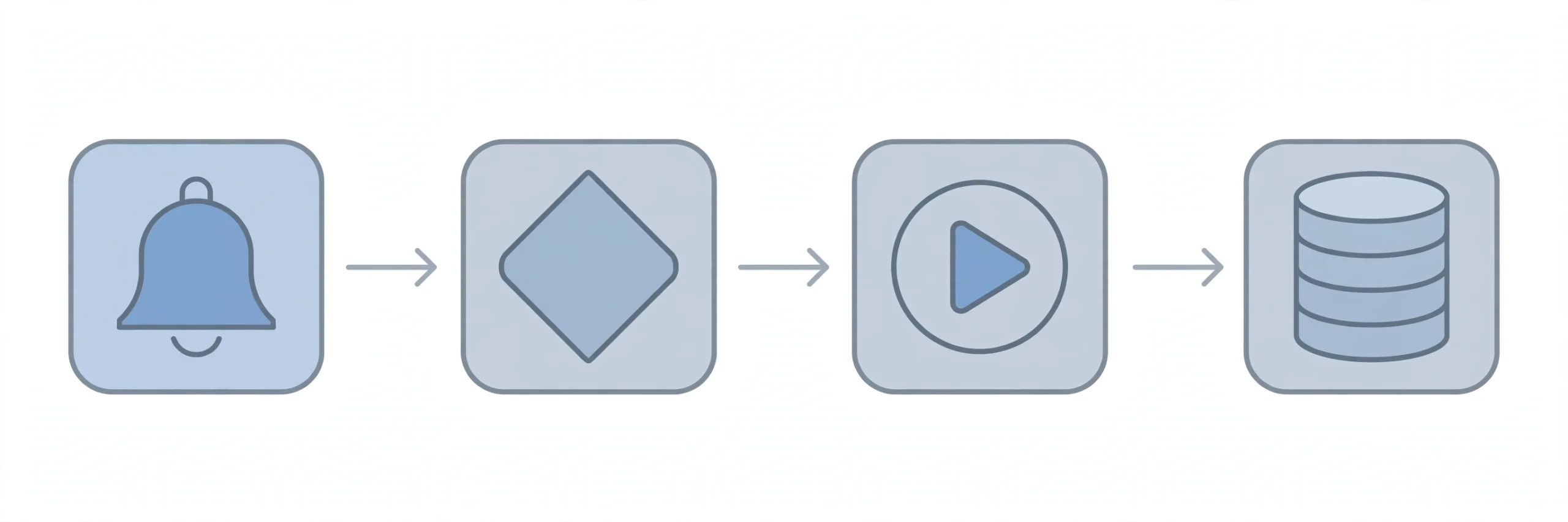
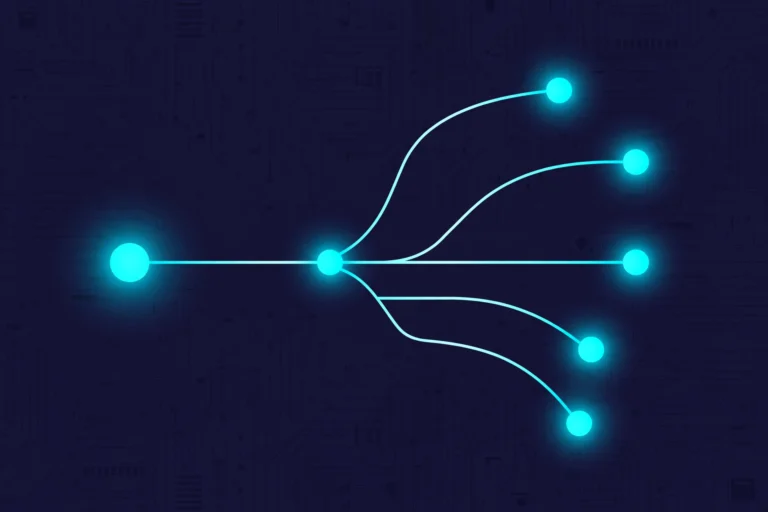
Strip any platform down to its skeleton and you find the same four-part anatomy:
- Triggers — the event that starts everything. A form submission, a purchase, a page visit, a date (like a subscription renewal), or an inactivity timer.
- Conditions — the logic in the middle. If the lead’s score is above 70, route to sales; if they ignored the last three emails, move them to re-engagement. This is the if-then layer — and increasingly, the layer AI agents are starting to own.
- Actions — what happens. Send the email, add to the ad audience, update the CRM, notify the sales rep on Slack, enroll in the next sequence.
- Data — the fuel. Every trigger and condition reads from contact records: behavior (what they clicked), attributes (industry, plan tier), and lifecycle stage (lead, trial, customer).
Here’s how it looks in practice. Before automation, someone manually sent a follow-up email to every lead who downloaded a whitepaper — same email, same delay, no matter who they were. With automation, the download triggers a tailored sequence: the CTO gets the technical deep-dive next, the marketing manager gets the case study. If they open the email, they move into a hotter campaign; if they ignore it, the system waits three days and tries a different angle. Behavior drives the next step, not a calendar reminder on someone’s to-do list.
Where the CRM fits: the CRM holds the contact record; the automation platform reads it and writes back to it. When a lead hits the scoring threshold, the platform updates the CRM, and sales sees a qualified lead with full history — no spreadsheet handoff. The cleaner this connection, the smarter every workflow behaves. Garbage data here means garbage decisions everywhere downstream.
9 Marketing Automation Workflows Worth Stealing
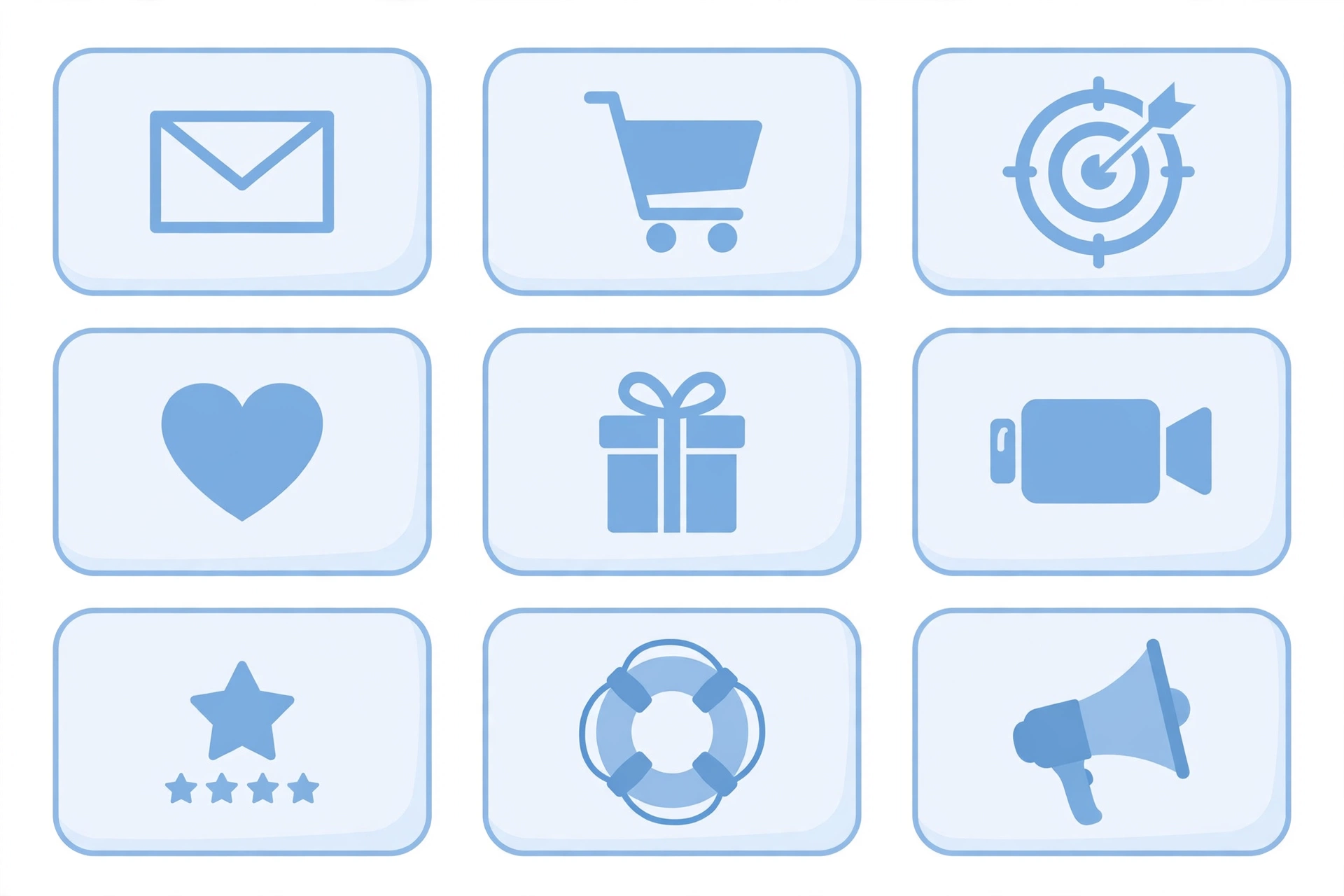
Theory is cheap. These are the nine workflows that earn their keep at companies of every size. Steal the structure, adjust the copy.
1. The welcome series
Trigger: new subscriber or trial signup.
Actions: immediate welcome email → educational email at 48 hours → soft offer at day 5 → branch: engaged contacts get the sales touch, silent ones get re-engagement later. This is the highest-ROI sequence most companies run, and the one most often left as a single “thanks for subscribing” email. Don’t.
2. Abandoned cart recovery
Trigger: cart created, checkout not completed within 1–2 hours.
Actions: reminder email → 24-hour follow-up with social proof (reviews) → 72-hour final nudge, optionally with a small incentive. E-commerce’s most famous workflow for a reason: it recovers revenue that was already 90% yours.
3. Lead scoring + sales routing
Trigger: score threshold crossed.
Actions: score computed from behavior (pricing page visit: +15; webinar attended: +20; job title match: +10) → hot leads routed to sales instantly with context → warm leads enter nurture. The whole point of B2B marketing automation in one workflow.
4. Re-engagement / win-back
Trigger: no opens or clicks in 60–90 days.
Actions: “we miss you” sequence (2–3 emails) → final preference-center email (“want fewer emails?”) → suppress the truly dead. This protects deliverability as much as it wins revenue — inbox providers punish senders whose lists are full of ghosts.
5. Post-purchase onboarding + cross-sell
Trigger: purchase completed.
Actions: thank-you + setup guide → day-7 tips for getting value → day-21 complementary product recommendation based on what they bought. B2C teams: this is where repeat purchase rate is built.
6. Webinar and event follow-up
Trigger: event ends.
Actions: attendees get the recording + related content offer within 2 hours → no-shows get a shorter “here’s what you missed” version → engaged attendees scored up and routed. Speed matters here; a follow-up sent next week is a follow-up wasted.
7. Review and testimonial requests
Trigger: purchase + 14 days (or project completion).
Actions: review request email → if positive review left, request a testimonial or referral → if negative, route to support privately instead of the public review page. Simple, and most companies never automate it.
8. Churn-risk intervention
Trigger: usage drop or subscription renewal approaching with low engagement.
Actions: check-in sequence from a human (or human-sounding) sender → offer a success call → save offer as last resort. SaaS teams: this workflow pays for your entire automation platform by itself if it saves even a handful of accounts.
9. Content distribution on autopilot
Trigger: new blog post published.
Actions: notify segmented lists based on topic interest → schedule social posts across channels → add to the nurture content pool. Your content team already did the hard work; this makes sure it gets seen.
The 7 Types of Marketing Automation
1. Email marketing automation
The most automated channel in marketing — about 58% of marketers automate email before anything else, per industry surveys. Welcome series, drip campaigns, behavioral triggers, abandoned carts. The 2026 upgrade: AI handles send-time optimization per subscriber and drafts the variants; you approve the strategy. The data structure underneath matters more than the copy: clean segments beat clever subject lines. Cold email is the sharp end of this — AI now drafts personalized openers from prospect research and runs the follow-up sequence on its own.
2. Social media automation
Scheduling, cross-posting, and engagement monitoring from one dashboard. Schedule weeks ahead, recycle top performers, post in each audience’s timezone. What it doesn’t do: be human for you. Automated replies to real conversations still read as automated — use it for publishing, not for pretending.
3. Paid ads automation
Connecting ad platforms to your CRM and analytics so campaigns adjust on performance signals: pause the ad set when cost-per-click spikes, shift budget to the winning creative, ping the team on Slack. This is where automation directly defends spend instead of just saving time.
4. SEO automation
Technical checks, rank tracking, content decay alerts, automated reporting. Tools flag the sudden traffic drop at 3am so you find out from a dashboard, not from a panicked client call. It doesn’t write the strategy — it makes sure nothing rots unnoticed.
5. Content generation automation
AI drafts the first version — blog outlines, ad copy variants, product descriptions — and humans edit. This is automated branding at scale: consistent voice across hundreds of assets without writing each from scratch. The honest caveat from teams that do this well: AI drafts need a human pass, always. The more niche your domain, the more the human matters.
6. Lead nurturing and scoring automation
Multi-step sequences that adapt to behavior, plus the scoring models from workflow #3. Nurture turns “not yet” into “ready”; scoring tells sales who’s ready. Together they’re the B2B core.
7. SMS and conversational automation
Text flows and chatbots for the moments email is too slow: appointment reminders, flash sale alerts, delivery updates, and chatbots that qualify visitors in real time. Higher open rates than email, lower tolerance for spam — the consent bar here is absolute.
Where AI Changes the Game in 2026
This is the section the vendor guides won’t write honestly, because they’re selling you their AI. Here’s the vendor-neutral version.
What people mean by AI marketing automation isn’t a separate product category — it’s AI doing the deciding inside your existing platform, across both marketing and sales workflows. When AI automation meets sales and marketing, the flowchart gets shorter: fewer branches you draw by hand, more judgment calls the system makes per contact.
AI agents vs fixed rules
The old world: you draw every branch of the flowchart. The new world: an AI step inside the workflow reads the incoming lead data and decides — qualify against your criteria, enrich the record, route hot leads to sales, drop the rest into nurture — per lead, not per rule. You set the goals and the guardrails; the agent handles the judgment calls in between. This doesn’t replace workflows; it replaces the most tedious 30% of each one.
Predictive lead scoring
Traditional scoring is arithmetic you invented (pricing page = +15). Predictive scoring trains on your actual closed deals and finds the patterns you missed — the three-page-visit combo that predicts purchase better than any single action. It gets smarter as data accumulates, which means it’s weak in month one and dangerous by month six.
Send-time optimization and personalization
AI learns when each subscriber actually opens email and sends at their time, not your batch time. Personalization moves past first-name mail merge into content matched to behavior segments. The bar moved: “Dear Customer” died years ago; now even segment-level generic is starting to smell automated.
AI content with human review
Drafts, subject line variants, ad copy angles — generated in minutes, refined by a person. The teams getting this right treat AI as the junior copywriter: fast, tireless, and never allowed to publish unsupervised.
Conversational AI
Chatbots that qualify leads, book meetings, and trigger nurture sequences based on the conversation — not decision trees with fifty branches, but a model that handles the long tail of “what if they ask something weird.” Still needs escalation paths to humans; the weird questions are where trust is won or lost.
The through-line: AI doesn’t remove the marketer. It removes the marketer’s most repetitive decisions — which lead is hot, when to send, which variant to try — and hands back the hours for the work that actually needs judgment.
Marketing Automation Platforms Compared
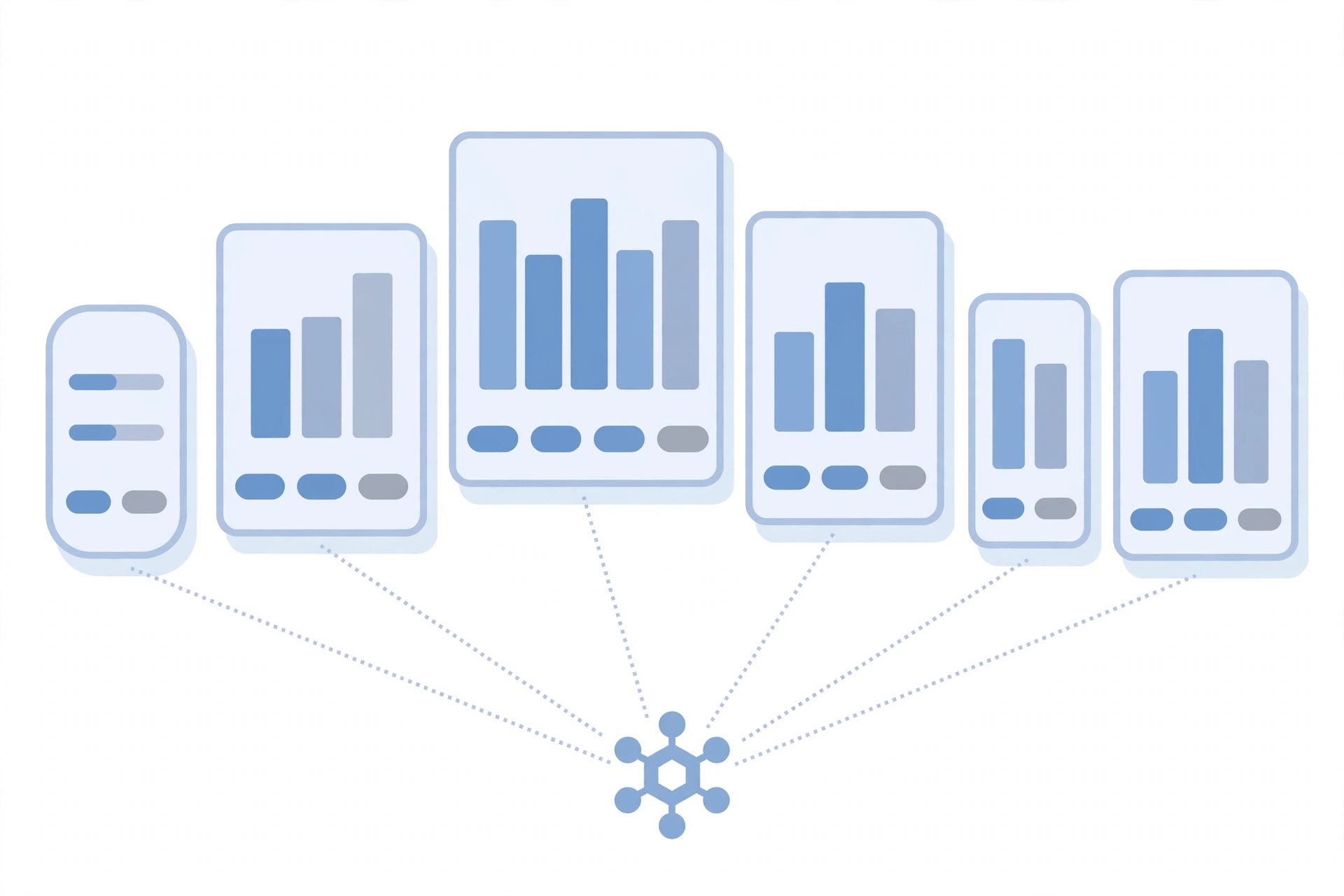
The marketing automation tools worth comparing in 2026 fall into two camps: all-in-one suites and specialists. Here’s how the main ones line up:
| Platform | Best for | Starting price | Standout strength | AI features |
|---|---|---|---|---|
| HubSpot Marketing Hub | B2B teams wanting CRM + automation in one | Free; Starter $20/seat/mo; Pro $800/mo | Automation reads real CRM data; marketing-to-sales handoff inside one record | Predictive lead scoring, AI content tools (Pro+) |
| Mailchimp | Small businesses, creators, e-commerce starters | Free (250 contacts); Essentials $13/mo; Standard $20/mo | Templates, deliverability, ease of use | Intuit Assist generative AI (Standard+) |
| ActiveCampaign | Automation-heavy small/mid teams | Starter $15/mo; Plus $49/mo; Pro $79/mo | Deepest automation builder at this price; 500+ recipes | Predictive sending, AI campaign builder (Pro+) |
| Klaviyo | E-commerce stores (Shopify etc.) | Free (250 profiles); Email from $20/mo | Purchase-data-driven flows; revenue attribution | Predictive analytics, AI-optimized send times |
| Brevo | Budget teams, large lists mailed infrequently | Free; Starter $9/mo | Volume-based pricing (pay per email, not contact) | Send-time optimization, AI content assistant |
| Adobe Marketo Engage | Mid-market/enterprise B2B | Custom (enterprise pricing) | Lead lifecycle depth at scale | Predictive audiences, AI personalization |
Prices verified October 2026; all scale with contacts/sends — confirm current tiers before buying, because they move.
How to choose: start from team size and the problem, not the feature list. When marketers compare the leading marketing automation platforms, the big names all look similar on a features page — HubSpot marketing automation, ActiveCampaign, Klaviyo — so ignore the grid and match the tool to the job. Solo or tiny team doing mostly email: Mailchimp or Brevo. Growing team that lives in automation: ActiveCampaign. E-commerce: Klaviyo, no contest. B2B with a sales team: HubSpot (if the budget fits) or Marketo at enterprise scale. The most expensive mistake isn’t picking the “wrong” platform — it’s paying for automation depth you’ll never configure.
The DIY route: if the use case is custom — syncing weird systems, AI steps the platforms don’t offer — builders like n8n or Make let you assemble marketing automation from parts instead of buying the suite. More work, far more control, and often cheaper at scale.
Implement It in 30 Days
Step 1. One goal
Not “do marketing automation.” One goal: more trial-to-paid conversions, or fewer abandoned carts, or faster lead follow-up. Every workflow you build serves that goal first. Automating without a goal just produces faster noise.
Step 2. Clean data + segmentation
Divide contacts by behavior, interest, and funnel stage before you automate anything. The pricing-page visitor is high intent; the ebook downloader needs education. Automation on a dirty list is a spam cannon with extra steps.
Step 3. First workflow live
Pick the one that eats the most time or loses the most money — usually the welcome series or abandoned cart. Ship it simple. A basic three-email sequence running today beats a perfect twelve-step nurture shipping never.
Step 4. Content per funnel stage
Content is the fuel. Early-stage leads get guides and education; late-stage prospects get case studies and demos. Map one asset to each stage before you build the next workflow.
Step 5. Measure + iterate
Are people opening? Clicking? Moving down the funnel? A/B test subject lines, then offers, then timing. Review monthly at minimum — quarterly and your workflows are museum pieces.
Do you need a marketing automation consultant?
Honest answer: usually not at the start. If your needs are welcome emails and abandoned carts, the platforms’ templates plus a weekend of setup get you there. Some teams also buy marketing automation services — agencies or freelancers who build and manage the workflows for you — which makes sense when you have budget but no spare hands. Consider a consultant when you’re integrating five systems, migrating off a legacy platform, or building lead scoring the sales team will actually trust. The wrong time to hire one is before you know what your first workflow should be.
What Can Go Wrong
Set-and-forget decay
The #1 killer. Workflows built in January are sending February’s offer in November. Put every workflow on a review cadence or accept that it will eventually embarrass you.
Garbage data in, garbage out
Duplicate contacts, fake emails from form spam, segments built on stale fields. Automation doesn’t fix data — it amplifies whatever the data says. Clean first, automate second.
Robotic over-automation
The prospect who gets the “just bumping this to the top of your inbox!” email for the ninth time doesn’t think you’re persistent. They think you’re a robot. If a sequence would annoy you receiving it, it annoys them.
Deliverability
Authentication (SPF, DKIM, DMARC), list hygiene, engagement monitoring. The unglamorous plumbing determines whether your beautiful workflows reach an inbox or a spam folder. Suppress the unengaged — they’re actively hurting the engaged.
Consent and privacy
First-party data, clear opt-ins, honoring unsubscribes instantly, adapting to cookieless tracking. This is now a governance question, not just a marketing one: customer-facing automation needs the same approval discipline as any system that acts in your company’s name.
How to Measure It
Track the metrics that tie to money, in order of importance:
- Conversion rate — the percentage of leads/nurtured contacts that become customers. The only metric your CEO cares about.
- Lead-to-MQL rate — are your scoring and nurture producing qualified leads, or just activity?
- Email engagement — opens and clicks per workflow, trended. A declining trend is an early warning.
- Customer acquisition cost (CAC) — automation should push this down over time as manual effort drops out.
- Retention / repeat purchase — post-purchase workflows exist to move this number.
On attribution: keep it simple. First-touch and last-touch tell you different lies; multi-touch models tell you a more expensive lie. Pick one model, apply it consistently, and make decisions on trends, not absolute numbers.
FAQs
Is marketing automation worth it for small teams?
Yes — and small teams often feel the gain fastest. When one or two people cover every channel, automating welcome emails, lead routing, and follow-ups frees hours every week. Start with the single workflow that eats the most time, prove it works, then expand. The platforms’ starter tiers ($9–$20/month) mean the financial risk is trivial.
What’s the difference between marketing automation and email marketing?
Email marketing is one channel. Marketing automation is the broader layer coordinating email with ads, social scheduling, lead scoring, and CRM updates — each action triggered by contact behavior. Email automation is a part of it, not the whole thing.
What’s the difference between CRM and marketing automation?
The CRM is the database — who your contacts are, what they’ve done, where they stand. Marketing automation is the engine that acts on that database: sending, scoring, routing, triggering. You need both; the CRM without automation is a phone book, and automation without a CRM is amnesia.
What is sales automation, and how is it different?
Sales automation handles the sales team’s repetitive work: follow-up sequences, meeting scheduling, pipeline updates, contact management. Marketing automation owns everything before the lead is qualified; sales automation takes over after. The handoff between them — the lead score threshold — is the most important integration in the stack.
How much does marketing automation cost?
From $0 (free tiers) to $20–$80/month for capable small-team plans (Brevo, Mailchimp Standard, ActiveCampaign Plus), up to $800+/month for HubSpot Professional and custom enterprise pricing at Marketo. The real cost driver is contacts: price your list size, not the sticker price.
Do I need developers to set it up?
No. Modern platforms are built for marketers, with visual workflow builders. You need a developer only for custom integrations or when connecting systems with no native connector — and no-code bridges cover most of that.
Will AI replace marketers?
No — it replaces marketers’ most repetitive decisions. Someone still sets the goals, writes the strategy, reviews the outputs, and handles the edge cases AI misses. The marketers at risk aren’t the ones using AI; they’re the ones competing against marketers who do.
How long until it pays off?
The first workflow (welcome series, abandoned cart) typically shows results within 30–60 days. Full-funnel impact — the compounding kind — takes two to three quarters of iteration. Anyone promising overnight transformation is selling onboarding services.
The Bottom Line
Marketing automation is no longer a luxury purchase — it’s the operating system for modern marketing. The teams winning in 2026 aren’t the ones with the most tools; they’re the ones whose workflows run quietly in the background while humans do the thinking.
Start with one workflow. Keep the data clean. Review everything on a cadence. Let AI handle the repetitive decisions, keep the judgment calls for yourself, and never let a sequence run so long it starts embarrassing you.
Do that, and your marketing gets boring in the best possible way: leads nurtured, carts recovered, customers welcomed — all before your first coffee.