Netgear positioned the Arlo Pro 2 as a meaningful upgrade over the original Arlo Pro, and on paper, it was — higher resolution, a wider field of view, smarter motion recording. Dig into actual owner feedback, though, and a more honest picture emerges: several of the headline upgrades only work under a specific condition most buyers don’t realize until after purchase, and the resolution bump is less noticeable in practice than the spec sheet suggests. Here’s what genuinely changed between the two, and what actually matters if you’re weighing them today.
The Core Spec Differences
| Spec | Arlo Pro | Arlo Pro 2 |
|---|---|---|
| Resolution | 720p | 1080p |
| Field of view | 130 degrees | 150 degrees |
| 24/7 continuous recording | No | Yes (requires paid CVR plan, AC power) |
| Look-back pre-buffer | No | Yes (AC power only) |
| Custom activity zones | No | Yes (AC power only) |
| 2-way audio | Yes | Yes |
| Wireless/battery operation | Yes | Yes |
| Night vision | Yes | Yes |
| Compatible together in one system | Yes | Yes |
The Feature That Actually Matters Most: Everything New Requires AC Power
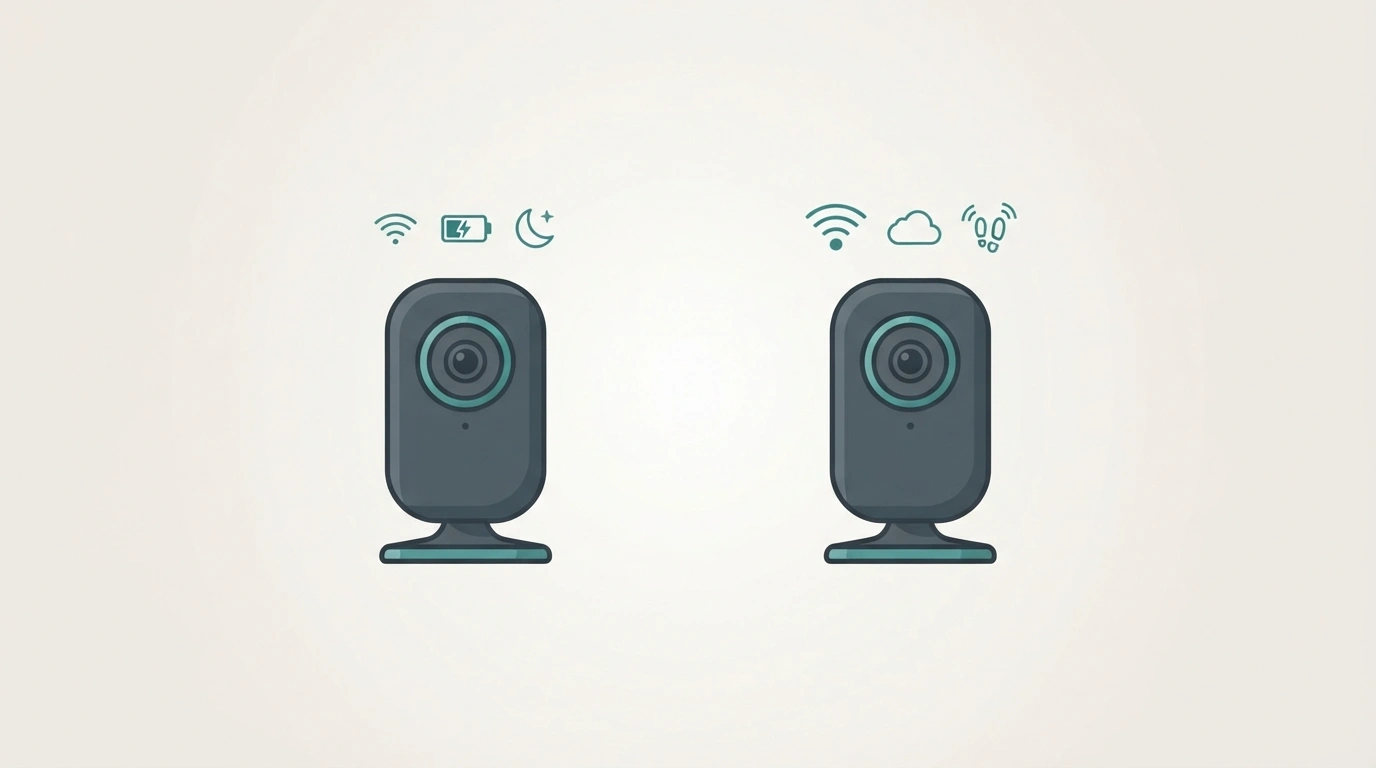
This is the single most important thing to understand before deciding between these two, and it’s genuinely buried or downplayed in most spec-sheet comparisons. According to Arlo’s own official documentation, the Pro 2’s three headline upgrades over the original — look-back pre-buffering, custom activity zones, and continuous video recording — all require the camera to be plugged into AC power. Running the Pro 2 wire-free on battery, which is the entire selling point of the Arlo line in the first place, disables all three of these features entirely, leaving you with essentially the same functional camera as the original Pro, just at a higher resolution.
This matters enormously for how you should actually evaluate the upgrade: if your planned installation is genuinely wire-free (the reason most people choose Arlo over a wired system to begin with), you’re paying the Pro 2 premium almost entirely for the resolution bump and wider field of view — not the three features Netgear marketed hardest.
Is the Resolution Difference Actually Noticeable?
Here’s where real owner experience diverges meaningfully from the spec sheet. Multiple long-term users comparing both cameras side by side in Arlo’s own community forums report the 1080p difference is “really hard to notice” in daytime footage, and — more surprisingly — that night vision quality shows no clear improvement on the Pro 2 despite the higher stated resolution, with at least one experienced user describing the Pro 2’s night vision as arguably not as good as the original. This is a genuinely useful piece of real-world calibration that most comparison charts, focused purely on spec numbers, don’t capture: a resolution upgrade on paper doesn’t automatically translate to a visibly better image in every condition, particularly low light, where sensor quality and processing matter as much as raw pixel count.
The Field of View Difference Is the More Consistently Real Upgrade
Unlike the AC-dependent features and the debatable resolution improvement, the wider 150-degree field of view (versus 130 degrees on the original Pro) is a straightforward, unconditional upgrade that works identically whether the camera is wired or running on battery. A wider field of view directly reduces blind spots without needing to reposition or add cameras — this is arguably the most reliably valuable upgrade in the Pro 2, precisely because it isn’t gated behind a power requirement the way the more heavily marketed features are.
They’re Fully Compatible With Each Other
A genuinely useful, practical detail confirmed directly by Arlo support: Pro and Pro 2 cameras can be mixed within the same system and controlled through the same base station and app. This opens up a sensible hybrid strategy that several experienced buyers in Arlo’s own forums have specifically recommended: start with a more affordable Arlo Pro kit, then add Pro 2 units individually for locations where the wider field of view or AC-powered features genuinely matter — an indoor camera near a permanent outlet, for instance, where activity zones and continuous recording are actually usable.
Are Either of These Still Worth Buying in 2026?
This deserves a direct, honest answer, since both of these cameras are now legacy hardware from Arlo’s early product generations, with newer Pro 3, Pro 4, and Pro 5 models having replaced them in Arlo’s current lineup for years. If you’re shopping new, current-generation Arlo cameras offer meaningfully better sensors, processing, and app features than either camera compared here, and are the sensible default for a fresh purchase.
Where the original Pro and Pro 2 still make practical sense is specifically the used and discounted secondary market: if you already own an Arlo Pro system and are considering expanding it, or you’ve found a heavily discounted used kit and understand the AC-power caveat above going in, both remain functional, genuinely capable wireless cameras for basic monitoring — just not the cameras to seek out brand-new at full original pricing when current-generation alternatives exist at similar or only modestly higher cost.
How to Actually Decide Between Them Today
| Your situation | Best pick |
|---|---|
| Expanding an existing Arlo Pro system | Add Pro 2 units for AC-powered locations specifically |
| Buying used, fully wire-free installation planned | Original Arlo Pro — you won’t use the Pro 2’s AC-gated features anyway |
| Buying used, at least some cameras will be AC-powered | Arlo Pro 2, for those specific locations |
| Buying new today | Neither — a current-generation Arlo model offers better value |
| Prioritizing wider field of view above all else | Arlo Pro 2, since this upgrade works regardless of power source |
Frequently Asked Questions
What is the main difference between Arlo Pro and Arlo Pro 2?
The Pro 2 adds 1080p resolution, a wider 150-degree field of view, and three AC-power-dependent features — look-back pre-buffering, custom activity zones, and continuous video recording — none of which function when the camera runs wire-free on battery.
Can I mix Arlo Pro and Arlo Pro 2 cameras in the same system?
Yes — Arlo officially confirms both camera generations work together on the same base station and app, making a mixed setup a practical way to combine original Pro cameras with Pro 2 units where their AC-powered features are actually usable.
Is the Arlo Pro 2’s night vision actually better than the original Pro?
Not clearly, based on real owner comparisons — despite the higher stated resolution, multiple long-term users report no noticeable night vision improvement, with some finding the original Pro’s low-light performance comparably good or even preferable.
Do I need to keep my Arlo Pro 2 plugged in to use activity zones?
Yes — activity zones, along with look-back buffering and continuous recording, are disabled entirely when the Pro 2 operates wire-free on battery power, and only become available when the camera is connected to AC power.
Should I buy an Arlo Pro or Pro 2 new in 2026?
Generally no — both are legacy models superseded by several newer Arlo generations. They’re worth considering only on the used or heavily discounted market, or for expanding an existing Arlo Pro system you already own.
The real lesson from comparing these two isn’t really about Arlo specifically — it’s a reminder that a feature list on a spec sheet only tells you what a camera can do, not what it will actually do in your specific setup. The Pro 2’s most heavily marketed upgrades quietly assume a power source many wire-free buyers never intended to use, which is exactly the kind of fine print worth reading before, not after, you’ve mounted the cameras.