
Most video surveillance installations fail in one of two predictable ways: either the cameras go up first and the legal questions get asked afterward (expensive to fix), or the planning stops at “buy cameras, point them at the door” without a real strategy for coverage, storage, or cybersecurity. Both mistakes are avoidable with the same fix — doing the planning work before a single bracket goes on a wall.
Step 1: Define What You’re Actually Protecting
Before looking at a single camera model, get specific about the actual goal. Monitoring for package theft at a front door is a fundamentally different design problem than covering a warehouse loading dock or a retail sales floor — the answer changes what resolution you need, how many cameras, what field of view, and whether you need audio at all. Walk your property and identify entry points, blind spots, and high-value areas specifically, rather than starting with a camera count and working backward.
Step 2: Understand the Legal Landscape Before You Mount Anything
This is the step most installation guides either skip entirely or bury as an afterthought, and it’s genuinely the one most likely to cause real problems later.
Video Recording Laws Vary Significantly by State
In the U.S., at least 15 states currently have specific security camera statutes, and the rules aren’t uniform. Some states allow public-facing surveillance without explicit consent but require it for hidden cameras in private areas. Others — Arkansas and Hawaii among them — require consent for recording individuals in spaces where they’d reasonably expect privacy. A handful of states apply a “reasonable expectation of privacy” standard specifically to hidden-camera situations. Because this varies meaningfully by jurisdiction, checking your specific state’s current statute (or consulting a local attorney for anything beyond a straightforward front-door camera) is worth doing before installation, not after a complaint.
Audio Recording Is Often Stricter Than Video
This is the detail most surveillance guides miss entirely, and it matters more than the video rules in many cases. A meaningful number of states require two-party consent for audio recording — meaning every person being recorded must agree, not just the property owner — even in situations where video-only recording would be perfectly legal. If your cameras include microphones, or you’re considering enabling two-way audio, check your state’s specific wiretapping and eavesdropping statutes separately from its video surveillance rules, since the two aren’t governed by the same legal standard.
Business and Workplace Considerations
Commercial installations add another layer: employee notification requirements, restrictions on monitoring genuinely private spaces (restrooms, break rooms in some jurisdictions), and, for organizations handling EU resident data or operating in the UK, direct GDPR obligations if footage captures anything beyond your own property boundary — including a public sidewalk or a neighbor’s yard, which can classify you as a data controller with real compliance obligations attached.
Step 3: Choose Wired vs. Wireless
Wired (PoE) Systems
Power over Ethernet cameras draw both power and data through a single cable, run back to a central Network Video Recorder. This is the more reliable, professional-grade choice — no dependency on WiFi signal strength, no battery to maintain, and generally better sustained video quality for continuous recording. The trade-off is installation complexity: running cable through walls, ceilings, or conduit is real work, which is exactly why this is the category where hiring a professional installer most often makes sense over a weekend DIY attempt.
Wireless Systems
WiFi-based cameras trade some of that reliability for dramatically simpler installation — no cable runs required, just power and a network connection. They’re the sensible choice for renters, smaller installations, or anyone prioritizing ease of setup over the last measure of reliability. The real limitation is dependency on WiFi signal strength and bandwidth at each camera’s specific location, which can degrade video quality or cause dropped connections at the edges of your network’s range.
Step 4: Camera Placement That Actually Works
Height and Angle
Position cameras high enough to resist tampering, but not so high that facial detail becomes unusable — a common mistake is mounting cameras purely for tamper-resistance and ending up with unidentifiable footage of the exact incident you needed clear detail on.
Eliminate Blind Spots Through Overlap, Not Just Coverage
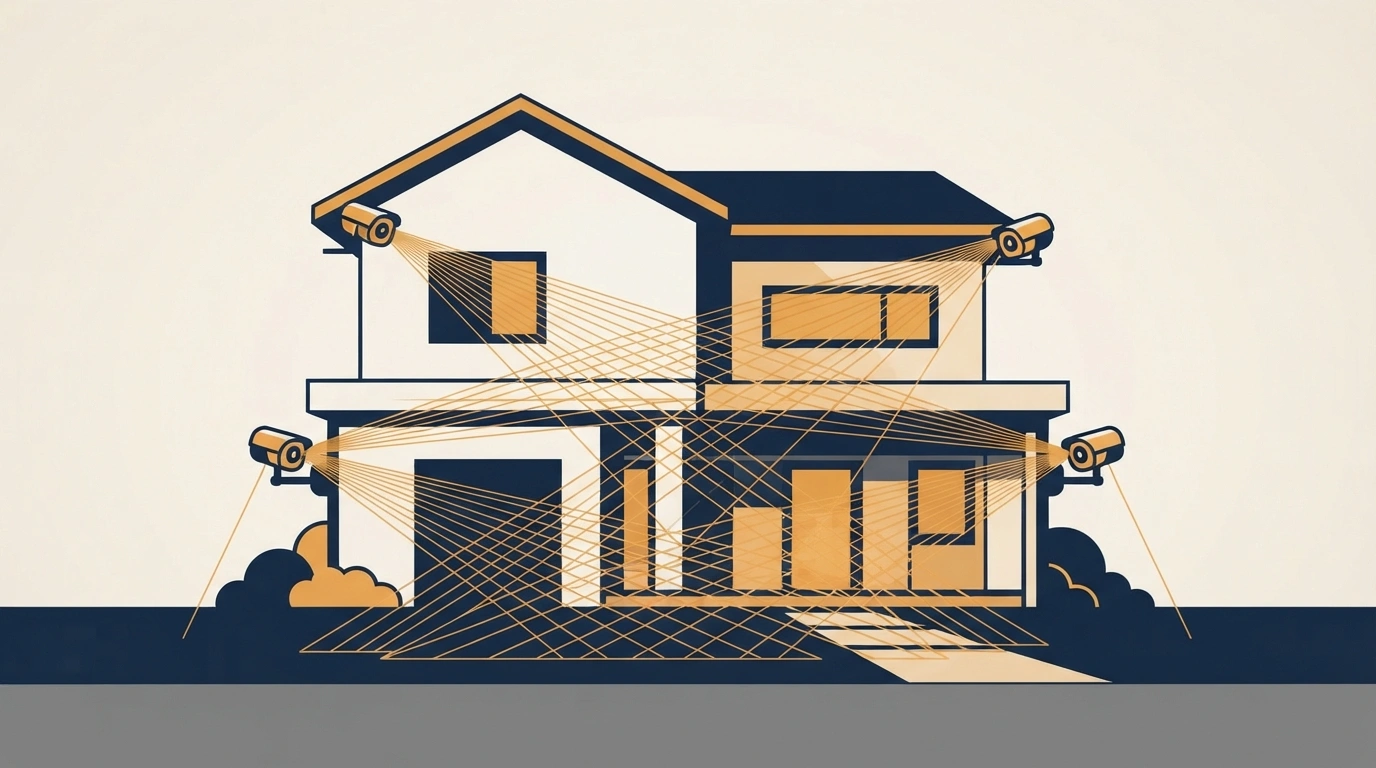
Design camera fields of view to overlap slightly at key transition points (doorways, hallway junctions) rather than treating each camera as covering an isolated zone — overlap is what prevents someone from timing their movement between two cameras’ individual coverage areas.
Account for Lighting Conditions Directly
Backlighting from a window or exterior light source behind a subject can silhouette a face into an unusable dark shape, even on an otherwise capable camera. Walk the intended camera locations at the actual times of day you most need coverage (early morning, dusk) before finalizing placement, not just during a convenient midday walkthrough.
Weatherproofing for Outdoor Placement
Outdoor cameras need genuine IP66 or IP67 weather sealing, not just a manufacturer’s generic “outdoor-rated” label — this is exactly the kind of build-quality difference covered in professional-tier options like the Axis P1387-LE or Bosch NBN-73023-BA, both built for genuinely demanding outdoor conditions rather than fair-weather use only.
Step 5: Storage and Retention Planning
Decide upfront how long footage actually needs to be retained and where it will live — local NVR/DVR storage, cloud storage, or a hybrid of both. This isn’t just a technical decision: some jurisdictions have specific rules about how long recorded footage can legally be retained and how securely it must be stored, particularly for commercial installations handling customer-facing areas.
Step 6: Cybersecurity Is Part of Installation, Not an Afterthought
A surveillance system that’s easy to hack defeats its own purpose. Change every default administrator password before the system goes live — this single step closes the most commonly exploited vulnerability in consumer and small-business camera systems. Keep camera and NVR firmware updated on a regular schedule, since manufacturers routinely patch newly discovered vulnerabilities, and an unpatched system is a genuinely open door regardless of how good the physical installation is. If your cameras connect to the broader internet for remote viewing, place them on a separate network segment from your primary devices where possible, limiting what an attacker could reach even if the camera system itself were compromised.
Professional Installation vs. DIY: How to Decide

| Factor | Lean DIY | Lean Professional |
|---|---|---|
| System size | Single camera or small home setup | Multi-camera commercial or complex property |
| Wiring complexity | Wireless, minimal cable runs | Wired PoE requiring in-wall or conduit runs |
| Legal complexity | Simple front-door residential use | Business, workplace, or public-facing installation |
| Technical comfort | Comfortable with basic networking | Prefer a warrantied, professionally configured result |
Frequently Asked Questions
Do I need a permit to install security cameras at my home?
Generally, no permit is required for standard residential exterior cameras, though placement rules (not aiming directly into a neighbor’s private space) and, in some areas, HOA restrictions can still apply — worth a quick check with your local municipality for anything beyond a standard front-door setup.
Is it legal to record audio along with video surveillance?
It depends heavily on your state — many require two-party consent for audio recording specifically, a stricter standard than video-only recording in the same location. Check your state’s wiretapping statute separately from its general surveillance camera law.
How long should I keep surveillance footage?
This varies by use case and jurisdiction, but many residential systems retain 30 days by default, with businesses sometimes needing longer retention for compliance or insurance purposes — check whether your specific industry or location has a mandated minimum or maximum retention period.
Should I choose wired or wireless cameras?
Wired (PoE) systems offer more reliable performance and don’t depend on WiFi signal strength, making them the better choice for permanent, larger installations. Wireless systems trade some reliability for significantly simpler installation, making them a reasonable fit for smaller or rental setups.
What’s the most commonly overlooked security risk in camera installations?
Leaving default administrator passwords unchanged — this is consistently the most exploited vulnerability in both consumer and small-business surveillance systems, and it’s a five-minute fix during installation that’s frequently skipped entirely.
A surveillance system installed with real planning — legal review first, technical layout second, cybersecurity baked in from the start — costs the same as one thrown up in an afternoon. The difference only shows up the day you actually need the footage to hold up, legally and technically, and by then it’s too late to go back and do it properly.
