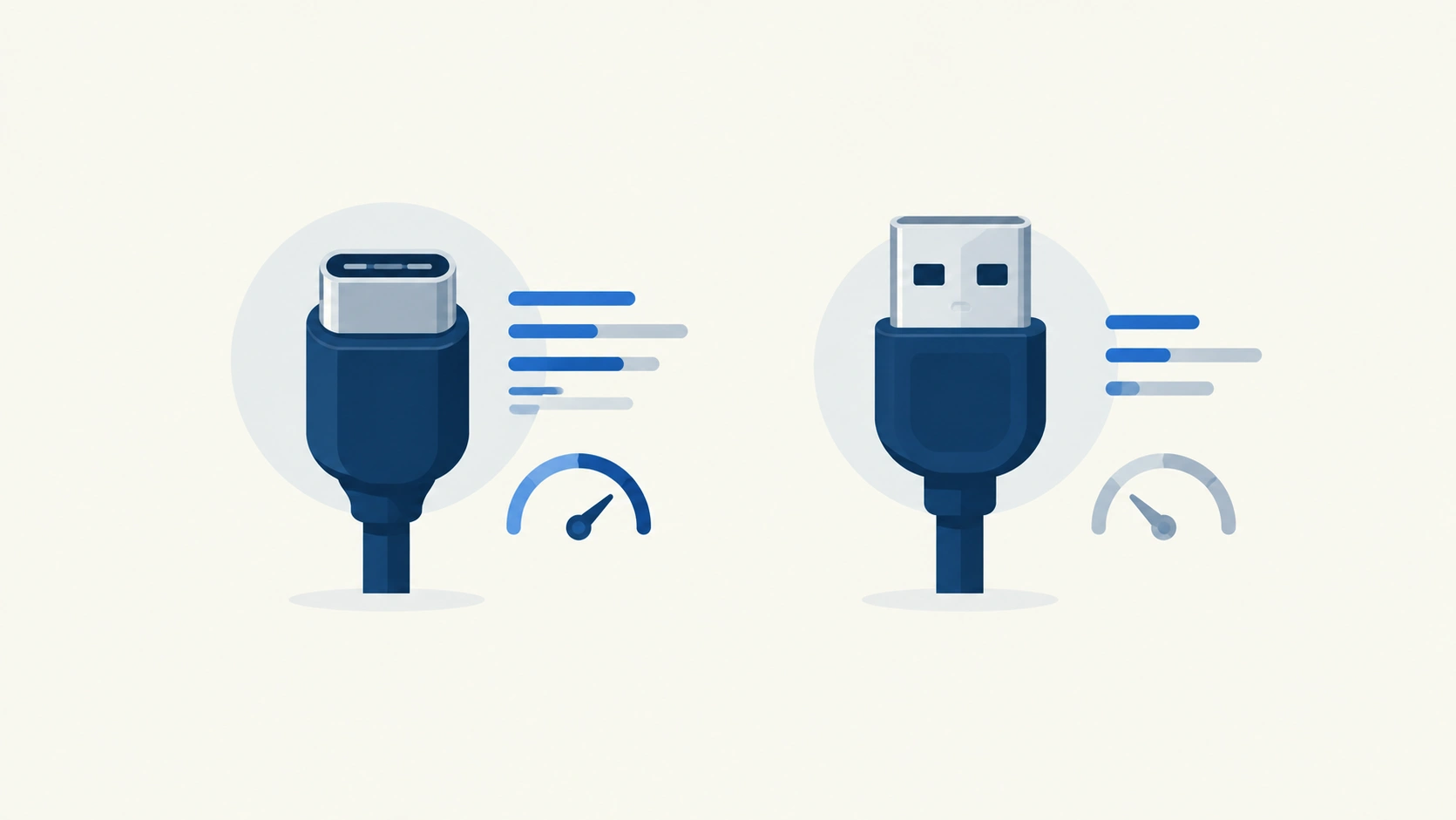
Both cables plug into the same-looking port category, both carry video and audio, and most people use whichever one happened to come in the box — which is exactly why this comparison causes so much confusion. The real difference isn’t just a spec sheet; it comes down to who controls each standard, what each one was actually built for, and that history still shapes which cable makes sense for your specific setup today.
The Short Answer
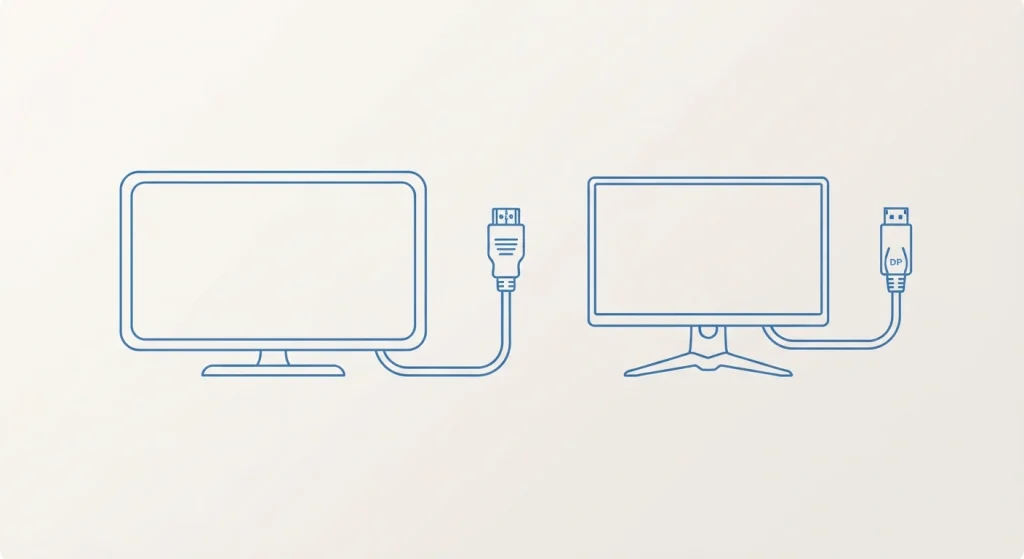
HDMI is the consumer electronics standard — built for TVs, game consoles, soundbars, and home theater gear, and licensed by HDMI Licensing Administrator, which charges manufacturers a royalty to include it. DisplayPort is a royalty-free, open standard maintained by VESA, built primarily for computer monitors, and generally leads on raw bandwidth and gaming-specific features like higher refresh rate support and multi-monitor daisy-chaining. For a TV, console, or soundbar setup, HDMI is almost always the right (and often only) choice. For a PC gaming monitor or multi-monitor desktop setup, DisplayPort is generally the stronger pick.
Where This Difference Actually Comes From
HDMI Was Built for Your Living Room
HDMI emerged specifically to unify consumer electronics — TVs, DVD and Blu-ray players, game consoles, AV receivers — under one standard, and that consumer-electronics DNA still shapes its feature set today. Its widespread manufacturer adoption is exactly why it’s the default port on nearly every TV, soundbar, and console on the market, and why plugging almost anything into almost anything else “just works” without a second thought.
DisplayPort Was Built for Your Desk
DisplayPort was developed by VESA (the Video Electronics Standards Association) specifically with computer monitors and PC graphics hardware in mind, as a royalty-free alternative — meaning manufacturers don’t pay a licensing fee to include it, unlike HDMI. This origin is why DisplayPort leans harder into features PC users specifically care about: higher achievable refresh rates, broad adaptive-sync support, and the ability to run multiple monitors off a single port.
The Actual Numbers, Side by Side
| Spec | HDMI 2.1 | DisplayPort 2.1 |
|---|---|---|
| Maximum bandwidth | 48 Gbps | Up to 80 Gbps |
| 4K support | Up to 120Hz | Up to 240Hz |
| 8K support | 60Hz | Up to 120Hz |
| Adaptive sync | Requires HDMI 2.1 + compatible panel | Supported since DisplayPort 1.2a |
| Multi-monitor daisy-chaining | No | Yes |
| Licensing | Royalty-based (HDMI Licensing Administrator) | Royalty-free (VESA) |
| Best known for | TVs, consoles, home theater, eARC audio | PC gaming, multi-monitor setups, creative work |
Real-world gaming latency also tends to favor DisplayPort by a small but measurable margin — commonly cited in the range of 2-5 milliseconds lower than HDMI on comparable displays, a difference serious competitive gamers notice even if casual users wouldn’t.
Where HDMI Actually Wins
eARC: The Feature DisplayPort Doesn’t Really Compete With
Enhanced Audio Return Channel lets a single HDMI cable send high-quality surround formats like Dolby Atmos from your TV directly to a soundbar or AV receiver, without a separate optical or coaxial audio cable. This is a genuinely home-theater-specific feature, and it’s a major reason HDMI remains the unambiguous right choice for TV and audio gear, regardless of DisplayPort’s bandwidth advantage elsewhere.
Universal Consumer Compatibility
If you’re connecting a game console, a streaming device, a soundbar, or nearly anything sold as consumer electronics rather than PC hardware, it almost certainly only has an HDMI port to begin with — DisplayPort simply isn’t part of that product category’s design language.
Where DisplayPort Actually Wins
Daisy-Chaining Multiple Monitors
DisplayPort supports Multi-Stream Transport, letting you connect several monitors in a chain from a single graphics card output — a genuinely useful capability for multi-monitor desktop setups that HDMI doesn’t offer at all.
Higher Achievable Refresh Rates at High Resolution
At matched cable generations, DisplayPort consistently supports higher refresh rates at a given resolution than HDMI does — this is exactly why gaming monitors frequently ship able to hit their maximum advertised refresh rate only over DisplayPort, with HDMI on the same monitor capped meaningfully lower.
No Licensing Fee Baked Into the Cost
Because DisplayPort is royalty-free, there’s no manufacturer licensing cost baked into products that include it — in practice this rarely changes what you pay as a consumer directly, but it’s part of why DisplayPort has become the default, no-compromise choice for PC monitor manufacturers specifically.
Content Protection Works Over Both, the Same Way
Both HDMI and DisplayPort support HDCP, the copy-protection handshake required for streaming protected 4K content — this isn’t a point of difference between them, and an HDCP error can occur on either connection type for the same underlying reasons: version mismatches, loose connections, or an incompatible device somewhere in the chain. If you’re troubleshooting a black screen or content-protection error, the fix is the same regardless of which cable you’re using.
How to Actually Choose
| Your setup | Best choice |
|---|---|
| TV, streaming box, game console | HDMI (often your only real option) |
| Soundbar or AV receiver | HDMI, specifically for eARC |
| Single PC gaming monitor | DisplayPort, if available on both ends |
| Multi-monitor desktop setup | DisplayPort, for daisy-chaining |
| Laptop connecting to an external display | Either — check which port your laptop actually has, since many now use USB-C carrying a DisplayPort or HDMI signal underneath |
| Maximum refresh rate at high resolution | DisplayPort, generally |
A Note on USB-C Complicating This Further
A growing number of laptops and monitors now connect over USB-C rather than a dedicated HDMI or DisplayPort connector at all — but this doesn’t actually introduce a third standard. USB-C video output typically carries a DisplayPort signal (via what’s called DisplayPort Alt Mode) underneath the USB-C connector shape, meaning the same DisplayPort bandwidth and feature considerations above generally still apply, just through a different physical port. Worth checking your specific device’s spec sheet to confirm which signal standard its USB-C port actually carries for video, since not every USB-C port supports video output at all.
Frequently Asked Questions
Is DisplayPort better than HDMI for gaming?
Generally yes, for PC gaming specifically — DisplayPort tends to support higher refresh rates at a given resolution and slightly lower latency. For console gaming, HDMI is typically your only option anyway, since consoles are built around HDMI output.
Can I use an HDMI to DisplayPort adapter?
Yes, though results vary — active adapters (containing their own chip to convert the signal) tend to be more reliable than passive ones, and you should expect the connection to be limited by whichever standard’s lower specification applies, not the higher one.
Does DisplayPort support 4K at 120Hz or higher?
Yes — DisplayPort 1.4 and later comfortably support 4K well above 120Hz, and DisplayPort 2.1 pushes considerably further, up to 4K at 240Hz depending on the specific display’s own capabilities.
Why does my monitor perform worse over HDMI than DisplayPort?
This usually happens when a monitor pairs a newer DisplayPort version with an older HDMI version internally — a common design choice — meaning the HDMI port on that specific monitor caps out at a lower refresh rate or resolution than the DisplayPort port on the same device.
Do I need DisplayPort for a home theater setup?
No — HDMI is the standard built specifically for home theater equipment, and its eARC support for high-quality audio makes it the better and often only practical choice for TVs, soundbars, and AV receivers.
Choosing between these two isn’t really about which cable is “better” in the abstract — it’s about which category of device you’re actually connecting. PC gaming and multi-monitor desktop work lean DisplayPort; living room and home theater gear leans HDMI, almost without exception, because that’s exactly the audience each standard was built to serve from the start.