Every smart thermostat box says roughly the same reassuring thing: “works with most systems.” What that phrase is quietly glossing over is a real technical compromise happening behind your wall — and understanding it before you buy is the difference between a smart thermostat that runs flawlessly and one that mysteriously loses WiFi connection or flickers your furnace fan for reasons that never get properly explained.
What a C-Wire Actually Does
The C-wire — “common wire” — provides continuous 24-volt AC power directly from your HVAC system to your thermostat. Older, non-smart thermostats never needed this, since a simple mechanical or basic digital thermostat draws almost no power and can run for years on two AA batteries. Smart thermostats are a different story entirely: WiFi radios, full-color touchscreens, and always-on processors for learning algorithms and remote connectivity all need a steady, continuous power draw that battery power alone struggles to sustain long-term. The C-wire exists specifically to solve that power problem, cleanly and without compromise.
Why So Many Homes Don’t Have One
This isn’t a wiring mistake or an oversight — it’s a genuine historical gap. Older HVAC systems, installed before smart thermostats existed, simply had no reason to include a wire that powered a feature set that hadn’t been invented yet. A standard older thermostat setup commonly uses just four wires — R (power), G (fan), Y (cooling), and W (heat) — with the C-wire terminal left unused or the wire itself never run at all during original installation.
Finding Your C-Wire
Step 1: Turn Off Power First
Shut off power to your HVAC system at the circuit breaker or the dedicated HVAC service switch before removing your thermostat’s faceplate — this is standard electrical safety practice, and skipping it isn’t worth the small time saved.
Step 2: Remove the Thermostat Faceplate
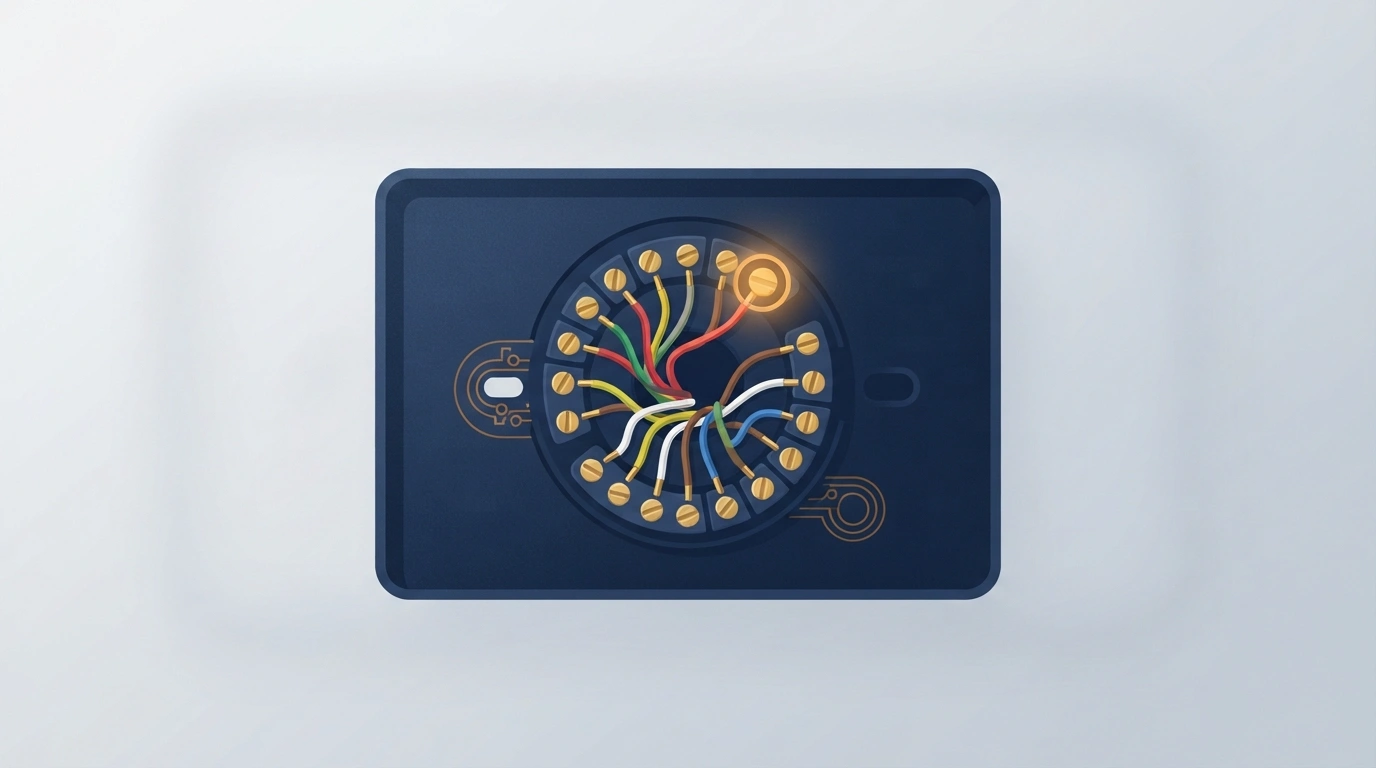
This exposes the wire terminals underneath, typically labeled with single letters (R, G, Y, W, and potentially C).
Step 3: Look for a Wire in the C Terminal
If a wire is already connected to a terminal labeled C, you have a C-wire, and installation is genuinely as simple as connecting it to your new smart thermostat’s corresponding terminal.
Step 4: Check for an Unused Extra Wire
If there’s no wire in the C terminal but you see an extra, unconnected wire tucked behind the others, this may be a C-wire that was run during original installation but never actually terminated — a surprisingly common situation worth checking before assuming you need a new solution entirely.
Worth knowing directly: unlike the R, G, Y, and W terminals, which follow fairly consistent color conventions across manufacturers, the C-wire’s actual color varies more — commonly blue or black, but not reliably so. The safest way to confirm is matching wire color between your thermostat’s terminal block and the corresponding terminal inside your HVAC control panel, not assuming a specific color universally means “C-wire.”
If You Don’t Have One: Your Three Real Options
Option 1: Power Stealing (What “No C-Wire Required” Usually Means)
This is the technical reality behind most “works without a C-wire” marketing claims, and it’s worth understanding rather than just trusting the label. Power-stealing thermostats draw small amounts of current intermittently from the other active wires (commonly the R or Y wire) rather than pulling continuous power from a dedicated C-wire. This genuinely works in many installations, but it’s a compromise, not a clean solution — it can cause subtly unstable power delivery, leading to symptoms like intermittent WiFi disconnects, dimmed or flickering displays, or in worse cases, HVAC equipment short-cycling (turning on and off more rapidly than intended) if the stolen current interferes with the system’s own control signals.
Option 2: A C-Wire Adapter
These devices work by cleverly redistributing your existing HVAC wiring to simulate a genuine C-wire connection, rather than relying on the less stable power-stealing method. Several smart thermostats — notably Ecobee’s line — include a proprietary adapter (Ecobee calls theirs a Power Extender Kit) directly in the box specifically to address this exact problem without needing a true dedicated C-wire run. This is generally a more stable middle-ground solution than pure power stealing, without requiring the more involved step of running an entirely new physical wire.
Option 3: Run an Actual New C-Wire
The most technically clean solution, and the one worth strongly considering if your HVAC system’s wiring conduit already has room for an additional conductor between your furnace/air handler and thermostat location — this eliminates the power-stealing compromise entirely by giving the thermostat genuine, dedicated, continuous power. This is also realistically the point where hiring an HVAC technician or electrician becomes the sensible move rather than a DIY attempt, particularly if running new wire means fishing it through finished walls rather than an already-accessible conduit path.
A Genuinely Simpler Option: Skip the Wiring Question Entirely
If none of the above sounds appealing, battery-powered smart thermostats — the Google Nest Thermostat being a well-known example — sidestep the entire C-wire question by design, running on standard batteries rather than needing hardwired power at all. This trades away some always-on display and feature responsiveness compared to a fully powered installation, but it’s a genuinely simple, code-agnostic path for anyone who’d rather not deal with any of the wiring workarounds above.

Quick Decision Framework
| Your situation | Best option |
|---|---|
| You found an unused wire behind your existing terminals | Terminate it as your C-wire — no new hardware needed |
| Comfortable with electrical work, conduit has room for a new wire | Run a dedicated C-wire for the cleanest result |
| Want a proven middle-ground without new wiring | Choose a thermostat with a built-in adapter (like Ecobee’s Power Extender Kit) |
| Want the simplest possible setup, no wiring workaround at all | A battery-powered smart thermostat (like Google Nest) |
| Already experiencing WiFi drops or flickering on a power-stealing thermostat | Upgrade to an adapter-based or dedicated-C-wire solution instead |
Frequently Asked Questions
Do all smart thermostats need a C-wire?
Not strictly — many are designed to function without one, either through power-stealing or a bundled adapter, and some run entirely on batteries. However, as noted directly by home-service authorities, even thermostats that don’t require a C-wire generally perform more reliably with one.
What happens if I use a smart thermostat without a C-wire and no adapter?
It depends on the specific thermostat’s power-stealing implementation and your HVAC system — some setups run without issue, while others experience intermittent WiFi disconnects, display flickering, or occasional HVAC short-cycling from unstable power delivery.
Can I use the G-wire as a substitute for a C-wire?
Some guides suggest repurposing an unused G-wire this way, but doing so disables independent fan-only control, since the G-wire’s original job was controlling the fan separately from heating and cooling — a real trade-off worth knowing before choosing this route over a proper adapter or new wire run.
Is it safe to work on thermostat wiring myself?
Thermostat wiring itself operates at low voltage (24VAC), which is generally safer than standard household electrical work, but always shut off power to your HVAC system at the breaker before removing your thermostat’s faceplate, and consult a professional if you’re at all unsure about your specific system.
Which smart thermostat is easiest to install without an existing C-wire?
Ecobee’s line is frequently recommended specifically because it includes a Power Extender Kit adapter in the box by default, while Google Nest’s battery-powered approach sidesteps the wiring question in a different way — both are reasonable no-C-wire starting points, just via different technical approaches.
The honest takeaway here is that “works without a C-wire” and “works exactly as well without a C-wire” are two different claims, and most marketing blurs them together. Knowing which of the three real workarounds you’re actually getting — power stealing, an adapter, or a battery-powered design entirely — is what determines whether your smart thermostat runs cleanly for years or quietly frustrates you with disconnects you can never quite explain.