Search this exact phrase and almost every result gives you the same thing: a price table and a nudge toward trading in your phone, buying a refurbished one, or grabbing a DIY kit from whichever site is hosting the article. None of them actually walk through what to do right now, in order, starting from the moment you’re looking at a spiderwebbed screen. This is the version that does.
Step 1: Handle the Glass Safely Before Anything Else
Before touching the crack itself, put the phone down and check for loose shards or sharp edges, especially near the corners where impact damage concentrates. If the glass is genuinely fragmented rather than just cracked in a pattern, cover it with clear packing tape before handling it further — this keeps loose fragments from shifting or cutting your fingers while you decide what to do next. If you notice the screen bulging or the phone getting warm, stop immediately: that combination can indicate a swelling battery, which is a separate and more urgent safety issue than a cracked screen, and the phone should be powered off and kept away from flammable surfaces until a professional looks at it.
Step 2: Check If It’s Actually Still Fully Functional
A crack in the glass doesn’t always mean the display underneath is damaged. Test touch response across the entire screen, check that colors display normally without discoloration or dark patches, and confirm the display is at full brightness with no dimming in specific areas. If touch response is spotty or the display shows dead zones, the damage has likely reached the LCD or OLED panel itself, not just the protective glass — this distinction matters because a glass-only crack is a meaningfully cheaper repair than a full display replacement, and it’s worth knowing which one you’re actually dealing with before getting a quote.
Step 3: Apply a Temporary Fix If You Need the Phone Working Today
This buys time, not a permanent solution, but it matters if you can’t get to a repair immediately. A clear, thick screen protector applied directly over the crack prevents the damage from spreading further and reduces the risk of glass shards reaching your fingers during normal use. In a genuine pinch, a strip of clear packing tape smoothed carefully over the cracked area does the same basic job, though it won’t restore touch sensitivity if the crack has affected input response in that area. Neither of these fixes the underlying damage — they’re stopgaps to get you through a day or two before addressing it properly.
Step 4: Decide Between DIY, Professional Repair, or Replacement
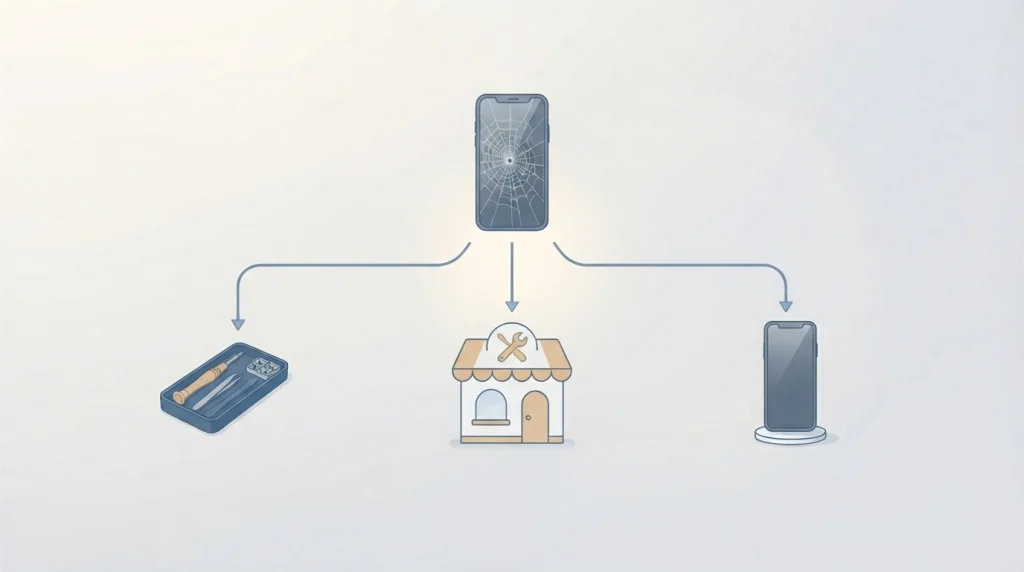
This is the decision most guides skip past to get back to selling you something. Here’s the actual framework:
| Situation | Best path |
|---|---|
| Glass cracked, touch and display fully working, phone otherwise healthy | Professional screen-only repair, or DIY if comfortable with small electronics |
| Display damaged (dead zones, discoloration, touch failure) | Full display replacement — professional repair strongly recommended |
| Repair quote exceeds roughly 50% of the phone’s current resale value | Consider selling as-is or trading in, and replacing the device |
| Phone under AppleCare+, Samsung Care+, or carrier insurance | File a claim first — deductible pricing is almost always cheaper than paying full price out of pocket |
| Foldable phone with hinge or inner-screen damage | Professional repair only — foldable repairs are considerably less DIY-friendly and mistakes are costlier |
What Repair Actually Costs Right Now
Prices vary widely by phone model and screen technology, but current 2026 pricing across manufacturer and third-party sources breaks down roughly like this: standard LCD screen repairs run $70-150, flagship OLED/AMOLED screen repairs run $150-400+, and foldable display repairs can exceed $500. The single biggest cost driver is screen technology, not brand loyalty — OLED and AMOLED panels, standard on most current flagships, cost meaningfully more to manufacture and replace than the LCD panels found on budget and older devices.
If you have manufacturer coverage, the math changes considerably: AppleCare+ typically brings an iPhone screen repair down to around $29, and Samsung Care+ runs $29-49 per incident depending on the model — both dramatically cheaper than the $150-400 out-of-warranty range.
If You’re Doing This Yourself
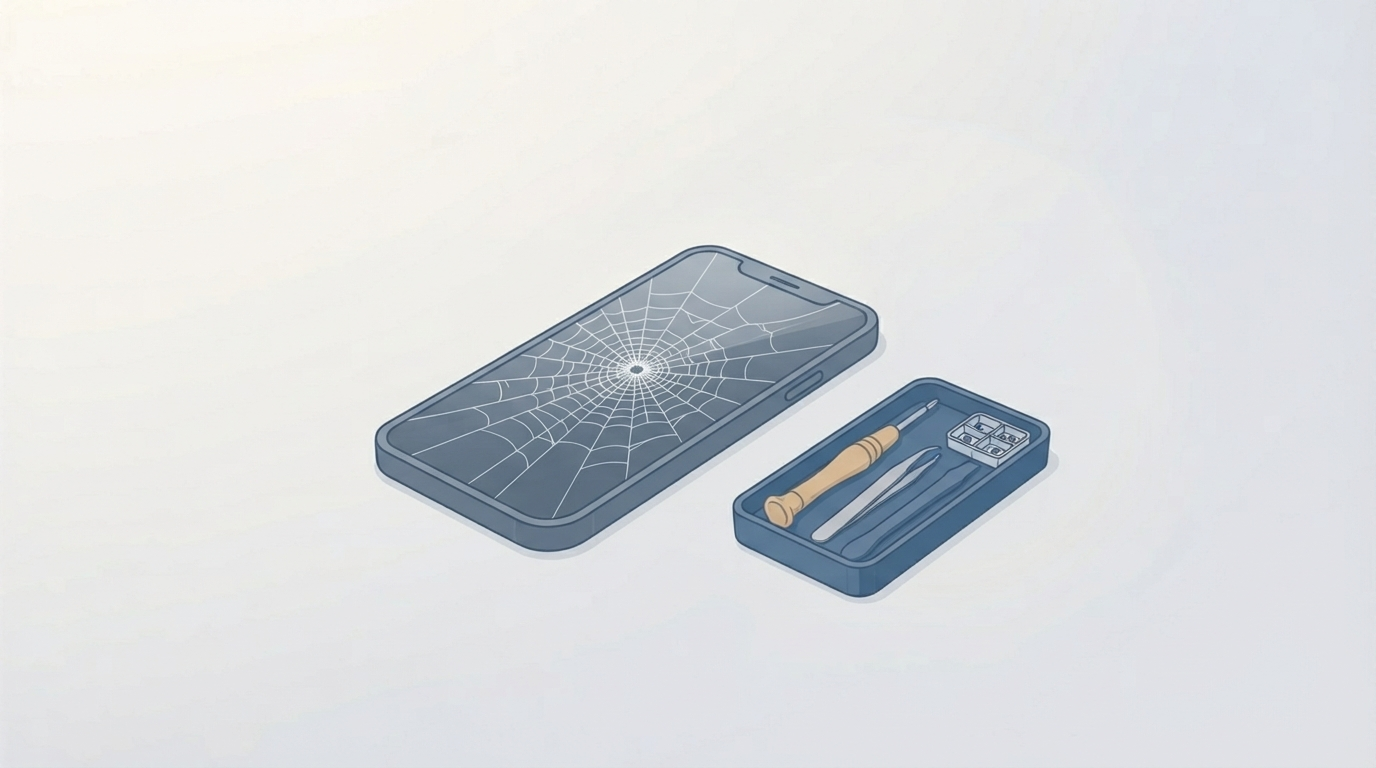
DIY screen replacement is genuinely viable for older, lower-cost devices where a mistake doesn’t carry much financial risk, and considerably riskier on a current flagship or any foldable. If you’re going this route:
- Buy a replacement kit specifically matched to your exact phone model and carrier variant — a mismatched part is the single most common cause of a DIY repair going wrong.
- Power off the phone completely and remove the battery connection before opening anything, to avoid short-circuiting internal components while working.
- Use a proper suction tool and pry tools, not household substitutes, to separate the screen from the frame — this is where most accidental additional damage happens.
- Note screw sizes and placements as you go — phone assembly uses several different screw lengths in specific positions, and mixing them up on reassembly can damage the housing.
- Test the new screen before fully resealing the phone — connect it and power on to confirm touch and display work correctly before closing everything back up, since disassembling twice is far more annoying than pausing once.
If any of this sounds like more risk than you’re comfortable taking on, that’s a completely reasonable place to stop and hand it to a professional instead — a botched DIY attempt frequently costs more to fix afterward than a professional repair would have cost from the start.
When Replacing the Phone Actually Makes More Sense
Once a repair quote climbs past roughly half of what the phone is currently worth, replacing it — with a new or certified refurbished device — is usually the better financial move, especially on an older model where the battery and other components are also aging out. Certified refurbished devices typically become available within a few months of a new model’s release and sell at a substantial discount to original retail pricing, which is worth factoring in before paying a large repair bill on a phone that’s already several years into its life.
Frequently Asked Questions
Can I keep using my phone with a cracked screen?
Yes, in the short term, especially with a screen protector or tape covering the damage — but continued use risks glass fragments working further into the crack, additional touch-sensitivity loss, and in rare cases, moisture or dust intrusion through the compromised seal.
Is it cheaper to fix a cracked screen myself or pay for professional repair?
DIY is typically cheaper upfront but carries real risk of additional damage on complex or expensive devices. For flagship phones and foldables specifically, the cost difference rarely justifies the added risk compared to professional repair.
How do I know if it’s just the glass or the actual display that’s damaged?
Test touch response and visual quality across the full screen. A glass-only crack with fully working touch and display underneath is a simpler, cheaper repair than damage that’s reached the LCD or OLED panel itself.
Does a cracked screen affect phone resale value?
Significantly — a cracked screen is one of the largest single factors reducing trade-in and resale value, often more than the actual repair cost would be, which is why fixing it before selling frequently nets more money overall than selling it damaged.
Will my phone insurance cover a cracked screen?
Most manufacturer protection plans (AppleCare+, Samsung Care+) and many carrier insurance plans specifically cover screen damage at a reduced deductible cost — worth checking before assuming full out-of-pocket repair cost applies.
A cracked screen is rarely an emergency the moment it happens, but it’s also not something that improves by waiting — the real decision is just working through this sequence once, calmly, instead of grabbing whichever fix a price-comparison page happened to be selling that day.