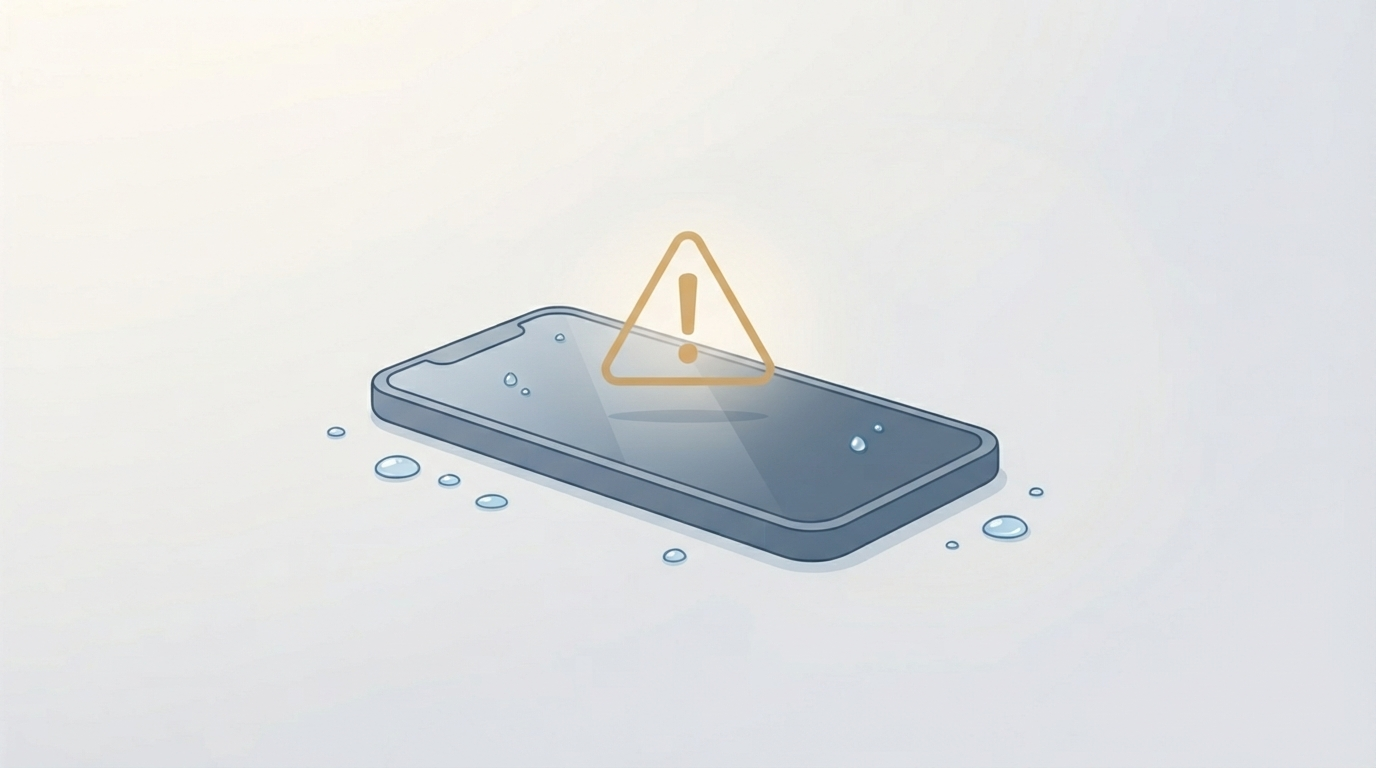
The moment a phone, laptop, or monitor takes on water, the instinct almost everyone reaches for is the same one their parents used: bury it in rice. It feels productive, it’s free, and it’s wrong — Apple’s own support documentation now explicitly warns against it, and independent lab testing has found rice ranks dead last among common drying agents, absorbing less moisture than silica gel, cat litter, and even plain open air. What actually matters in the first ten minutes has nothing to do with rice at all, and getting it right is the difference between a device that recovers and one that slowly corrodes from the inside over the following weeks.
What’s Actually Happening Inside a Wet Display
Water damage rarely kills a device the moment it happens — it kills it through corrosion afterward.
Why Corrosion, Not the Water Itself, Is the Real Threat
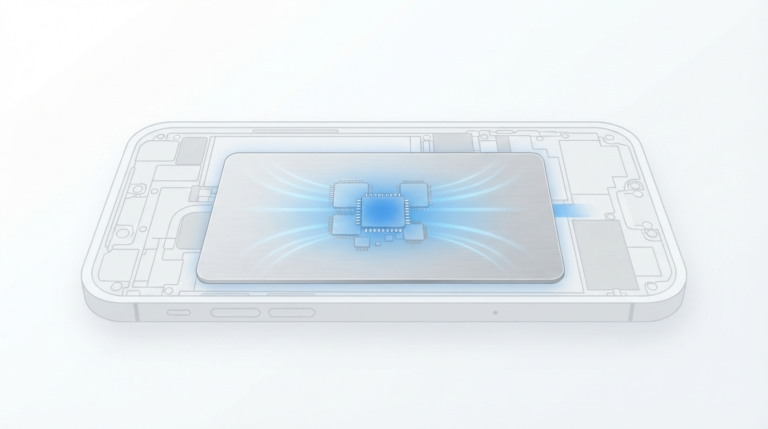
The danger isn’t a puddle sitting inside the case; it’s a thin layer of moisture clinging to circuit boards and connector pins at a microscopic level, which reacts with electrical current to corrode contacts over hours and days, not seconds.
Why Charging a Wet Device Makes Everything Worse
This is exactly why charging a wet device is the single worst thing you can do immediately after exposure — powering electrical current through wet contacts actively accelerates the corrosion that eventually kills the display or the whole device, while a device left powered off and undisturbed often survives the same exposure completely intact.
The First 10 Minutes: What to Actually Do
Step 1: Power It Off Immediately
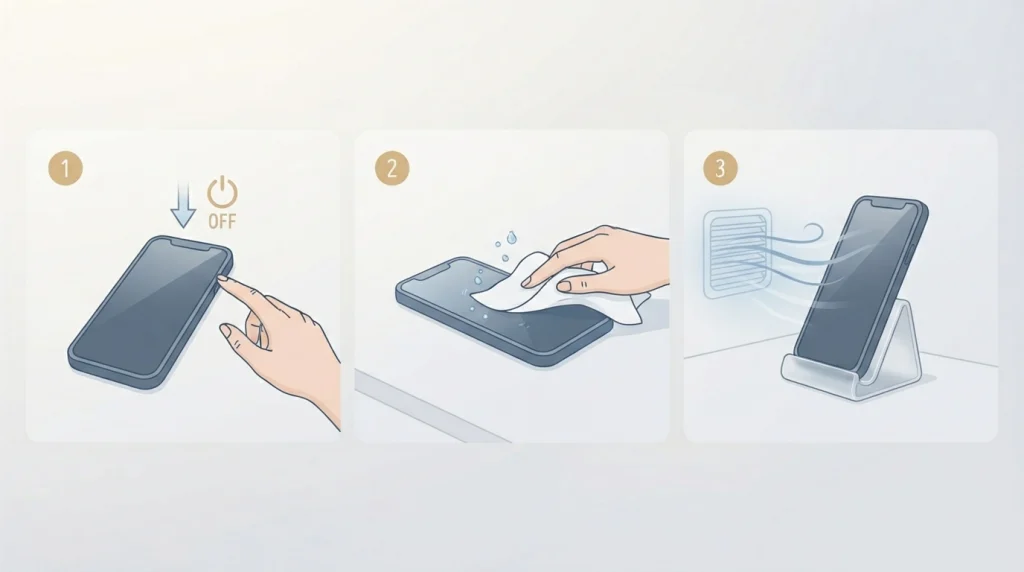
If it isn’t already off, turn it off now. This is the single most important step, and it matters more than every other step combined — an OFF device sitting in water is inert; an ON device is actively risking electrical corrosion with every second that passes.
Step 2: Don’t Charge It or Plug It In
Don’t attempt to charge it, even just to check if it still works. If you see a liquid-detection alert on a phone, disconnect any cable immediately rather than overriding the warning.
Step 3: Shake Out Visible Excess Liquid
Gently tilt the device so ports and openings angle downward, shaking out visible water without shaking hard enough to drive it further inside.
Step 4: Dry the Exterior and Find Airflow
Dry the outside with a lint-free cloth, then set the device in a dry, well-ventilated area — a spot with gentle fan airflow is genuinely more effective than a sealed container of any drying agent.
Step 5: Wait Before Testing It
Leave it alone for at least 30 minutes before attempting to power on or charge, and up to 24 hours if any liquid-detection warning persists.
Why the Rice Trick Actually Fails
This deserves a direct explanation, since it’s the most repeated piece of wrong advice in consumer electronics.
What Rice Can Actually Do
Rice does absorb ambient moisture from the air around it — that part is true, which is why it survived as folk wisdom for decades.
What Rice Can’t Reach
What it can’t do is reach the moisture that’s actually causing damage: water clinging to circuit boards under shield cans, between flex cable layers, and around connector pins, none of which rice ever physically touches. A controlled study found that even after 48 hours fully submerged in dry rice, only about 13% of the water inside a phone had actually been removed.
The Extra Problem Rice Creates
Worse, rice sheds fine dust and starch particles that can work into charging ports and speaker grilles, creating a second problem on top of the original one. Apple’s official guidance is direct on this point: don’t put your device in rice, since doing so risks small particles damaging it further.
What Actually Works Instead
Open Air With Gentle Airflow
A device left in a dry room with a fan nearby dries more effectively than one buried in any desiccant, since airflow removes surface moisture continuously rather than relying on a material to slowly absorb it.
Sound-Based Speaker Clearing
Certain audio frequencies played through a wet speaker can physically vibrate trapped water droplets out of the grille — a legitimate, narrow-purpose technique for clearing speaker moisture specifically, though it does nothing for water that’s reached the internal circuit board.
Professional Ultrasonic Cleaning
For a device that was fully submerged rather than just splashed, a repair technician can disassemble it, remove the logic board, and clean it in an ultrasonic bath — a process that uses microscopic cavitation bubbles to physically scrub corrosion and mineral deposits off every surface, including spots under shields and between component legs that no at-home method can reach. This is the real fix for serious exposure, not a home remedy.
Checking Whether Warranty Coverage Applies
Most manufacturers, including Apple, use a Liquid Contact Indicator (LCI) — a small internal sticker that turns from white/silver to red on contact with water-based liquid — specifically to determine whether damage was liquid-related. Standard manufacturer warranties typically exclude liquid damage entirely once an LCI has triggered, though separate consumer protection rights may still apply depending on your location, and it’s worth checking your specific device’s protection plan (AppleCare+, Samsung Care+, or similar) before assuming a repair will be full-price, since several of these plans do cover liquid damage at a set deductible.
Device-Specific Notes Worth Knowing
Laptops and MacBooks
These are considerably more vulnerable than phones, since spilled liquid frequently reaches the keyboard and logic board directly rather than being contained by a sealed casing — powering off immediately and disconnecting from any power source matters even more here than with a phone.
External Monitors and LCD Displays
Water damage here — often from condensation, a nearby spill, or humidity intrusion rather than submersion — can show a hazy patch or discoloration where moisture has settled between display layers. Unlike a phone, there’s no realistic DIY drying fix here since opening a monitor’s sealed panel risks more damage than it prevents, and professional assessment is the practical path.
Frequently Asked Questions
How long should I wait before turning my phone back on after water exposure?
At minimum 30 minutes for light exposure, and up to 24 hours for more serious exposure or if a liquid-detection alert persists — powering on too early is one of the most common ways a recoverable situation turns into permanent damage.
Does putting a phone in rice actually work?
No. Independent testing has found rice removes only a small fraction of internal moisture even after extended exposure, and it can introduce rice dust into ports and speakers as a separate problem. Apple’s own support documentation explicitly recommends against it.
Can I use a hair dryer to speed up drying?
No — external heat sources and compressed air are both discouraged by manufacturers, since concentrated heat can damage internal adhesives and components, and compressed air can drive moisture further into the device rather than out of it.
How do I know if my phone actually has water damage?
Most phones include a Liquid Contact Indicator that turns red on contact with water-based liquid — checking this (per your specific model’s documented indicator location) is more reliable than guessing based on symptoms alone.
Is water damage covered under warranty?
Typically not under a standard manufacturer warranty once a Liquid Contact Indicator has triggered, though extended protection plans like AppleCare+ or Samsung Care+ often cover liquid damage at a reduced deductible cost, and separate consumer protection rights may apply depending on your location.
What’s the biggest mistake people make with a water-damaged device?
Charging it or powering it on too soon. The device itself often survives the initial exposure fine — it’s the electrical current running through still-wet contacts afterward that causes the corrosion that actually destroys it.
The uncomfortable truth about water damage is that the most effective response is also the most boring one: turn it off, dry the outside, and wait — no trick, no special ingredient, no shortcut that beats patience and a well-ventilated room.