Rapid prototyping for software is building a small, testable version of an app or feature fast enough to learn from before committing serious engineering time to the real thing. You are not building the product. You are building something just real enough that a user can click through it, get stuck on it, or love it — and tell you which one happened, while changing course is still cheap.
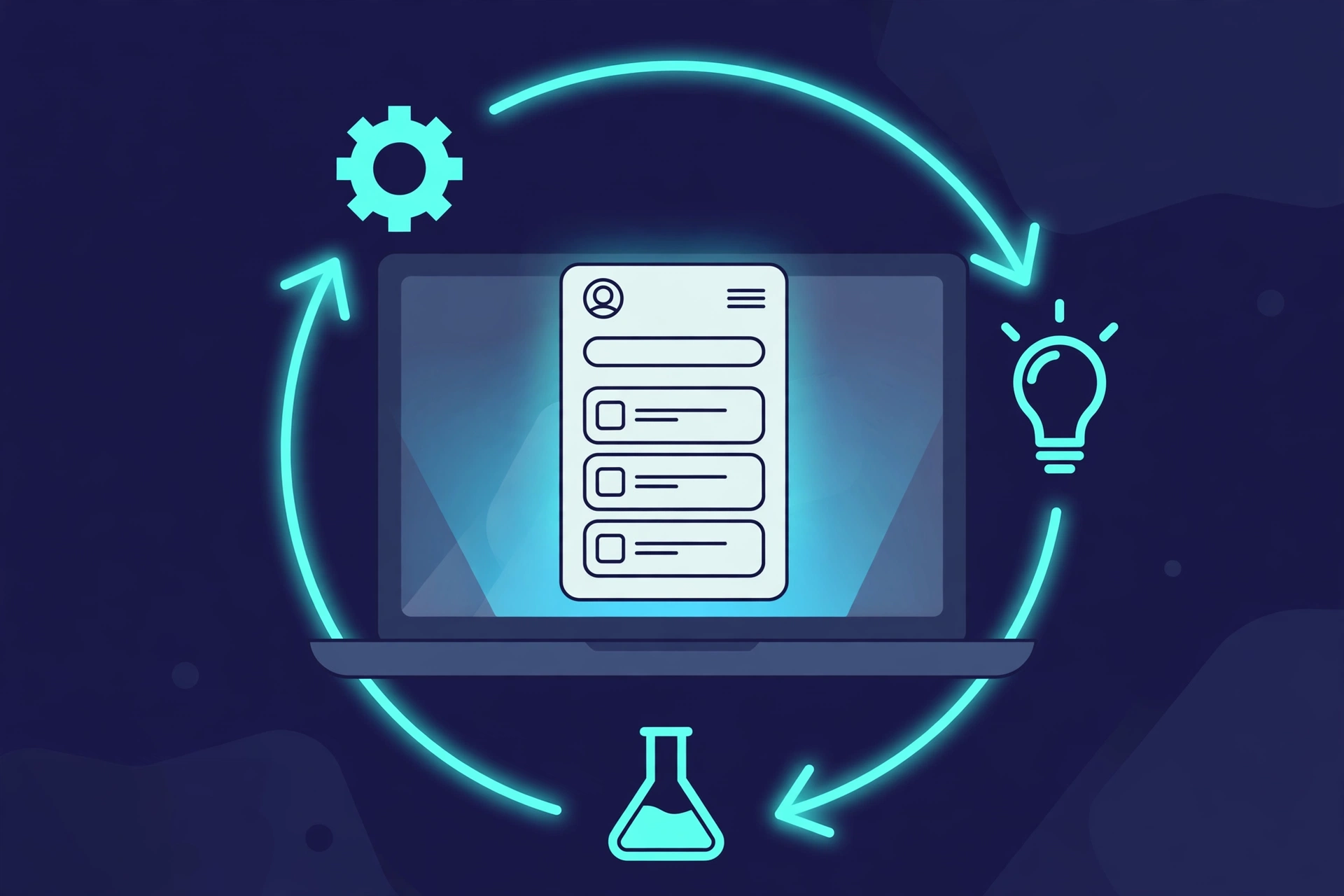
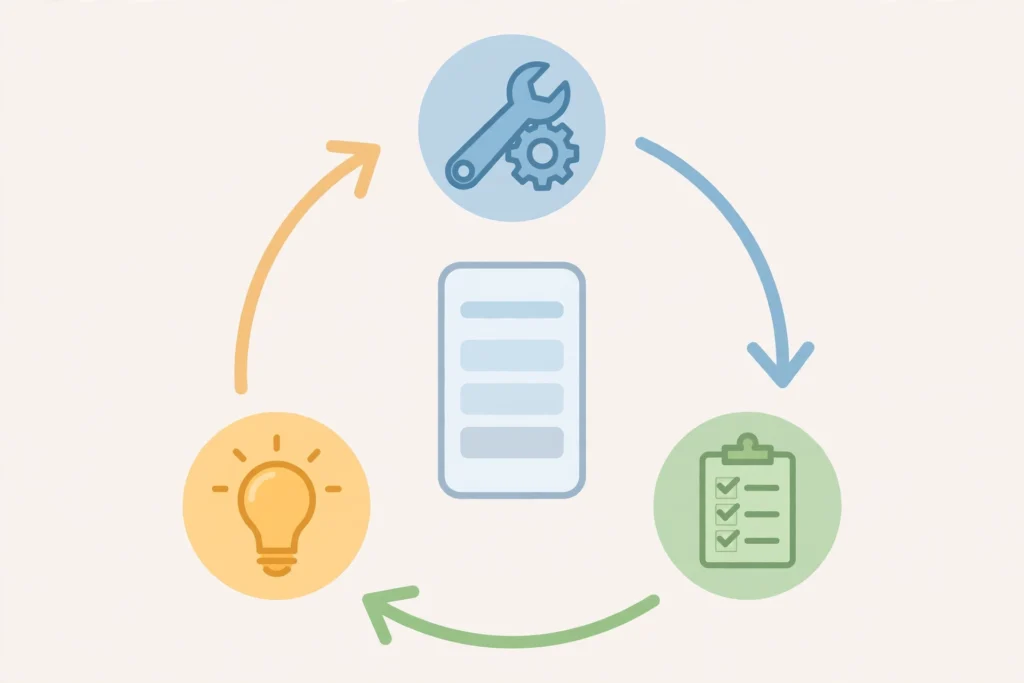
The loop is simple: build something small, put it in front of someone, learn one thing, repeat. A prototype answers a question. If it answers no question, it is not a prototype. It is a demo, and demos are where teams waste the most time, because a demo feels like progress while teaching nothing. What changed recently is the speed of the first step: an idea that once needed a designer, a sprint, and an engineer can now become something clickable in an afternoon, because AI tools can turn a prompt, a sketch, or an existing screen into an interactive prototype. The loop did not change. The cost of one turn around it collapsed.
Rapid Prototyping, in One Place
Rapid prototyping for software means testing an idea with a working model instead of debating it in documents. You pick the riskiest question about a feature, build the smallest thing that can answer it, watch real people use it, write down what you learned, and decide what to do next. That decision is the product of the exercise. A prototype without a decision at the end of it was a toy.
Build means making the smallest version that can answer your question, not the most impressive version you can manage. Test means putting it in front of people who are not invested in the design, and watching what they do rather than asking what they think. Learn means writing down one finding and one decision: persevere, pivot, or kill. Repeat means doing it again at the next level of detail, if the finding earned another round. Most teams run two to four focused rounds before feedback starts repeating itself, and that repetition is the signal to stop prototyping and start building for real.
One distinction matters. A prototype is not a minimum viable product. A prototype tests a question and is usually thrown away. An MVP serves real users, even if only a few, and has to keep working after launch. Confusing the two is how a team ships a demo to paying customers and discovers, too late, that nobody checked whether it could survive real data, real accounts, and real scale.
This Is Not the Manufacturing Article
The same phrase, rapid prototyping, also names a different discipline: turning a CAD model into a physical part, by printing it, machining it, or casting it, so engineers can hold a design before committing to production tooling. That work is real, but it is not what this article teaches. There are no physical methods, materials, or process tables here, because the audience for this article builds software, and the decisions that matter to them are about flows, screens, and working code.
The confusion exists for a fair reason. Both disciplines share a name and a loop: build small, test early, learn cheaply. The loop is the same. The medium is not. From here on, every time this article says prototype, it means a software prototype: a sketch, a clickable flow, or a working app built to answer a question.
Fidelity Is the Choice That Matters
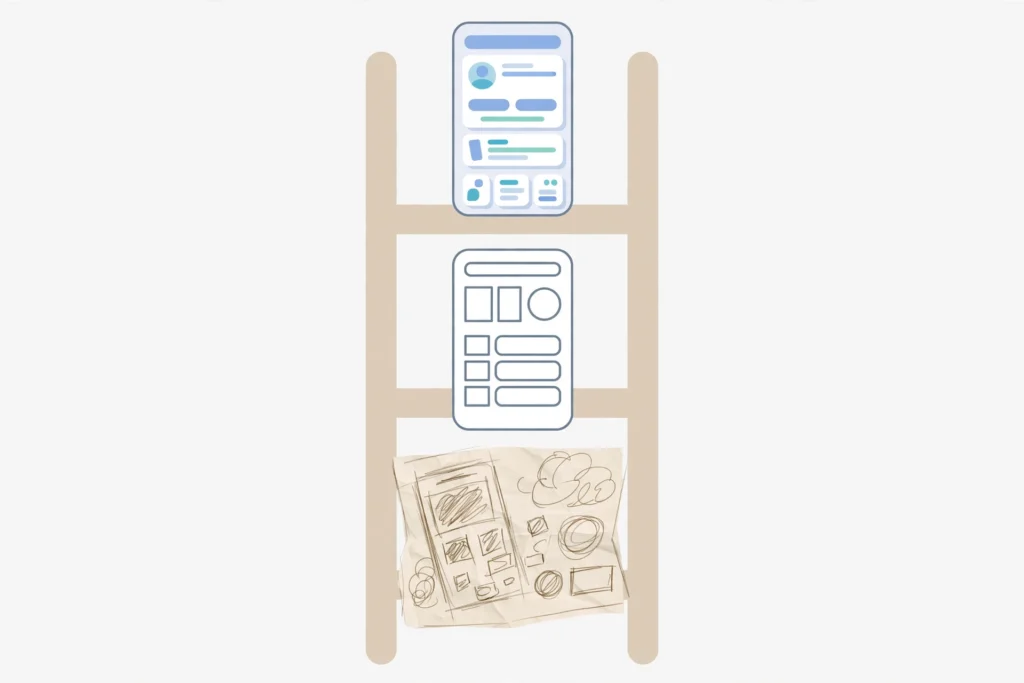
Fidelity is how close a prototype is to the finished product, and choosing the right fidelity is the single most consequential decision in a prototyping round. Build too polished too early and you waste days on detail nobody has validated, and you fall in love with a design that has not earned its keep. Build too rough for the question and you learn nothing, because users react to the roughness instead of the idea. The rule is simple: match fidelity to confidence. Start rough, and add polish only as evidence earns it.
Low Fidelity: Is the Idea Understandable?
Low-fidelity prototypes are paper sketches, whiteboard flows, and basic digital diagrams in grayscale. They carry almost no visual detail, and that is the point: a user looking at a sketch cannot get distracted by colours or branding, so what you learn is whether the structure makes sense. Low fidelity is also cheap in a way nothing else is. You can sketch three or four variations in a single sitting and compare them side by side. Use it when the idea is new, the structure is unsettled, or you are choosing between directions.
Medium Fidelity: Does the Flow Work?
Medium-fidelity prototypes show key interactions and some real design elements: wireframes with layout, spacing, and sample content, linked into a flow a user can click through. For most teams, this is the default level for rapid work. It is detailed enough to reveal where people hesitate or take a wrong turn, and rough enough that changing it costs hours rather than days. Use it when the structure is roughly settled and the question is whether the flow itself works.
High Fidelity: How Do Real Users React?
High-fidelity prototypes are polished simulations that look and behave close to the final product: real content, animations, and responsive behaviour. They are ideal for user testing sessions where you need authentic reactions, because users stop noticing they are testing and start behaving like customers. That authenticity is expensive, so high fidelity belongs last, after low and medium rounds have settled the structure and the flow. Building it first is the most expensive mistake in this discipline.
| Fidelity | What you build | Question it answers | Cost of being wrong |
|---|---|---|---|
| Low | Sketches, diagrams, grayscale wireframes | Is the idea understandable? | Minutes to an hour |
| Medium | Linked wireframes with layout and sample content | Does the flow work? | Hours |
| High | Polished, near-final simulation with real content | How do real users react? | Days, plus attachment to a design that may need to change |
Looks-Like, Works-Like, and Proof-of-Concept
A second split cuts across fidelity. A looks-like prototype tests appearance and form. A works-like prototype tests function and performance. A proof-of-concept prototype tests whether the riskiest idea is feasible at all. In software, a visual flow with dummy data is looks-like, a working backend with an ugly interface is works-like, and a one-evening spike that proves a risky integration is a proof-of-concept. Knowing which of the three you are building stops arguments before they start, because a looks-like prototype that fails a works-like test was never meant to pass it.
How AI Changed the Loop
A few years ago, the path from idea to clickable prototype ran through a designer, a handoff, and an engineer with spare capacity, and it took weeks. Today a prompt, a sketch, or a screenshot of an existing screen can become an interactive prototype in minutes. Figma’s own account of this shift puts it plainly: with AI, designers can create fully functional prototypes with a detailed prompt, and the gap between having an idea and having something to click has shrunk from weeks to hours. That is the daily experience of product teams in 2026, and it changes what prototyping is for, because the scarce resource is no longer the build.
What Changed
Speed, and the people who can do the building. A product manager can now test a flow without waiting for engineering time. A designer can generate working screens from a description and spend the saved time on the test itself. A founder with no engineering team can put a working version of an idea in front of customers before hiring anyone.
What Did Not Change
Everything that makes a prototype useful still has to be done by a human. You still need a question worth answering, or the prototype answers nothing. You still need real people to test it, or you learn only what your own team already believes. You still need a decision at the end, or the prototype becomes a permanent demo that nobody has the heart to delete. AI made building cheap. It did not make learning automatic.
The New Bottleneck
The old bottleneck was typing code. The new bottleneck is getting a prototype safely in front of users and reading the result honestly. Schedule the test before you start building, because a test scheduled afterwards often never happens. Tell stakeholders in advance what you are testing and what is intentionally unfinished, so they judge the flow instead of fixating on placeholder copy. And write down what you learned while it is fresh, because the second round is only as good as the notes from the first.
AI Prototyping Tools, Sorted by What They Actually Produce
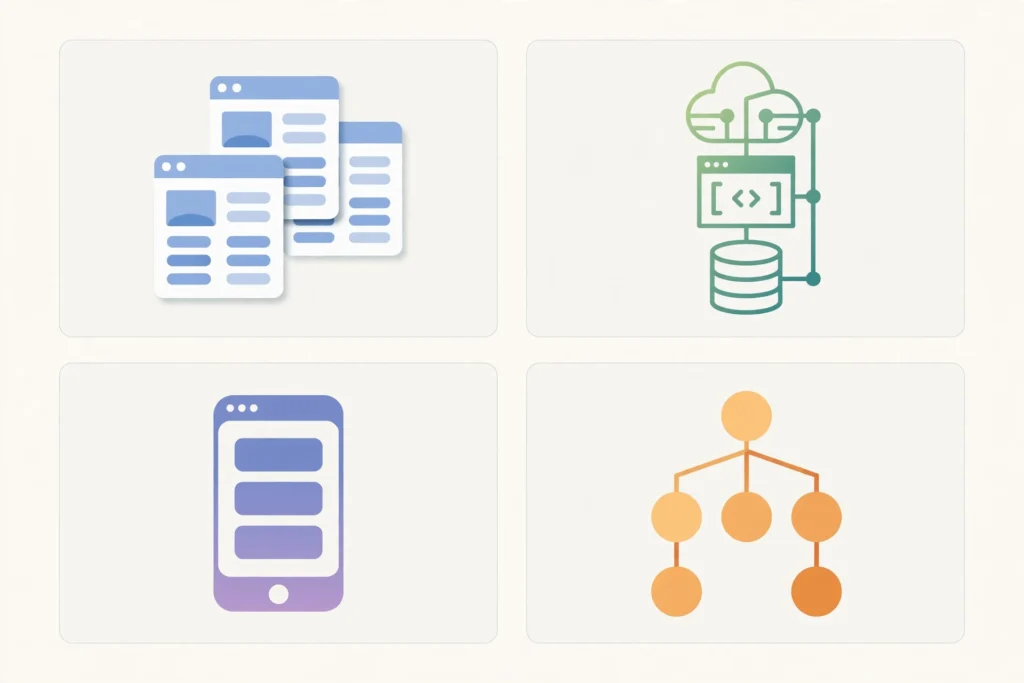
Tool lists that rank a single winner are useless for this job, because the tools do not do the same thing. The honest way to choose is by output: what does the tool hand you at the end, and what happens to that output next? Pick by the question you are answering and by what you intend to do with the result.
| Output group | Tools | What you get | What you do not get | What happens next |
|---|---|---|---|---|
| UI-first screens | v0, Figma Make | Editable screens, layouts, and components from a prompt | A working backend or real data | Throwaway test, or handoff to engineering |
| Full-stack working apps | Lovable, Replit Agent, Bolt | A working web app with interface, logic, database, and auth | Production-grade security, scale, or code quality | Usually a rebuild before real users |
| Native mobile | Bilt | React Native code and real device binaries | A store release without your own developer accounts | Device testing, then store submission |
| Changes to an existing product | Builder.io, Alloy | Changes inside your real repo and design system | A blank-slate app | Review as a pull request, then ship |
| Site structure first | Relume, Framer | Sitemap and wireframes, or publishable pages | A working app behind the pages | Design, then build |
UI-First Screens: v0 and Figma Make
UI-first tools turn a written prompt into editable screens, layouts, and components. They are best when the question is visual or structural: does this layout read well, does this flow make sense? What you get is something a designer can edit and hand to stakeholders the same day. What you do not get is a working product behind the screens. That is fine for a looks-like or medium-fidelity test, and a trap if anyone mistakes the screens for a working app. The output’s next life is usually a handoff: engineering rebuilds the validated flow in the real codebase, in whatever frontend frameworks the team has chosen, and the prototype itself is discarded without regret.
Full-Stack Working Apps: Lovable, Replit Agent, and Bolt
Full-stack tools go further. Describe the product, add context through documents or screenshots, and they generate a working web app: interface, navigation, backend logic, database, and authentication, often in React with a hosted backend. Lovable, for example, generates a full-stack app with frontend, backend, auth, and hosting, and its Pro plan starts at $25 per month for 100 credits, or $21 per month billed annually, as checked in November 2026 — with the important detail that since June 2026 the same credits also pay for the app running, not just for building it. Check the current pricing before budgeting, because credit systems change often. These tools are best when the question needs real behaviour: can a user sign up, complete a task, and come back the next day? What you do not get is production quality. The code works, but it has not been reviewed for security or tested at scale. The normal next step is a rebuild, covered in section 7.
Native Mobile: Bilt
Bilt generates React Native code for real device binaries and lets you preview the app on a phone, which matters because a mobile prototype tested only in a browser is not really tested. It also handles parts of the store-release workflow, though publishing still needs your own developer accounts, which carry their own fees. Bilt is best when the question is about a phone in a hand. If your product is a website, Bilt is the wrong tool, and that is the point of sorting by output.
Changes to an Existing Product: Builder.io and Alloy
Most prototyping advice assumes a blank slate, but most real product work is changing something that already exists. Builder.io and Alloy work inside your real repo and design system, producing changes your engineers can review as pull requests. That makes them the right choice when the question is about an existing product: does this change to checkout help or hurt? What you get is code in your stack, which is both the advantage and the risk — it is closer to shippable than any blank-slate prototype, and therefore easier to ship without the review it still needs. Test it, decide, and only then merge it.
Site Structure First: Relume and Framer
Sometimes the question comes before any screen exists: what pages does this site need, in what order, and what does each one do? Relume produces the sitemap and wireframes that answer that question, before anyone designs a page. Framer produces publishable pages from AI assistance, best when the thing being tested is a marketing site rather than an app. Neither produces a working app behind the pages, and neither should be judged as if it did.
A Workflow That Actually Learns: Prompt to Tested Prototype
Tools do not make a workflow. The following workflow does, and it works with any tool in the previous section, because it is built around the question rather than the software.
Step 1: Write the Question First
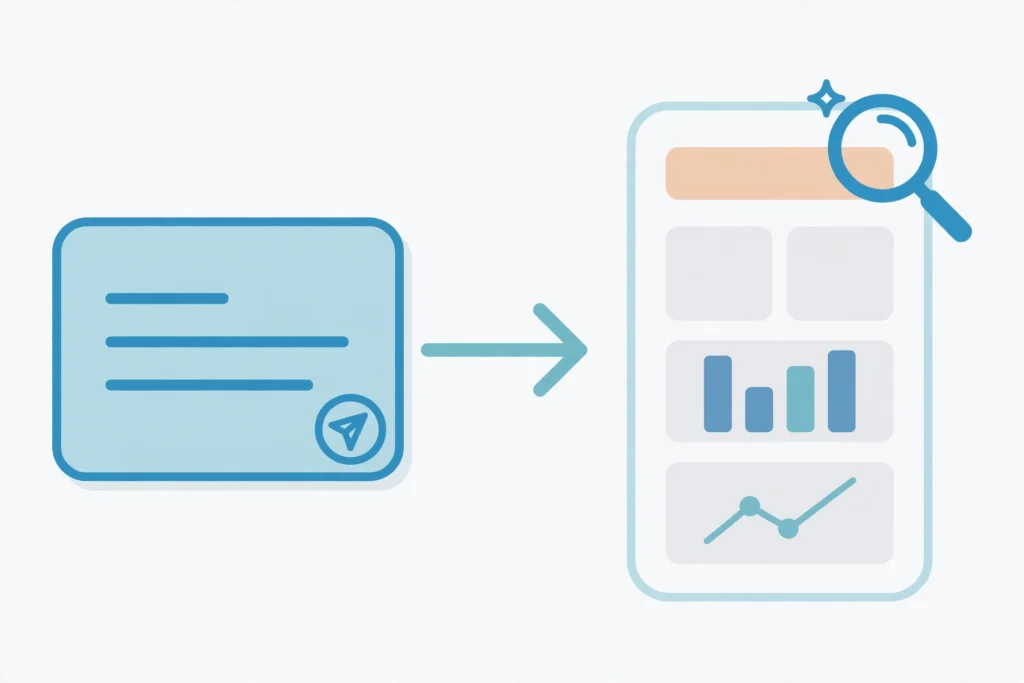
Before opening any tool, write one sentence: what must this prototype teach us? Good questions are specific and falsifiable. “Will new users understand the onboarding flow?” is a question. “Is this a good idea?” is not. The question also decides the fidelity: structure questions need a sketch, flow questions need a wireframe, reaction questions need high fidelity. Writing the question first is the cheapest discipline in this article and the one most teams skip.
Step 2: Pick the Lowest Fidelity That Can Answer It
Build the roughest thing that can still answer the question. Every level of polish you add before you have evidence is a bet, and most early bets lose. A sketch that answers the question beats a polished prototype that answers a different one.
Step 3: Prompt and Build in One Sitting
With the question and fidelity fixed, build in one sitting. Describe the product, the user, and the task they are trying to complete, and add context the tool can use: a screenshot, a document, or an existing design. Then stop. A prototype built across a week accumulates scope, and scope is the enemy of learning. If the build takes more than a day, the question was too big. Split it.
Step 4: Test With Five Real Users or Stakeholders

Put the prototype in front of five people who are not invested in the design, and watch what they do. Five is a practical number: with five tests, the big problems show up repeatedly, and you have spent an afternoon rather than a research programme. Ask them to complete the task, not to judge the design. Take notes during every test, because the second round is only as good as the notes from the first.
Step 5: Decide, in Writing, Before the Next Round
End every round with a written decision: persevere, pivot, or kill. Persevere means the finding supports the direction, so the next round goes one fidelity higher. Pivot means the finding points somewhere else, so the next round tests the new direction. Kill means the finding says the idea does not work, so you stop — and stopping is a success, because a killed idea in a prototype costs almost nothing, while the same idea killed after launch costs everything. Measure one question, one metric, and one decision per round. Never “general feedback”, which produces opinions and no decision at all.
A Worked Mini-Example
A small team is unsure whether a new onboarding flow helps or hurts sign-ups. The question: do new users complete onboarding faster with a three-step guided flow than with the current single long form? The lowest fidelity that answers it is a medium-fidelity clickable flow of the three steps, built in an afternoon with sample data. Five new users try each version. Four of the five complete the guided flow without help, and all five hesitate at the same step in the long form, where a label confuses them. The written decision: persevere with the guided flow, fix the label, and test the revised flow at high fidelity next round. One question, one metric, one decision, one afternoon.
The Trap: When a Prototype Looks Done but Is Not a Product
A prompt-to-app prototype can look finished. It has screens, it has a login, it has data, and it demos beautifully in a stakeholder meeting. That beauty is the trap. What it usually does not have is an authentication story anyone has reviewed, a data model anyone has designed, a security review, a plan for what happens when a thousand users arrive instead of five, or an answer to who owns the code when the prompt that generated it is forgotten. None of that shows up in a demo, and all of it shows up in production.

The Demo Trap
The demo trap works because a prototype that looks done creates pressure to ship it as-is. A stakeholder sees it working, asks why it cannot go live next week, and the team has no good answer that does not sound like foot-dragging. The answer is that a prototype is a test instrument, not a product, and shipping a test instrument to real users means inheriting every shortcut it contains, invisibly, until one of them fails in public. AI code generation speeds up prototyping, but the output is not always production-quality. Resist the urge to ship early, and build in clear review sessions before anything goes live.
Keep, Rebuild, or Kill
Every working prototype ends in one of three decisions. Keep is rare, and only justified after an engineering review: the code is reviewed, the data model is deliberate, security has been checked, and the team accepts ownership of the result. Rebuild is the normal path, and it should be said out loud without embarrassment: the prototype proved the idea, and now engineers rebuild it properly, keeping the validated flow and discarding the generated code. Full Scale’s engineers put the rule plainly: the prototype proves the idea, and a rebuild gets it ready for real users. Kill is the third option, and it is a success, not a failure, when the evidence says the idea does not work. Use this framework before the demo creates pressure, not after.
The Second Trap: Polishing Too Early
Building a high-fidelity prototype before any low-fidelity test wastes time and creates attachment to ideas that may need to change. A team that has spent a week polishing a flow will defend it in testing and interpret confusion as a user problem rather than a design problem. The prototype becomes a sunk cost, and sunk costs do not get killed. They get shipped. Match fidelity to confidence, start rough, and let evidence earn the polish.
A 1-Week Rapid-Prototyping Sprint for a Small Team
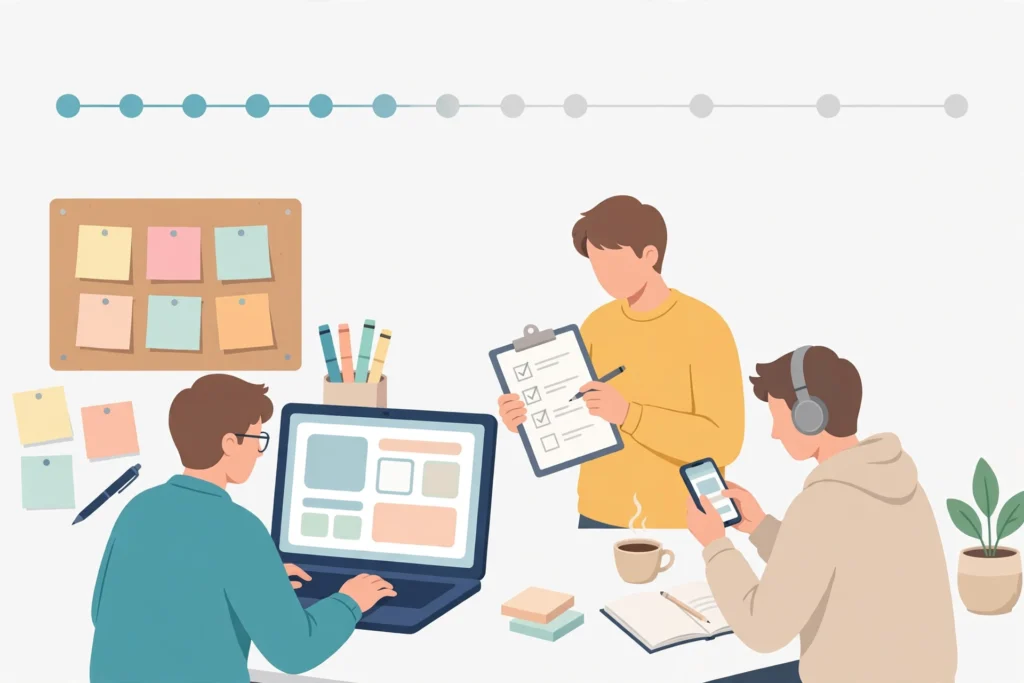
A sprint is where the loop becomes a plan. The following plan assumes a team of two to four people: a product manager, a designer, and an engineer, with one of them doubling up if the team is smaller. It produces a decision at the end of the week, not a demo, and that distinction is the whole point.
| Day | Work | Who leads | Output |
|---|---|---|---|
| Day 1 | Write the question, pick the lowest fidelity that answers it | Product manager | One written question, one fidelity choice |
| Days 2–3 | Build the prototype in sittings, not across the week | Designer, with engineer advising | A testable prototype, nothing more |
| Day 4 | Test with five users or stakeholders, take notes during every session | Product manager | Notes, hesitations, and patterns, not opinions |
| Day 5 | Learn: compare notes, write the decision — persevere, pivot, or kill | Whole team | One written decision |
| Days 6–7 | Second round at the next fidelity, or the rebuild decision if the idea is proven | Designer and engineer | A higher-fidelity prototype, or a rebuild plan |
Who Does What
The product manager owns the question and the decision. The designer owns the build and the test sessions. The engineer owns the feasibility judgement: is this buildable, what would the rebuild cost, and what is being faked in the prototype that a real build would have to solve? The rule that matters: no one person both builds the prototype and judges the test, because that person will defend their own work.
What Done Means
Done at the end of the week is a decision, not a demo. A demo impresses everyone, which is why it is a bad definition of done. A decision can be written in one sentence — persevere with this flow, pivot to a different onboarding approach, kill this feature — and the next week’s work follows from it without argument. If the week ends with a beautiful prototype and no decision, the sprint failed, however good the prototype looks.
When Rapid Prototyping Is the Wrong Move
Prototyping is a tool, and tools have jobs they should not be used for.
When the Question Needs Production Accuracy
If the question can only be answered with real data or regulatory sign-off, a prototype answers a different question than the one you asked, and the answer will mislead you. A prototype that works with sample data tells you nothing about a system that must handle real accounts, real money, or real medical records. In that case, build the smallest real thing, with real constraints, and call it what it is: an experiment in production, not a prototype.
When the Team Already Knows the Answer
Sometimes a team prototypes to delay a decision it has already made, or to give a decision the appearance of evidence. If the question is settled and the prototype is being built to justify it, the prototype is theatre, and theatre wastes the week a real question could have used. The test is simple: write down what finding would change your mind. If no finding would change it, do not prototype. Decide.
When Prototyping Replaces Talking to Users
A prototype is a way of talking to users, not a substitute for it. If a team builds prototype after prototype without ever putting one in front of a real user, it is using the loop as a hiding place. A prototype tested only by its own team is a mirror, and mirrors flatter.
FAQs
What is rapid prototyping for software, in simple terms?
Building a small, testable version of an app or feature quickly, putting it in front of real people, learning one thing from their reaction, and repeating — so you learn cheaply, before committing serious engineering time to the full product.
Can AI really build a working prototype from a prompt?
Yes, within limits. AI tools can turn a written prompt, a sketch, or an existing screen into screens or even a working web app in minutes. What they cannot do is decide what is worth building, test it with real users, or turn the result into a production-grade product. The prompt builds the prototype. The human still has to ask the question, run the test, and make the decision.
What is the difference between low, medium, and high fidelity?
Low fidelity is sketches and diagrams, and it answers whether an idea is understandable. Medium fidelity is linked wireframes with layout and sample content, and it answers whether the flow works. High fidelity is a polished, near-final simulation, and it answers how real users react. Start low, and let evidence earn the polish.
Should I keep an AI-generated prototype or rebuild it?
Usually rebuild. Keeping is only justified after an engineering review of the code, the data model, and security, with the team accepting ownership of the result. Shipping the generated code as-is inherits every shortcut it contains.
How long should one prototyping round take?
Hours to a few days, not weeks. The build itself is often a single sitting. The test is an afternoon with five users. The decision is written the same day the test ends. If a round takes a week, the question was too big, and it should have been split.
When should a prototype be thrown away instead of improved?
When the finding says the idea does not work, when the next question needs a different fidelity or approach, or when improving it would cost more than rebuilding it. Throwing a prototype away is not waste. It is the loop working.
Is rapid prototyping the same as building an MVP?
No. A prototype tests a question and is usually thrown away. An MVP serves real users, even if only a few, and has to keep working after launch. A prototype asks whether something is worth building. An MVP is the smallest version of the thing itself, in the hands of real customers.
What should I prototype first?
The riskiest, least understood part of the product: the flow, feature, or mechanism that would cause the most damage if you got it wrong. Prototyping the easy parts first feels productive and teaches nothing, because the easy parts were never in doubt. Start where failure would hurt most.
How many iterations are normal?
Typically two to four focused rounds, then move on. Once feedback starts repeating itself and the major issues are solved, further rounds teach less and cost more. That repetition is the signal to stop prototyping and start building for real, or to make the rebuild decision for a proven idea.
Bottom Line
AI made building cheap, and that changed prototyping more than any single tool, because the scarce skill in product development is no longer the ability to build something. It is the ability to ask a sharp question, to test the cheapest version that can answer it, and to kill or rebuild without sentiment when the answer comes back. Teams that learn that discipline will ship better products with fewer wasted months, not because their prototypes are prettier, but because their decisions are earlier, cheaper, and based on something a real person actually did rather than something a meeting agreed might happen. The prototype is not the product, and it was never meant to be. It is the cheapest way to find out whether the product is worth building at all, and in a world where building costs almost nothing, that question is worth more than ever.