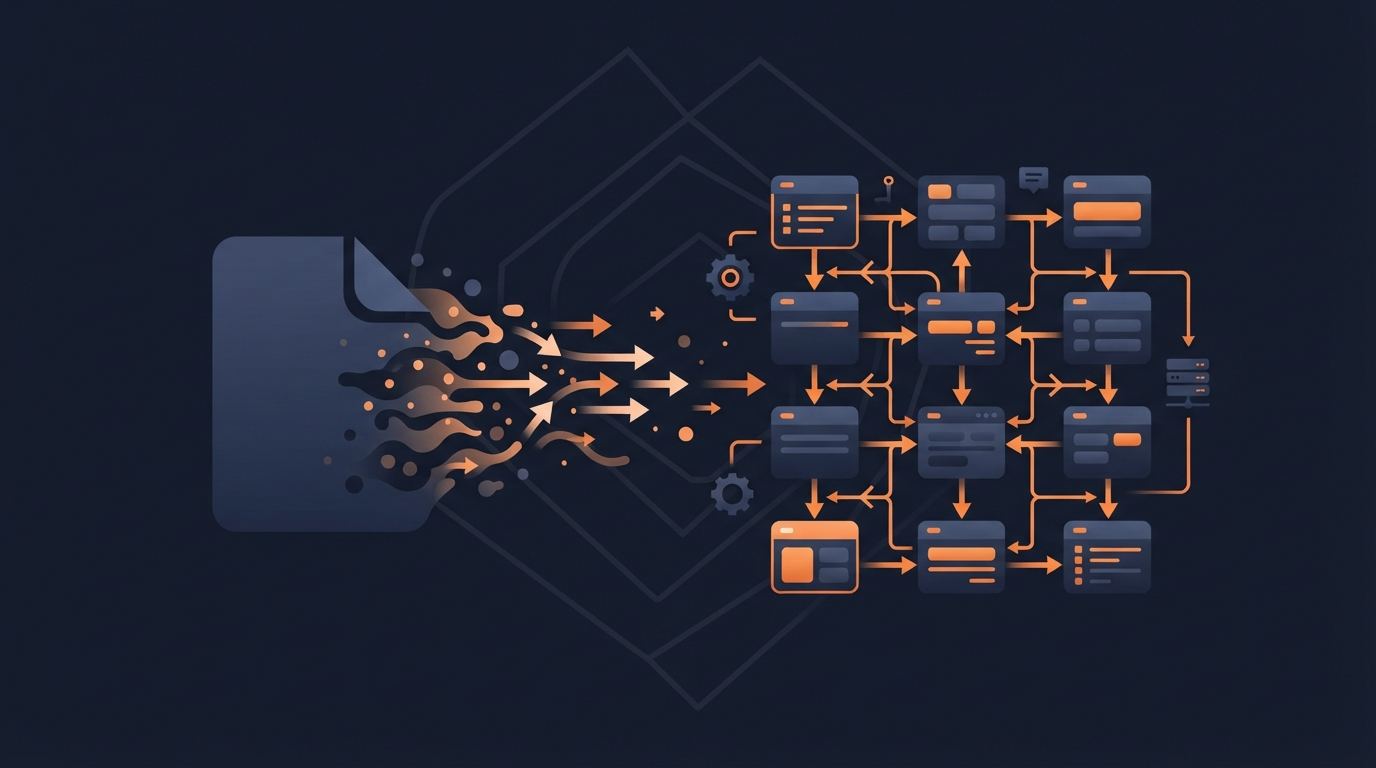
Enterprise systems rarely speak the same format. One system exports a flat CSV file with employee records; the middleware connecting it to a CRM or ERP needs that data as structured XML before it can route or transform it further. File Content Conversion (FCC) is the piece of infrastructure that quietly solves this — and if you’ve landed here searching for the term, you’re most likely working with SAP’s integration platforms, where FCC is a specific, well-defined feature rather than a generic phrase.
Here’s what FCC actually does, how it’s configured, and where it fits alongside newer API-based conversion approaches.
Quick Answer
File Content Conversion is a built-in feature of SAP Process Integration (PI) and Process Orchestration (PO), part of the File Adapter, that converts flat files (CSV, fixed-length text) into XML — or XML back into flat files — at the point data enters or leaves the integration layer. It works without requiring custom message mapping for the conversion step itself: you define structure parameters (field separators, record layouts, key fields), and the adapter handles the transformation automatically at runtime. It only works on unencrypted files — PGP-encrypted files need an additional decryption module ahead of the FCC step.
Why This Layer Exists
Enterprise middleware like SAP PI/PO exists to connect systems that were never designed to talk to each other directly — SAP ERP, CRM, SCM, and third-party platforms, each with its own native data format. Rather than writing custom transformation logic every time a flat file needs to become XML (or vice versa), FCC handles that structural conversion declaratively, at the adapter layer, before the message even reaches PI’s Integration Engine for routing and further transformation. This keeps simple format conversions out of the mapping layer entirely, which matters for both maintainability and performance — heavier custom mapping logic is reserved for genuine transformation needs, not routine format-shifting.
How It Works, Step by Step
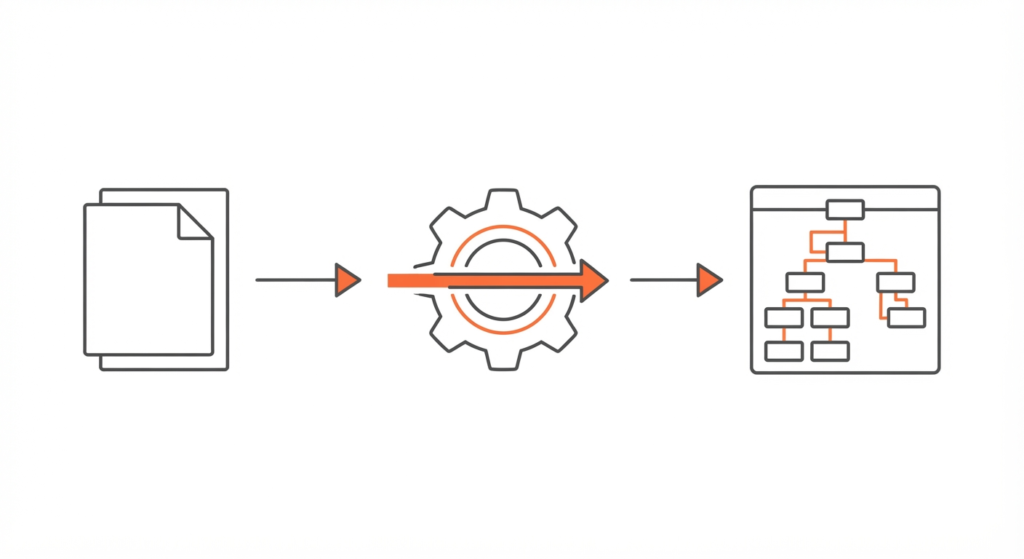
- A flat file arrives at the sender file adapter — commonly CSV or fixed-length text.
- The adapter reads FCC parameters you’ve configured: field separators, record/row structure, key fields, and how nested or repeating structures should map to XML elements.
- FCC processes the file line by line, applying those parameters to produce a well-formed XML document matching the message structure defined in your Integration Repository.
- The resulting XML enters SAP PI/PO’s Integration Engine for routing, mapping, and any further transformation the scenario requires.
- On the way out, the reverse happens at the receiver adapter: XML gets converted back into a flat file format if the destination system expects one.
Common FCC Parameters
| Parameter | What It Controls |
|---|---|
| fieldSeparator | The character separating fields within a record (e.g., comma for CSV) |
| fieldFixedLengths | Column widths for fixed-length files instead of delimiter-based ones |
| endSeparator | The character marking the end of a record (typically a line break) |
| fieldNames | Maps each field position to a named XML element |
| Recordset Structure | Defines root node and substructures for files with nested or repeating data |
Getting these parameters right the first time avoids the most common FCC troubleshooting scenario: a malformed or unexpected XML structure caused by a mismatch between the actual file layout and the configured parameters.
Handling Encrypted Files
FCC’s out-of-the-box functionality only works on unencrypted files. If a file is PGP-encrypted, it needs to pass through a decryption module before FCC can process it — the typical setup chains a decryption module (such as a PGP decryption module) ahead of the content-conversion step, with the standard adapter call handling delivery last. This ordering matters: attempting FCC on a still-encrypted file will fail, since the adapter has no way to parse encrypted content into a structured format.
Performance Considerations for High-Volume Scenarios
For simple, genuinely flat files that don’t need deep transformation, letting the adapter handle FCC directly is typically faster than routing the same conversion through heavier custom Java mapping. That said, for very large files or complex nested structures, custom mapping (or modules like MessageTransformBean) can sometimes outperform default FCC behavior — the general guidance is to reserve the heavier custom approach for cases that actually need it, rather than defaulting to it for straightforward conversions.
FCC vs. Modern API-Based Conversion Tools
It’s worth placing FCC in context alongside newer, API-first conversion services like ConvertAPI or general-purpose PDF/document conversion APIs. These solve a related but distinct problem: on-demand, often cloud-hosted conversion between common file formats (PDF, DOCX, image formats) for applications and workflows outside a dedicated enterprise middleware platform. FCC is purpose-built for structured enterprise integration scenarios — flat file to XML and back, inside SAP’s own middleware — while API-based converters are more general-purpose and typically better suited to lighter-weight, application-level conversion needs rather than high-volume enterprise data routing.
Frequently Asked Questions
What is File Content Conversion used for?
Converting flat files (CSV, fixed-length text) into XML — or XML into flat files — as data moves through SAP PI/PO’s integration layer, without requiring custom mapping logic for that conversion step.
Does File Content Conversion work with encrypted files?
Not directly. PGP-encrypted files need to pass through a decryption module before FCC can process the content, since FCC can’t parse a file it can’t read structurally.
Is File Content Conversion the same as a general file converter API?
No. FCC is a specific SAP PI/PO adapter feature for structured enterprise data conversion (flat file to XML and back). General-purpose conversion APIs solve a broader, more application-level file format problem and aren’t built around SAP’s integration architecture.
Where do I configure File Content Conversion parameters?
In the sender or receiver File Adapter configuration, by setting the Message Protocol to File Content Conversion and defining structure parameters like field separators, fixed lengths, and recordset structure.
Final Verdict
File Content Conversion solves a specific, common enterprise-integration problem: getting flat files and XML to talk to each other inside SAP PI/PO without writing custom transformation code for routine structural conversions. Understanding its parameters, its encryption limitation, and when to reach for heavier custom mapping instead is most of what separates a smooth integration flow from a fragile one.