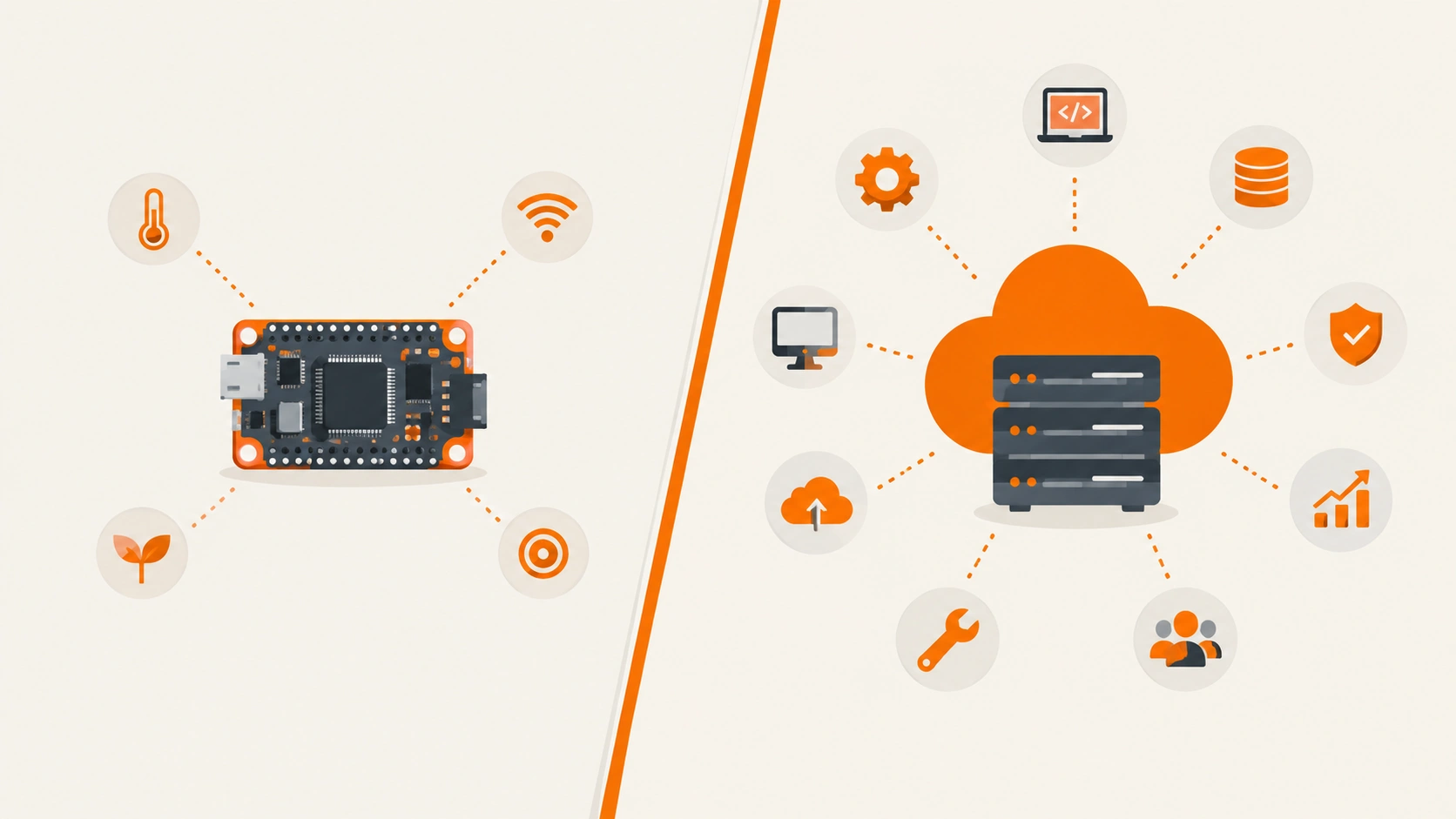
PicoClaw’s entire pitch is built around a number: under 10MB of RAM, boot time under one second, and hardware costing as little as $10. That’s an unusual enough claim that the operating system underneath it stops being an afterthought — on a board that constrained, the OS you pick either supports that minimalism or quietly works against it. Debian and Ubuntu share the same technical DNA (Ubuntu is literally built on top of Debian), but they optimize for genuinely different priorities, and which one wins depends entirely on where you’re actually running PicoClaw.
What PicoClaw Actually Is, Briefly
PicoClaw is an open-source, ultra-lightweight personal AI assistant written in Go, built by Sipeed specifically to run on resource-constrained hardware — embedded Linux boards, low-cost RISC-V devices, and even old Android phones via Termux. It connects to LLM providers (Anthropic, OpenAI, and others) through API keys in a local config file, and handles automation through cron-style scheduling, persistent memory, and gateway integrations with chat platforms like Telegram and Discord. The whole design philosophy is edge computing over cloud dependency — which is exactly why the choice of base OS matters more here than it would for a typical cloud AI deployment.
The Core Difference That Actually Matters Here
Debian’s Priority: Minimalism and Predictability
A minimal Debian installation genuinely consumes less memory than an equivalent Ubuntu Server install, since Debian ships with fewer background services and pre-configured tooling running by default. Debian’s release philosophy prioritizes stability over having the newest software — packages get tested extensively before landing in a stable release, which means slightly older versions in exchange for a system that behaves predictably for years without surprise changes.
Ubuntu’s Priority: Tooling and Ecosystem
Ubuntu includes more built-in services and management tooling out of the box, which increases baseline resource usage compared to Debian, but buys you something real in return: better default support for current hardware, deeper cloud-platform integration, and considerably more community documentation and tutorials written specifically against Ubuntu — a meaningful advantage if you’re troubleshooting an automation pipeline at 11pm and need a Stack Overflow answer that actually matches your setup.
For Running PicoClaw on Genuinely Constrained Edge Hardware: Debian Wins
If you’re actually chasing PicoClaw’s core promise — a $10 board, an old Raspberry Pi, a RISC-V device, minimal power draw — Debian is the more honest fit. Its lower baseline memory footprint leaves more of that already-scarce RAM available for PicoClaw itself rather than background services you’ll never use on a single-purpose edge device. Debian also performs better on older or lower-spec hardware generally, since it carries fewer assumptions about modern hardware support that a resource-constrained board may not even have.
Why Fewer Background Services Matters More Than It Sounds
On a normal server, a handful of extra background services barely register. On a device with under 10MB of RAM allocated to the AI assistant itself, every additional service Ubuntu runs by default is directly competing with PicoClaw for the same limited resource pool — this isn’t a theoretical concern on hardware this constrained; it’s the actual bottleneck.
For Running PicoClaw as Part of a Broader Automation Stack: Ubuntu Wins
If your actual setup looks different — PicoClaw running on a cloud VPS or home server alongside other automation tooling (Ansible playbooks, Docker containers, a broader CI/CD pipeline) — Ubuntu’s advantages start mattering more than its slightly heavier footprint costs you. Ubuntu is the default pre-built image on most cloud marketplaces, with more vendor documentation written against it specifically, and its faster, commercially staffed security response (Canonical handles this directly, versus Debian’s volunteer-driven LTS process after the initial three years) is a genuine advantage for anything facing real production exposure.
Why Ecosystem Fit Beats Raw Efficiency Here
A slightly heavier OS running smoothly, well-documented, and easy to troubleshoot beats a leaner OS that leaves you debugging an obscure compatibility issue alone at 2am. If PicoClaw is one component in a larger automation system rather than the entire point of the device, the tooling and community-support advantage generally outweighs Debian’s efficiency edge.
A Quick Decision Framework
| Your situation | Better fit |
|---|---|
| Running PicoClaw on a $10-30 board, RISC-V, or old phone via Termux | Debian |
| Maximizing every bit of RAM for the AI assistant itself | Debian |
| Running PicoClaw alongside Ansible, Terraform, or Docker-based automation | Ubuntu |
| Deploying on a cloud VPS with minimal Linux admin experience | Ubuntu |
| Long-term, low-maintenance single-purpose deployment | Debian |
| Need for extensive community troubleshooting resources | Ubuntu |
What Doesn’t Change Either Way
Both distributions share the same core package management (APT, .deb packages) and both run systemd by default, so PicoClaw’s actual installation and gateway configuration steps are functionally identical regardless of which one you pick — the difference here is entirely about baseline resource overhead and ecosystem fit, not compatibility. PicoClaw itself ships as a single portable binary across RISC-V, ARM, and x86_64, which is precisely why this decision comes down to the OS underneath rather than anything PicoClaw requires specifically.
Frequently Asked Questions
Does PicoClaw run better on Debian or Ubuntu?
On genuinely constrained edge hardware — the use case PicoClaw is actually designed around — Debian’s lower resource overhead gives it a real practical edge. For PicoClaw running as part of a larger cloud-based automation stack, Ubuntu’s tooling and documentation advantage generally matters more than the resource difference.
Is Debian too difficult to set up for someone new to Linux?
It requires more manual configuration than Ubuntu out of the box, and is generally better suited to admins already comfortable with Linux. If you’re new to server administration, Ubuntu’s more guided setup and larger tutorial ecosystem will likely save you more time than Debian’s efficiency advantage is worth.
Can I switch from Ubuntu to Debian later if I outgrow my current setup?
Not as a simple in-place migration — moving between them means a fresh installation, since they diverge enough in default configuration and package versions that an automated switch isn’t realistically supported. Worth choosing deliberately upfront rather than planning to switch later.
Which OS uses less power, an important factor for edge AI devices?
Debian generally draws less power specifically because it runs fewer background services by default — directly relevant for battery-powered or low-power edge deployments where every watt matters.
Does PicoClaw require a specific Linux distribution to function?
No — it’s built to run across Linux, macOS, and multiple CPU architectures as a single portable binary. The Debian vs. Ubuntu choice is about optimizing for your specific deployment, not a technical requirement PicoClaw itself imposes.
The honest takeaway: this isn’t really a “which distro is better” question — it’s a question about what job the machine underneath PicoClaw is actually doing. A dedicated $10 edge board wants Debian’s discipline. A cloud server juggling PicoClaw alongside a dozen other automated tasks wants Ubuntu’s ecosystem. Pick based on the deployment you actually have, not the one that sounds more impressive on paper.